How to setup and control your Meross bedside lamp with Google home
Автор: QuickTipsTo
Загружено: 2020-12-22
Просмотров: 1842
Описание:
Today i'm going to show you how to setup and control your Meross bedside lamp with Google home.
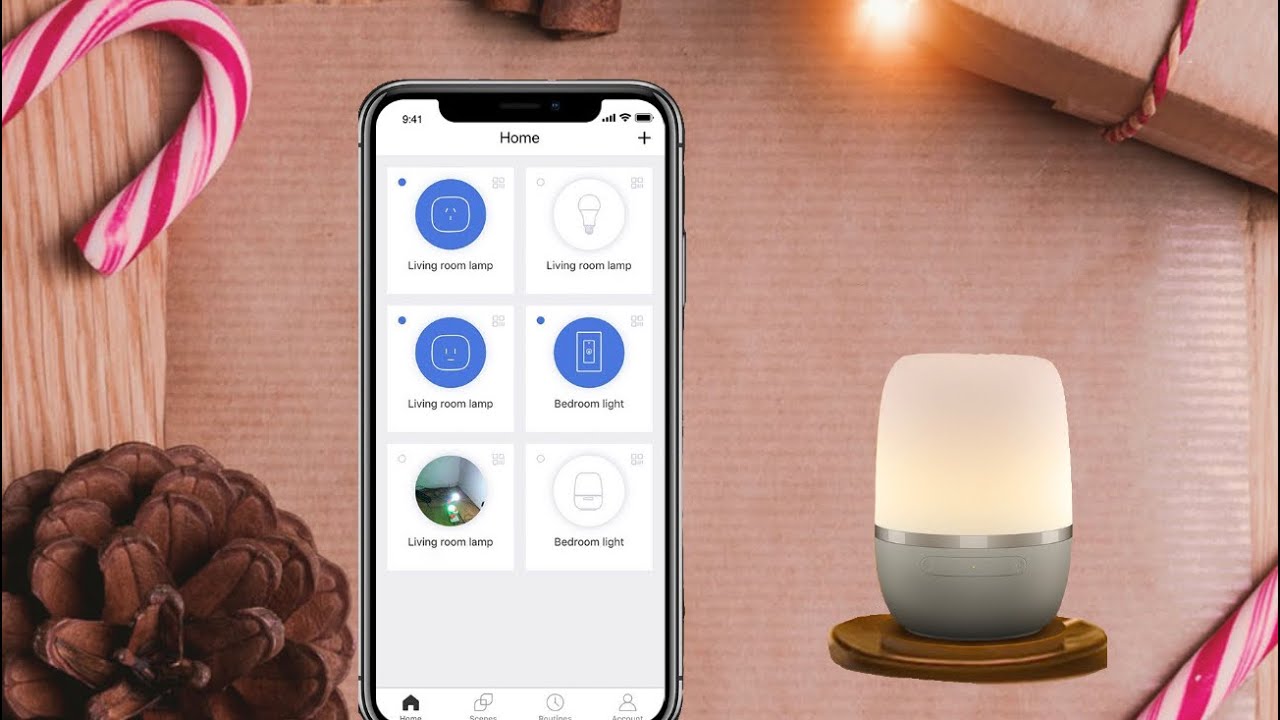
Before you can connect your Meross lamp with google home, you will need to have connected it to the Meross app.
If you haven't done this step, watch the video that will appear on the card above to learn how to do this. After that you can follow the steps on this video.
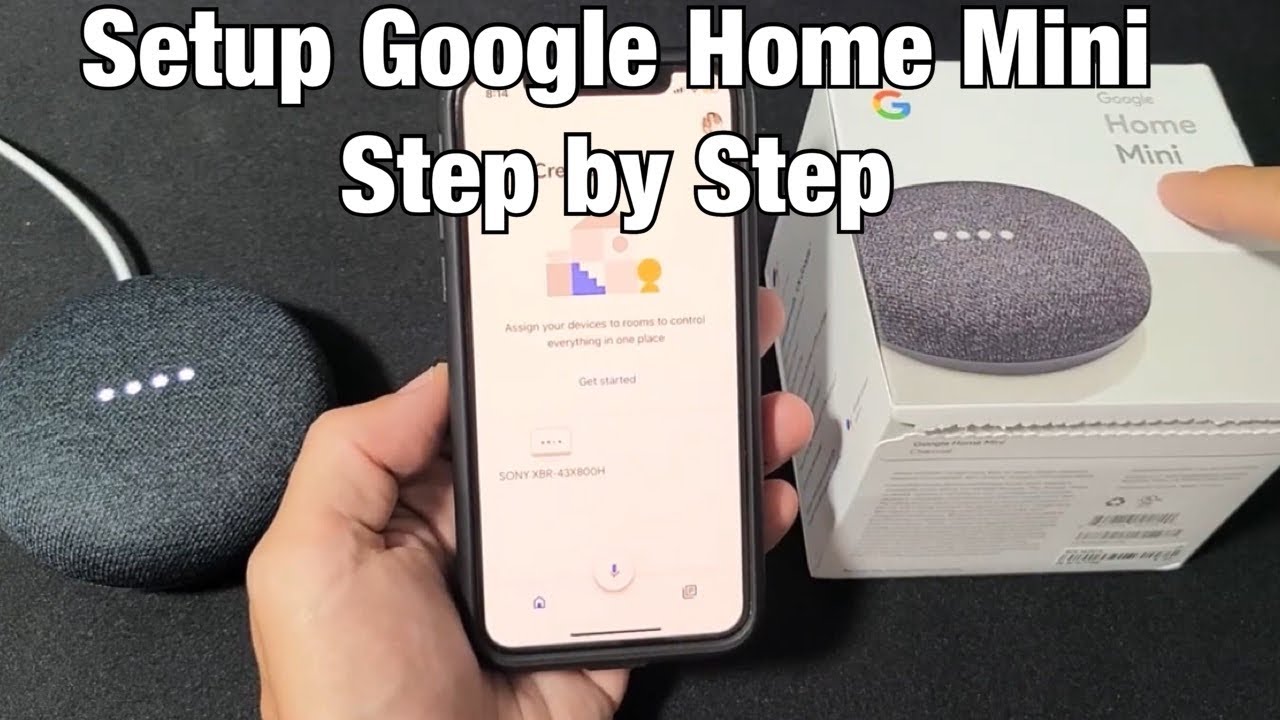
So To do this, open google home app on your phone.
Then tap on the plus icon on the top left side of the screen.
Then tap on "Set up device"
Now select "Works with Google"
Now tap on the search icon on the top right side of the screen.
and type Meross
Then tap on it.
Now input your Meross account details "Username and password"
Then tap "Authorise
My account has been successfuly linked.
Now tap Done.
Then understood.
Now go back to the google home page.
To control your Meross lamp with the app select your device from the list and tap on it.
My device's name is Kids Room
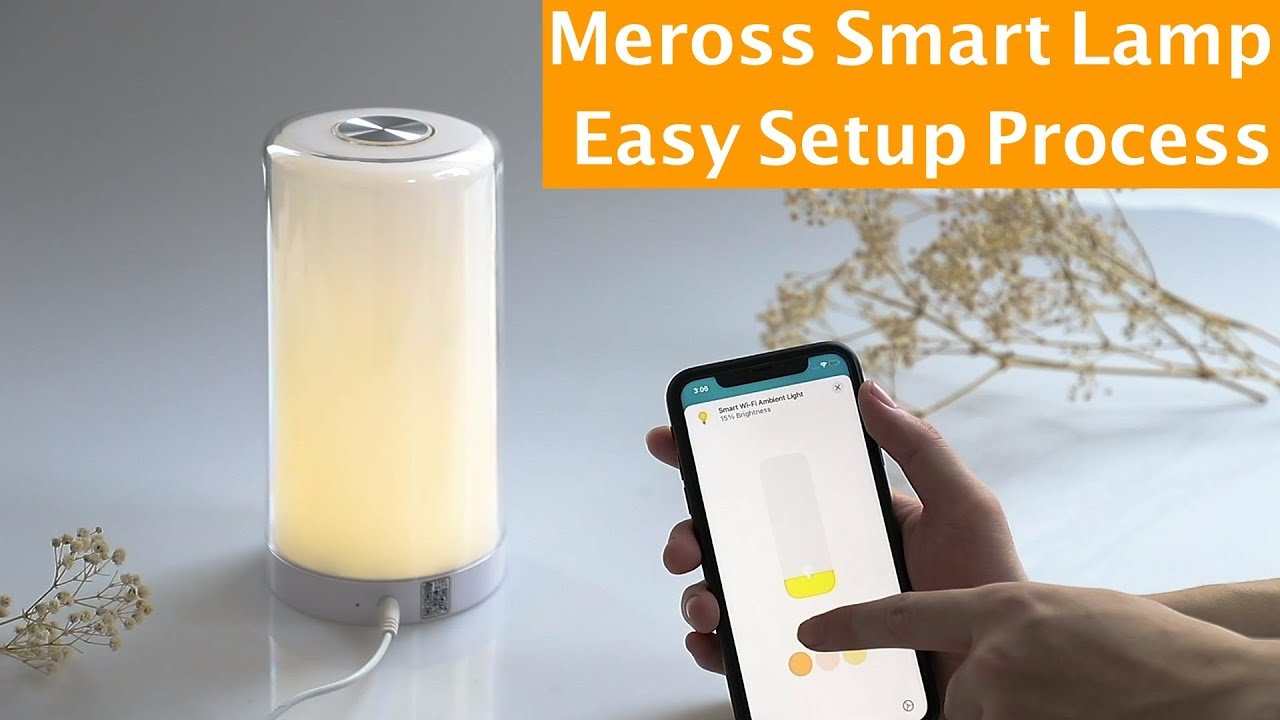
Here you can turn on or off your lamp
You can also increase or reduce the brightness.
To change the colour tap on colour and select a colour from the list.
You can also control your meross lamp with voice commands.
For example to turn off the lamp, just say "Hey Google turn off kids room"
To turn it on just say "Hey Google Turn on kids room"
#Meross
#BedsideLamp
#MerossLamp
Повторяем попытку...

Доступные форматы для скачивания:
Скачать видео
-
Информация по загрузке: