ycliper

Популярное

Музыка Кино и Анимация Автомобили Животные Спорт Путешествия Игры Юмор

Интересные видео

2025 Сериалы Трейлеры Новости Как сделать Видеоуроки Diy своими руками

Топ запросов

смотреть а4 schoolboy runaway турецкий сериал смотреть мультфильмы эдисон
Скачать

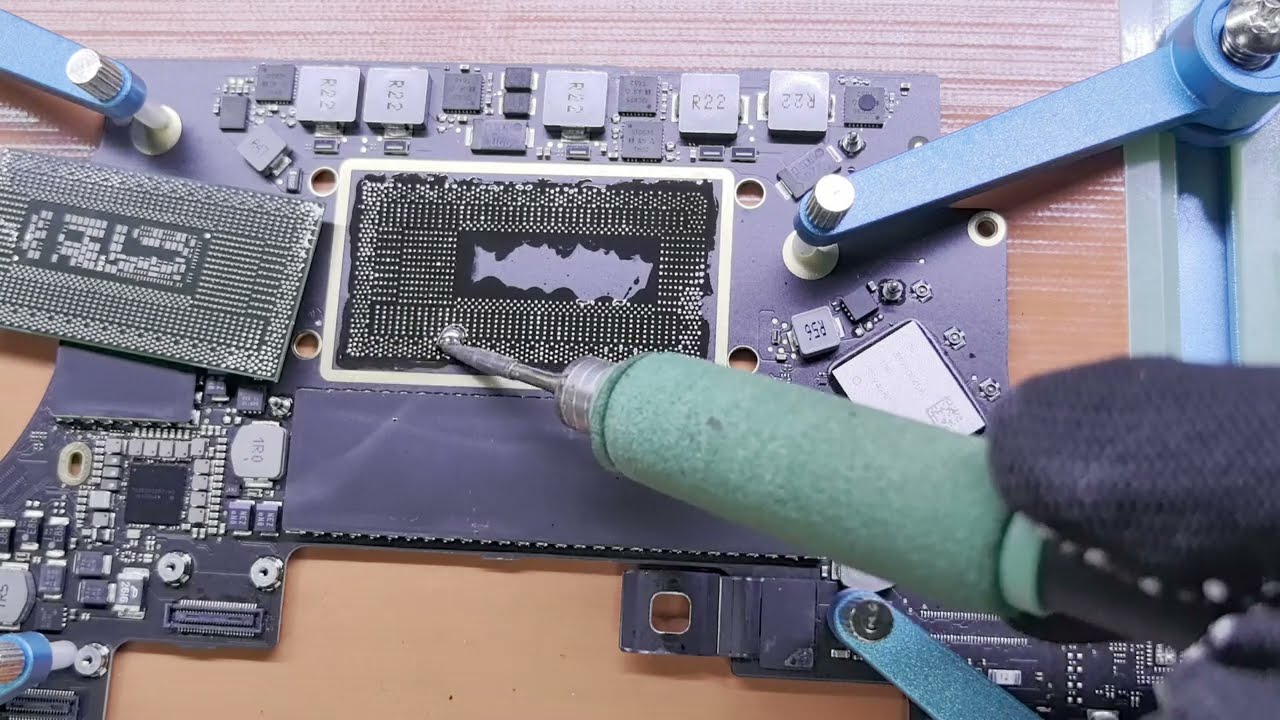
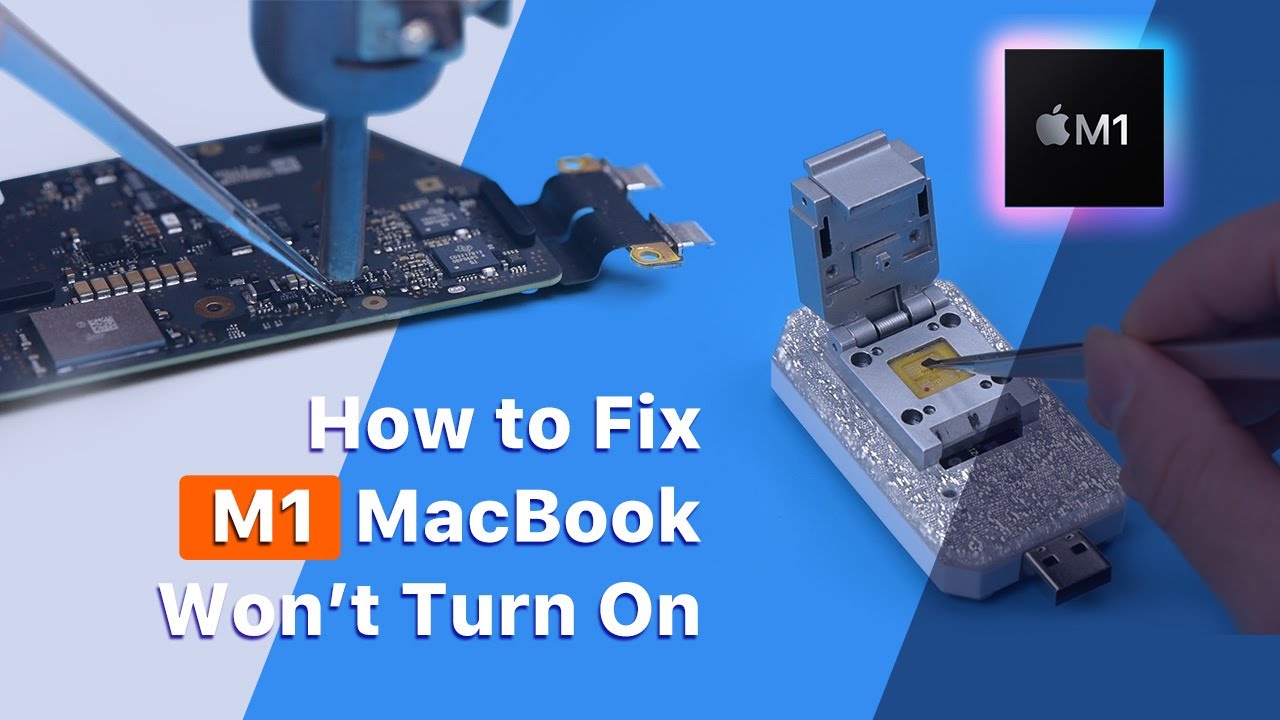
How to replace the CPU step by step

Автор: Master Liu

Загружено: 2024-09-25

Просмотров: 7206

Описание: MINI BGA Rework Heating Station Purchase link: https://masterliuonline.com/products/...

S-BGN2 Introduction and Function Details
一. Introduction
1. S-BGN2 is a logic motherboard BGA heating station
2. Simple operation, Easy to fix the motherboard
3. The host supports 110V or 220V AC input
4. S-BGN2 includes a host and holder, A pair of anti-scalding and high-temperature resistant gloves
, A power cord (You can choose one of the three model power cords: British standard, American standard, and European standard)
5. LED color screen is used to make display operation more convenient
二. Usefulness
1. S-BGN2 is used to fix the motherboard and provide welding heating function for the motherboard
2. It can be used to replace large and small CPU, Graphics card, PCH, Upgrade memory/SSD, Remove T2 chip, etc.
3. Supports BGA chip disassembly and assembly of MacBook, iPad logic board, Windows notebooks, tablets, etc.
4. Auxiliary heating/Removal of high-temperature solder, Replacement of BGA processors, Fixing motherboard/Convenient removal of black glue BGA chip
三. Function details
1. Four function control buttons are set on the host

(1) Baking Board: Used for baking motherboard, Auxiliary heating (Cleaning high-temperature tin from solder pads), Removing RAM/T2 chips, etc.
(2) CPU/GPU: Used for soldering large CPU processors (Such as Inter CPU, M1 Pro/Max, M2 Pro/Max, etc.), GPU (Graphics chip)
(3) Small CPU/PCH: Used for soldering small CPU processors (Such as A1932/A2179, M1, M2, M3, etc.), PCH (Platform Controller Hub)
(4) Pause/Return: Pause (Stop/Start key), Return (Long press to return to the home page)
2. Introduction to each interface

1) ON/OFF: Switch key (Controls the main power input on and off)
2) AC~INPUT (110V-220V): AC power input, Supports 110V and 220V specifications
3) 30:00: 30-minute power protection. When the host works for 30 minutes in the same time period, the power will be automatically cut off. It plays a protective role in long-term heating
4) RESET: The button controls the working status of the host. After pressing the “RESET” button, the host will return to the working state and the working time will return to 30 minutes
3. Introduction to usage

1) Preheating: Indicates that the motherboard is preheating. When the progress bar reach 50%, you can use tweezers to remove the white glue around the chip.
2) Heating: Indicates that the heater is heating up.

3) Soldering: When the heating progress bar reach 100%, Preheating changes to Soldering, indicating that the motherboard has reached the soldering state.
4) In the Soldering state, the buzzer will sound. At this time, you can use air gun to assist in heating. After about one minute, remove the BGA chip

Не удается загрузить Youtube-плеер. Проверьте блокировку Youtube в вашей сети.
Повторяем попытку...
How to replace the CPU step by step

Поделиться в:

Доступные форматы для скачивания:

Скачать видео

  • Информация по загрузке:
Скачать аудио

Похожие видео

Explain 2020 MacBook M1 models 5V-20V circuit (M1 Model)

Explain 2020 MacBook M1 models 5V-20V circuit (M1 Model)

Laptop BGA Reballing

Laptop BGA Reballing

Можно ли заменить процессор ноутбука с помощью преднагревателя Gordak?

Можно ли заменить процессор ноутбука с помощью преднагревателя Gordak?

Será o fim das estações BGA ?

Será o fim das estações BGA ?

How to upgrade MacBook Pro processor i5 to i7 step by step

How to upgrade MacBook Pro processor i5 to i7 step by step

Intel  Haswell / Broadwell-U  - BGA reballing and soldering  - Step by step

Intel Haswell / Broadwell-U - BGA reballing and soldering - Step by step

Руководство по пайке больших микросхем — замена чипсета Intel горячим воздухом. SR40B Intel PCH

Руководство по пайке больших микросхем — замена чипсета Intel горячим воздухом. SR40B Intel PCH

This is the most common fault - Asus Vivobook M513U shorted motherboard repair

This is the most common fault - Asus Vivobook M513U shorted motherboard repair

Cpu Reball verlöten von einem Laptop mit einfachen Mitteln ohne BGA Station

Cpu Reball verlöten von einem Laptop mit einfachen Mitteln ohne BGA Station

🤫ЗАМЕНА microUSB НА USB-C КЛЕЕМ ДЛЯ ПАЙКИ НОВЫЙ ПОДХОД К УСТАНОВКЕ КОМПОНЕНТОВ О КОТОРОМ МОЛЧАТ🤐

🤫ЗАМЕНА microUSB НА USB-C КЛЕЕМ ДЛЯ ПАЙКИ НОВЫЙ ПОДХОД К УСТАНОВКЕ КОМПОНЕНТОВ О КОТОРОМ МОЛЧАТ🤐

BGA CPU upgrade on a low-end HP laptop (Atom to Pentium)

BGA CPU upgrade on a low-end HP laptop (Atom to Pentium)

Acer Nitro 5 — замена PCH чипсета Intel

Acer Nitro 5 — замена PCH чипсета Intel

Laptop repair: Desolder and transplant a laptop CPU chip

Laptop repair: Desolder and transplant a laptop CPU chip

How to Replace PCH Using BGA Machine | English | Online Chip level Laptop Repairing Course | Laptex

How to Replace PCH Using BGA Machine | English | Online Chip level Laptop Repairing Course | Laptex

How to spot a faulty CPU - How do we know the CPU is faulty?

How to spot a faulty CPU - How do we know the CPU is faulty?

How to Fix M1 MacBook Air Won't Turn On

How to Fix M1 MacBook Air Won't Turn On

How to repair M1 Pro backlight not working #MacBooK#BGA#CPU#S-BGN2

How to repair M1 Pro backlight not working #MacBooK#BGA#CPU#S-BGN2

Цифровой ошейник» для всей семьи: Как школьный мессенджер MAX собирает на вас досье?

Цифровой ошейник» для всей семьи: Как школьный мессенджер MAX собирает на вас досье?

How to Confirm SOC/PCH is Faulty | Laptop Repair & Training Center |

How to Confirm SOC/PCH is Faulty | Laptop Repair & Training Center |

Asus TUF F15 motherboard repair - A proper tough job

Asus TUF F15 motherboard repair - A proper tough job

© 2025 ycliper. Все права защищены.


  • Контакты
  • О нас
  • Политика конфиденциальности


Контакты для правообладателей: [email protected]