How to Contact Amazon Customer Service !
Автор: App Ultra
Загружено: 2025-12-03
Просмотров: 744
Описание:
☕ If this video helped you, consider supporting me by buying me a coffee: https://coff.ee/bimalbasnet
Need to reach Amazon customer service for help with an order, return, or account issue? This video demonstrates how to contact Amazon’s support team directly through their official website. Whether you're dealing with a missing delivery, a damaged product, payment concerns, or account access problems, Amazon provides multiple ways to connect with a customer service representative—either via live chat or by requesting a callback.
To get started, open your preferred web browser and go to [https://www.amazon.com](https://www.amazon.com). Make sure you're logged into your account. Once logged in, scroll down to the bottom of the homepage. On the bottom left side, you'll find a link labeled "Customer Service." Click on this to be taken to Amazon’s support center.
On the customer service page, Amazon will display several common support topics like order issues, returns and refunds, account settings, Prime membership, and device help. Select the topic that best matches your issue. In this walkthrough, a general topic is selected, but if you’re not finding a resolution through the automated help suggestions, continue scrolling until you see the option labeled "I need more help."
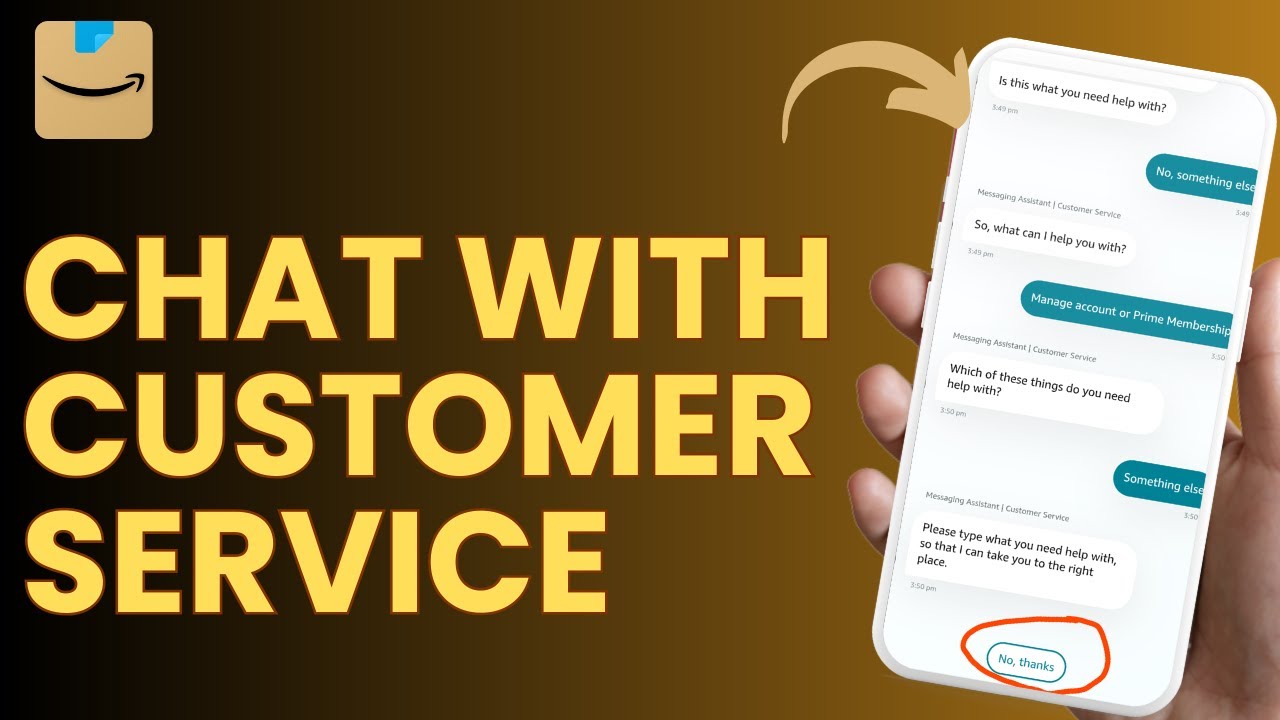
Clicking "I need more help" will prompt Amazon to offer real-time support. You’ll be given two main choices: "Start chatting now" to connect with a customer service chatbot (which may transfer you to a human agent if needed), or "Request a phone call" to speak directly with a representative. The callback option is often available during Amazon’s support hours and typically results in a call within a few minutes.
This method works on desktop browsers and is also similar when accessing Amazon via mobile browsers. For faster access, you can also use the Amazon app, where support options are available under "Customer Service" in the menu.
For official assistance, go directly to Amazon’s help page: [https://www.amazon.com/gp/help/custom...](https://www.amazon.com/gp/help/custom...)
Timestamps:
0:00 Introduction
0:06 Navigating to amazon.com and logging in
0:14 Accessing the Customer Service section
0:23 Selecting a support topic
0:39 Finding 'I need more help'
0:46 Starting a live chat or requesting a call
0:56 Conclusion
Hashtags:
#AmazonSupport #CustomerService #AmazonHelp #OnlineShoppingHelp #AmazonTips #TechSupport #EcommerceHelp #ContactAmazon
For Business Enquiries:
Email - [email protected]
Повторяем попытку...
Доступные форматы для скачивания:
Скачать видео
-
Информация по загрузке:








![Как связаться со службой поддержки клиентов Amazon? [в 2025 году]](https://imager.clipsaver.ru/MfHY79of87w/max.jpg)