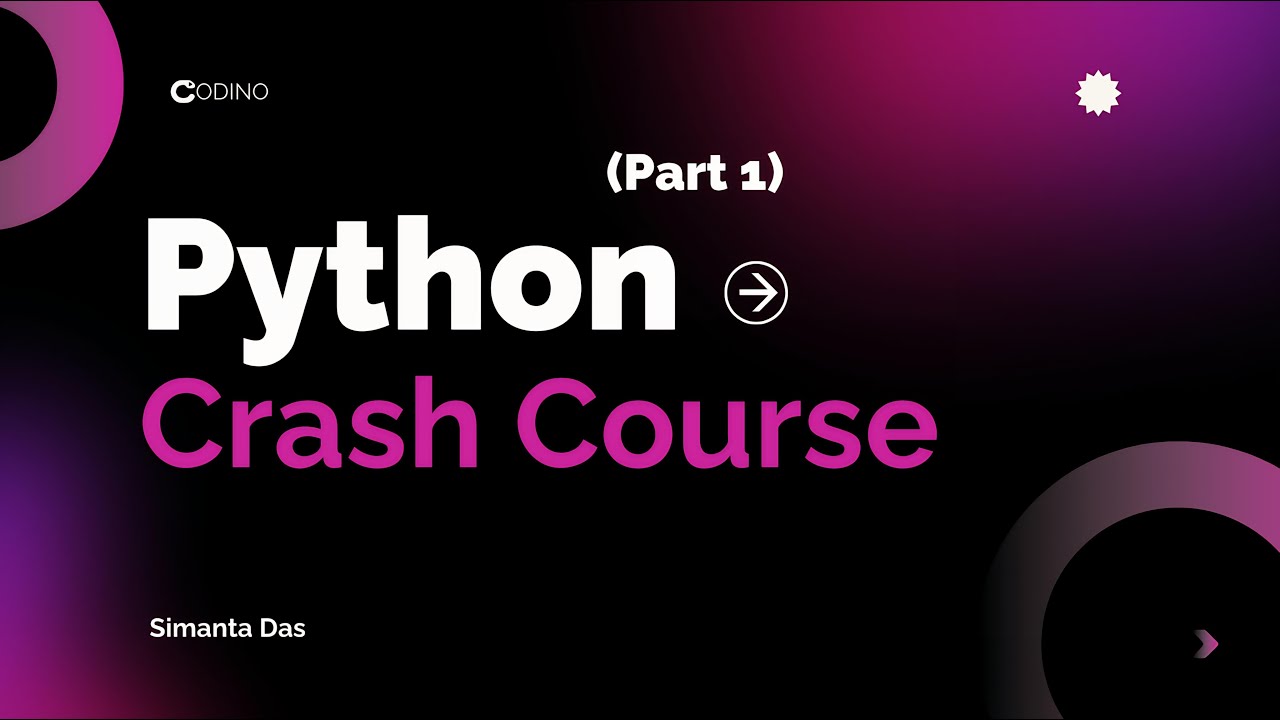
Python One-Shot Part 1: Stop Scrolling, Start Coding! (2026 Guide)
Автор: Codino
Загружено: 2026-01-27
Просмотров: 12
Описание:
NOTE: The Codino app is now in development phase, and will be publish within few days! (close testing phase)
Ready to start your coding journey? This is the ONLY Python tutorial you need to get started.
Hey everyone! I’m Simanta, and welcome to Part 1 of the Python One-Shot Masterclass. This isn't just a video where you watch me talk—it's a hands-on session where you'll go from having zero coding knowledge to building your very own Personal Bio Generator in just 44 minutes.
We’ve designed this to be the most practical, stress-free introduction to Python in 2026. Whether you want a new career or just a cool new hobby, this is the perfect first step. This is part 1 of a 3-4 part series that will take you from absolute beginner to a confident coder.
🚀 DOWNLOAD CODINO: Want to practice these lessons on the go? Download the Codino App on the Play Store! It just launched this month and features interactive visual tools to make learning Python smooth and fun.
Introduction & Course Overview (0:00-2:44): Welcome, brief about Codino app, and roadmap for Part 1.
Why Python? (2:44-3:54): Discusses Python's simplicity, AI/ML dominance, and strong community support.
Setup: Python & VS Code Installation (3:54-5:55): Guides through installing Python (with path setting) and VS Code, including the Python extension.
First Program: "Hello World" (5:55-7:43): Teaches how to create and run a simple "Hello World" program using `print()`.
Variables & Data Types (7:43-14:53): Explains variables as storage, introduces strings, integers, floats, booleans, and shows how to check data types with `type()`.
Math & Logic: Operators (14:53-24:19): Covers basic arithmetic, exponents, modulo, order of operations, and introduces floor division and equality.
Text Manipulation: fstrings (24:19-32:57): Demonstrates combining text and variables efficiently using fstrings.
User Input & Type Casting (32:57-37:31): Shows how to get user input and convert it to appropriate data types (`int()`, `float()`) to avoid errors.
Common Errors & Debugging (35:21-37:31): Explains syntax and type errors, and how to read error messages for debugging.
Project: Personal Bio Generator (37:31-41:52): Builds a full program integrating all learned concepts to create a user profile.
Conclusion & Next Steps (41:52-43:46): Recap of Part 1, encouragement to practice, and preview of Part 2.
If this video helped you, please:
✅ SUBSCRIBE to join the journey
👍 LIKE to help other beginners find this
💬 COMMENT what you want to build next!
#Python, #Coding, #Programming, #PythonForBeginners, #LearnToCode, #PythonTutorial, #Codino, #SoftwareEngineering, #Python2026, #CrashCourse,
Повторяем попытку...
Доступные форматы для скачивания:
Скачать видео
-
Информация по загрузке:






![Python - Полный Курс по Python [15 ЧАСОВ]](https://image.4k-video.ru/id-video/cfJrtx-k96U)


![Курс Python с Абсолютного нуля! [12 часов из 80] Python курс - качественный старт для начинающих!](https://image.4k-video.ru/id-video/lYMLLI-MJek)