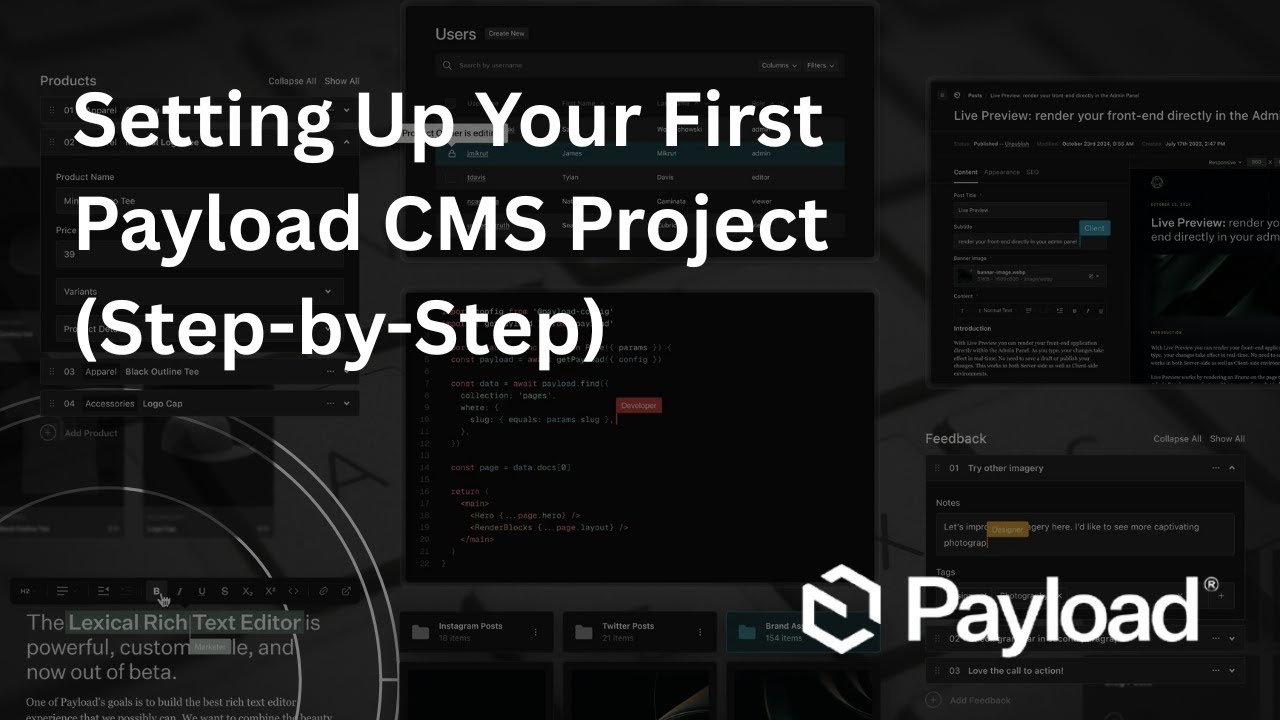
Payload CMS Tutorial for Beginners — Step by Step
Автор: Kevin Skayro Tech
Загружено: 2025-09-05
Просмотров: 926
Описание:
In this video, I’ll walk you through setting up your first Payload CMS project from scratch. By the end, you’ll have Payload running locally with Next.js, complete with an Admin Panel and Frontend.
We’ll cover step by step:
0:00 Intro & preview of Payload CMS
1:36 Install & project setup with npx create-payload-app
3:30 Run the dev server and open the Admin Panel
7:02 Talking about Payload CMS features
15:37 Outro
With just a few commands, you’ll see why Payload is different: a code-first, full-stack CMS where the Admin Panel, API, and database are all powered from a single config file.
----
I did not mention this in the video but we can assume that you have node installed and updated up to version 20x and you also have pnpm installed.
In case you don't here are the links you need.
----
Node.JS: https://nodejs.org/en/download/
PNPM: https://pnpm.io/installation
----
Command to install Start a Payload CMS Project:
npx create-payload-app@latest project-name-here
----
Installation Docs by Payload: https://payloadcms.com/docs/getting-s...
----
--Follow me on social media--
Blog: https://kevinskayro.com/
Twitter: / kevinskayro
Facebook: / kevinskayrojourney
Instagram: / kevinskayro_journey
GitHub: https://github.com/KevinSkayro
Codewars: https://www.codewars.com/users/KevinS...
Повторяем попытку...
Доступные форматы для скачивания:
Скачать видео
-
Информация по загрузке:










![Step-by-Step Guide to Getting Started with PayloadCMS [& Adding It to an Existing Next.js Project]](https://imager.clipsaver.ru/TuicSBCyqsM/max.jpg)

