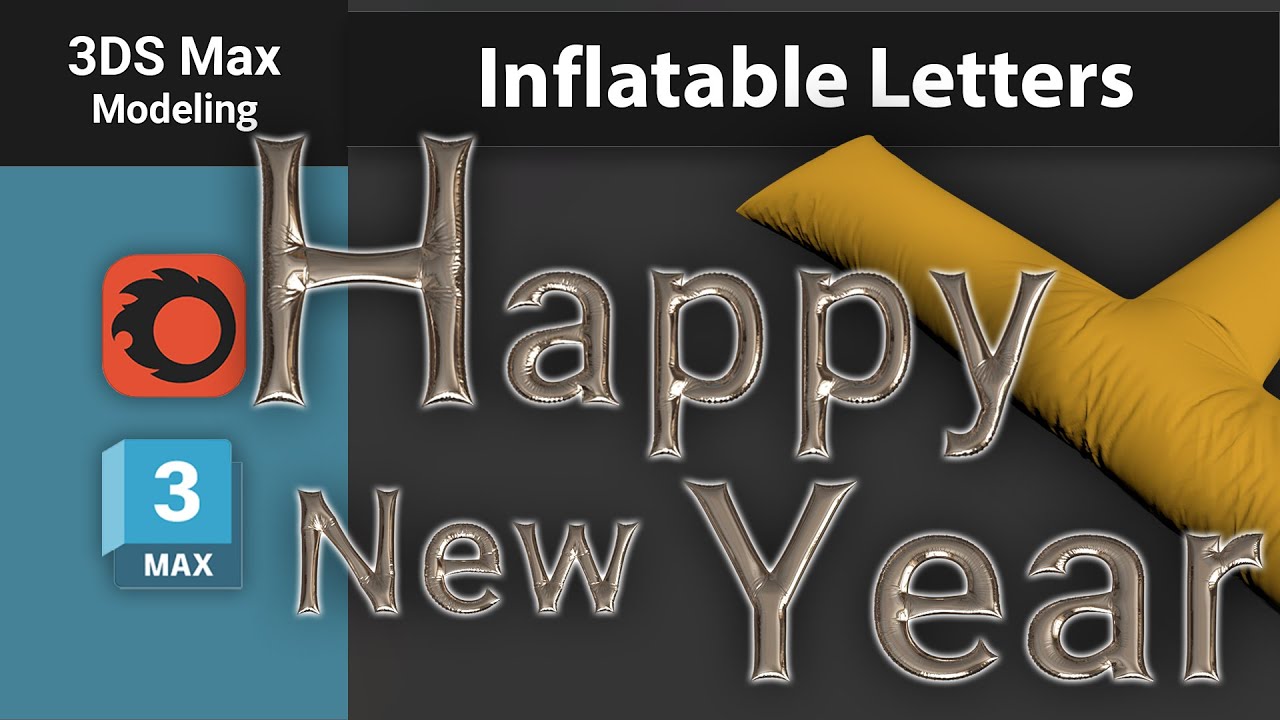
Modeling Inflatable Letters in 3Ds Max: Step-by-Step Tutorial
Автор: Yurii Shevchyshyn
Загружено: 2024-12-19
Просмотров: 6210
Описание:
Learn how to create stunning #3Dtext, #inflatableletters in #3dsmax with this detailed tutorial! 🎈 Starting from simple text in the Shapes menu, we'll transform it into a 3D inflatable object using several powerful modifiers.
Here's the process:
1️⃣ Start with the Text shape and adjust its size (e.g., a letter "H" with a height of 800 mm).
2️⃣ Add the Edit Poly modifier to convert the text into a 3D object.
3️⃣ Apply the Subdivide modifier to add more polygons for smoother results.
4️⃣ Use the Shell modifier to give the text some thickness.
5️⃣ Finally, bring it to life with the Cloth modifier by simulating inflation parameters.
Watch as the text comes to life, resembling an inflated balloon in real time! Whether you're working on decorative designs or experimenting with fun concepts, this video is packed with practical tips to enhance your modeling workflow.
📌 Perfect for beginners and professionals alike. Learn how to harness the power of simulation in your 3D projects!
Повторяем попытку...
Доступные форматы для скачивания:
Скачать видео
-
Информация по загрузке: