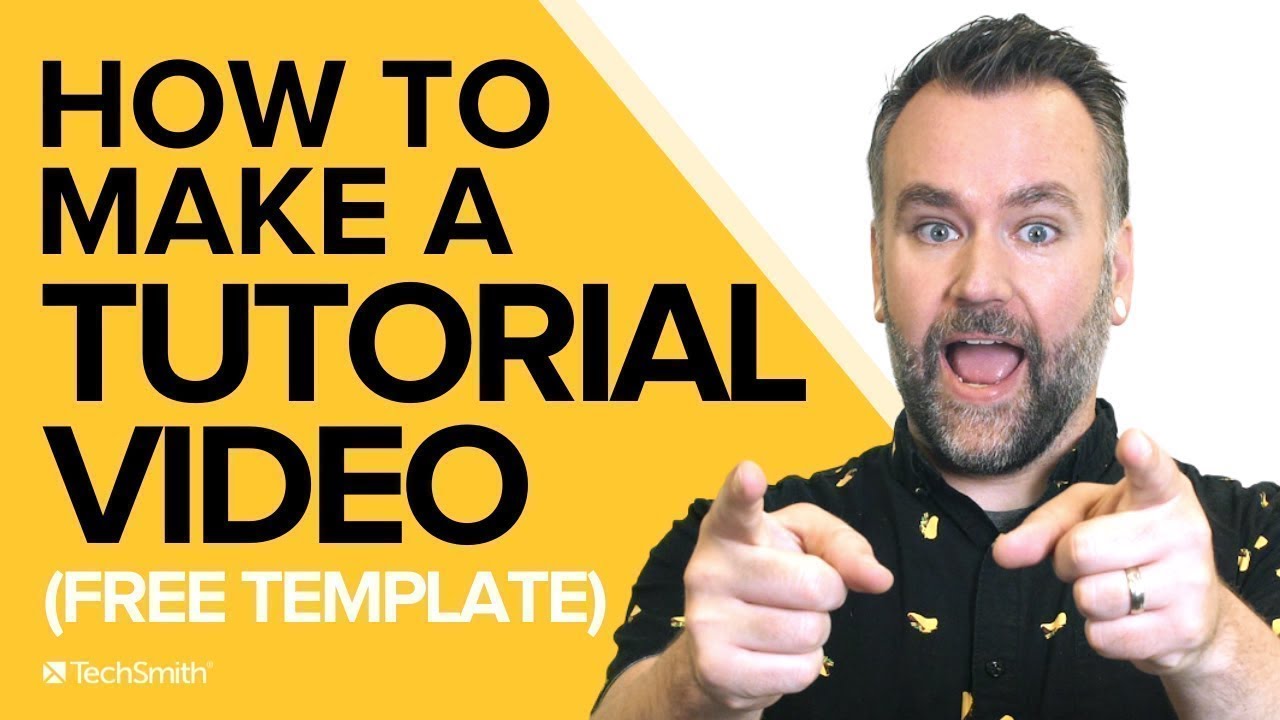
Follow These 7 Steps to Make a Great Tutorial Video
Автор: Camtasia
Загружено: 2021-09-07
Просмотров: 228838
Описание:
You can make your first tutorial training video by following this video from start to finish!
📌 Make Training Videos w/Camtasia 👉 https://bit.ly/3yLvuEs 👈
Get Camtasia & Audiate bundled with the Camtasia Create or Pro options, here:
https://bit.ly/4cwVTUr
(Find our FREE TRIALS and FREE TEMPLATES at the bottom of the description!)
In this video Andy walks you through how to ask the right questions when planning your video, and how to use our free script template. He shows you best practices for recording, editing, and producing your video, and walks you through the entirety of the free Camtasia template that we're making available to you so that you can make your tutorial video right now.
Want to get all of this in one awesome blog post?
Go here: https://bit.ly/3kvAKB5
00:00 - Introduction
00:34 - Step 1 - Planning your training tutorial
00:48 - Question 1 - Who is your audience?
01:04 - Question 2 - What specific problem will your tutorial solve?
01:36 - Question 3 - What are you training the audience to do after watching?
02:00 - Step 2 - Scripting
02:16 - How to use our FREE fill-in-the blank script template (download below!)
03:59 - Step 3 - Recording your narration first
04:14 - TechSmith Audiate makes editing audio as easy as editing text
04:31 - Send audio into Camtasia
04:37 - Consider buying a USB microphone (links below)
05:22 - Step 4 - Recording your screen
05:55 - Open the Camtasia recorder
06:20 - Step 5 - Use our pre-built Camtasia template to edit your tutorial
06:51 - Everything is customizable in this template!
07:11 - Adding your footage into the tutorial template
07:22 - Easily change the colors in the template to match your branding
07:43 - Create chapter markers (like these) IN Camtasia before you export!
08:00 - Step 6 - Edit your video
08:29 - Removing mistakes from your recording
09:07 - Syncing your audio and video from your recordings
09:30 - Use extend frame to freeze or pause your video
09:45 - Use clip speed to make clips faster or slower
09:55 - Focus your viewers attention w/animations & callouts
10:40 - Save your brand colors as a Theme and easily customize the graphics
11:38 - We have free tutorials to help you level up your editing
11:51 - Step 7 - Save your video! Share it or save it locally.
12:06 - Bonus Step 8 - Save your Camtasia project so you can come back later!
Download our FREE Script Template:
https://bit.ly/406Ja6l
Download a free trial of Audiate:
https://bit.ly/3mxBBUj
Download a free trial of Camtasia:
https://bit.ly/3BjzojH
Download our FREE Camtasia Tutorial Template:
https://bit.ly/38PvItH
Microphones that Andy mentioned (these are NOT affiliate links) -
Blue Yeti Mic: https://amzn.to/3gx5O2g
Shure MV7: https://amzn.to/2XQlw1I
Rode NT-USB: https://amzn.to/2WqK15n
Want a more in-depth scripting resource? Check out our blog on that here:
https://bit.ly/46S68Bk
FREE Guide: The Ultimate Guide to Easily Make Instructional Videos
http://bit.ly/2OLCMOb
#tutorialvideos #employeetraining #trainingvideo
Повторяем попытку...
Доступные форматы для скачивания:
Скачать видео
-
Информация по загрузке: