Driver Attention Warning (DAW)
Автор: Kia Features & Functions Videos
Загружено: 2025-08-06
Просмотров: 3612
Описание:
DAW includes LEADING VEHICLE DEPARTURE ALERT, or LVDA. LVDA sounds an alert when the vehicle directly in front starts to move from a stop, informing the driver that they can start moving. If the driver does not act, a message will appear on the Instrument Cluster.
To ENABLE LVDA, go to Vehicle Settings on the Infotainment System: Press SETUP, VEHICLE, DRIVER ASSISTANCE, DRIVER ATTENTION WARNING and LEADING VEHICLE DEPARTURE ALERT.
If equipped, you can also enable FORWARD ATTENTION WARNING and INATTENTIVE DRIVING WARNING.
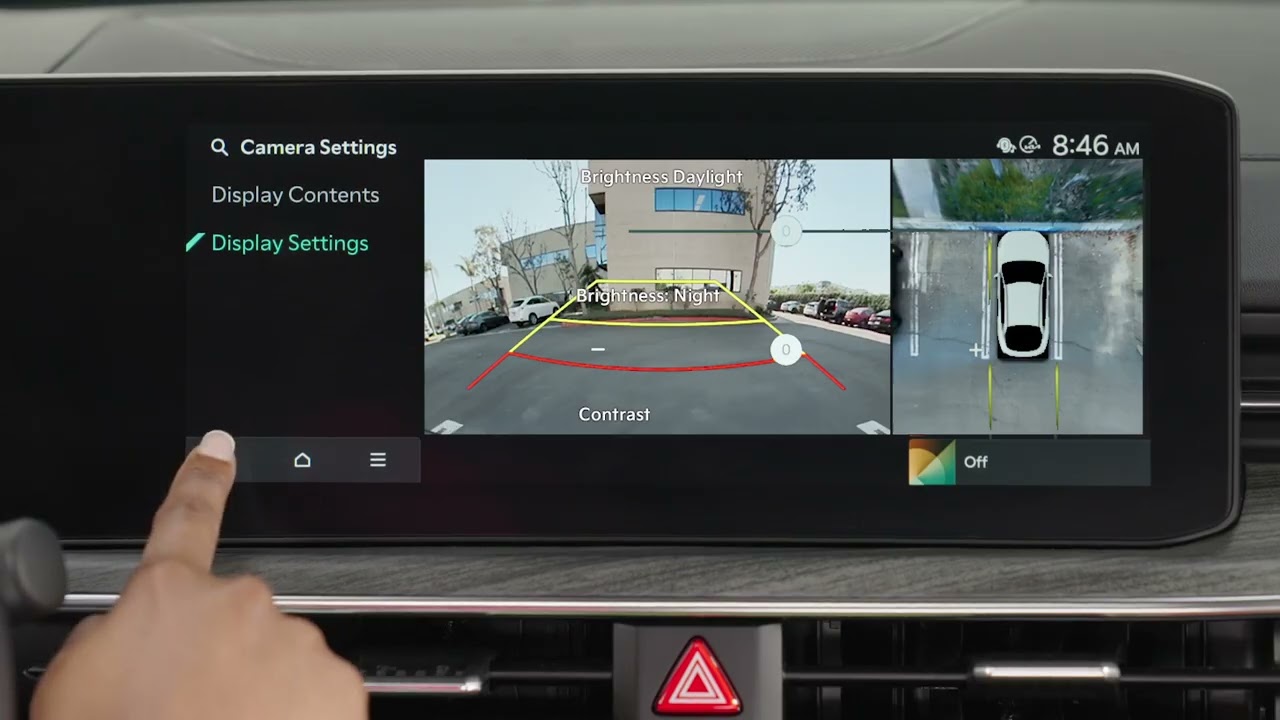
To adjust the WARNING METHOD settings for driver assistance systems: Under DRIVER ASSISTANCE, select the speaker icon or WARNING METHOD. Here you can change the WARNING VOLUME, which may change the volume for other driver assistance systems as well.
Selecting “Haptic Warning” activates the steering wheel vibration warning on certain driver assistance systems.
“Lane Safety Audible Warning Off” turns off the audible warning for Lane Safety features.
“Driving Safety Priority” lowers all other audio volume when the Driving Safety system sounds a warning and Parking Safety Priority, also lowers all other volume when the Parking Assist view is active.
For additional information, refer to your Owner’s Manual. You can also go to the Kia Features and Functions Videos YouTube channel or the Kia Features and Functions Quick Reference Guide. Thanks for watching.
Повторяем попытку...

Доступные форматы для скачивания:
Скачать видео
-
Информация по загрузке: