MYOB Advanced Training - Introduction -Logging into MYOB Advanced and the User Interfaces
Автор: Verde | MYOB Acumatica & Oracle NetSuite Partner
Загружено: 2023-02-20
Просмотров: 537
Описание:
The first thing you do when you want to work with MYOB Advanced is signing in to the system.
MYOB Advanced can run in most browsers. e.g.
Google Chrome
Firefox
Internet Explorer
Safari
Once you have entered in your URL in the browser window you will be asked for your login credentials.
Signing In and Signing Out
When you want to work with MYOB Advanced, you need to sign in to the system—that is, to type your login and password so the system knows who you are and what access rights you have.
Depending on how your system administrator has configured your account, it is one of the following:
MYOB Advanced account: You use your login and password that the system administrator has created for you in MYOB Advanced to access the system.
Domain account: If the system administrator has integrated MYOB Advanced with Microsoft Active Directory, you use your domain login and password (which you use to log in to your computer) to sign in to MYOB Advanced.
Account of an external identity provider: If the system administrator has configured single sign-on with an external identity provider, such as Google or Microsoft Account, you use your credentials of this provider to sign in to MYOB Advanced.
You can sign in to different company branches (or even different companies) in different tabs of the same window or different windows of the same browser. When you stop working with MYOB Advanced, you should sign out to prevent unauthorised access.
Changing the Password of your MYOB Advanced Account
Your system administrator can allow you to change the password of your MYOB Advanced account any time you want. The ability to change your own password is useful, for example, when you suspect that your account is being accessed without your consent.
Recovering your User Credentials
If you use MYOB Advanced credentials to sign in to the system, your system administrator can allow you to recover your password and log in. The recovery mechanism sends emails to the email address that is specified in your account information.
On the User Profile (SM203010) form, you can specify a password recovery question, the answer to which you need to enter when you are recovering your password. With a password recovery question, you reduce the risk of hacking your user account.
If you have forgotten your password from a domain account, you should contact your system administrator.
If you have forgotten your password from an external identity account, you should use the password recovery tools of the external identity provider.
Interface Style of MYOB Advanced
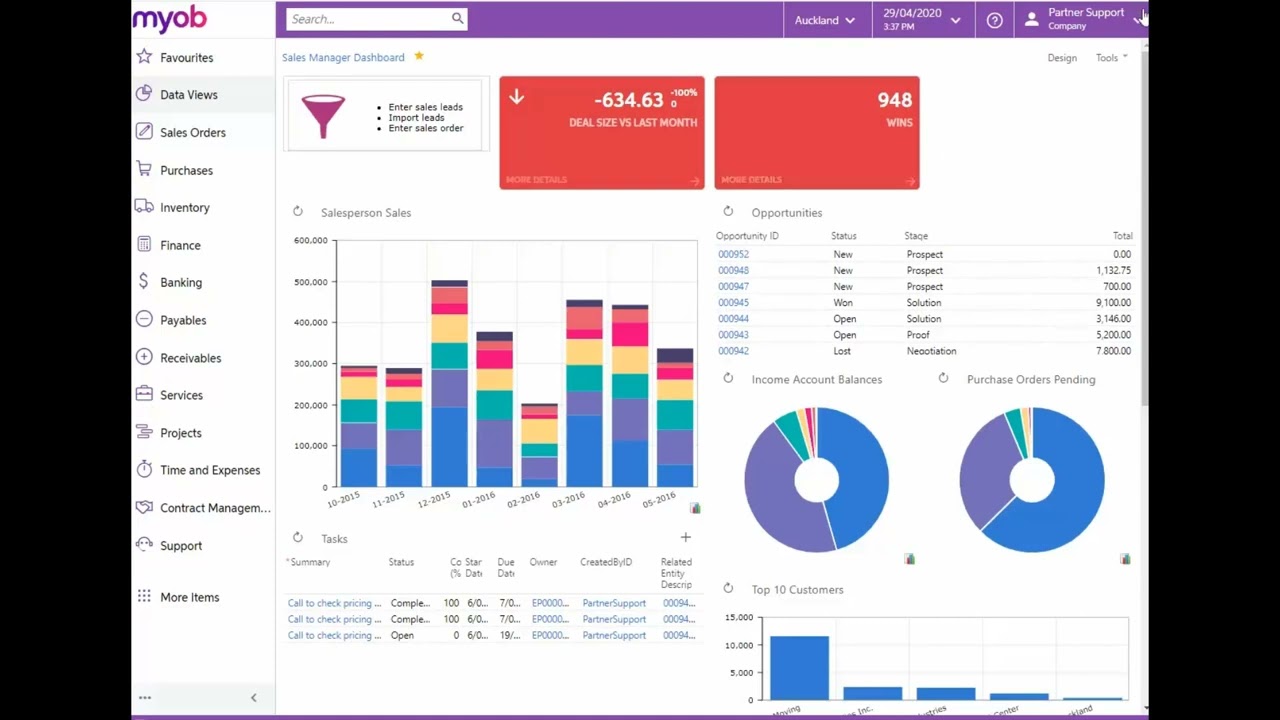
MYOB Advanced now offers two user interfaces:
Modern, introduced in 2018.01, which is now used by default
Classic, which is the user interface used in previous MYOB Advanced versions.
Повторяем попытку...
Доступные форматы для скачивания:
Скачать видео
-
Информация по загрузке: