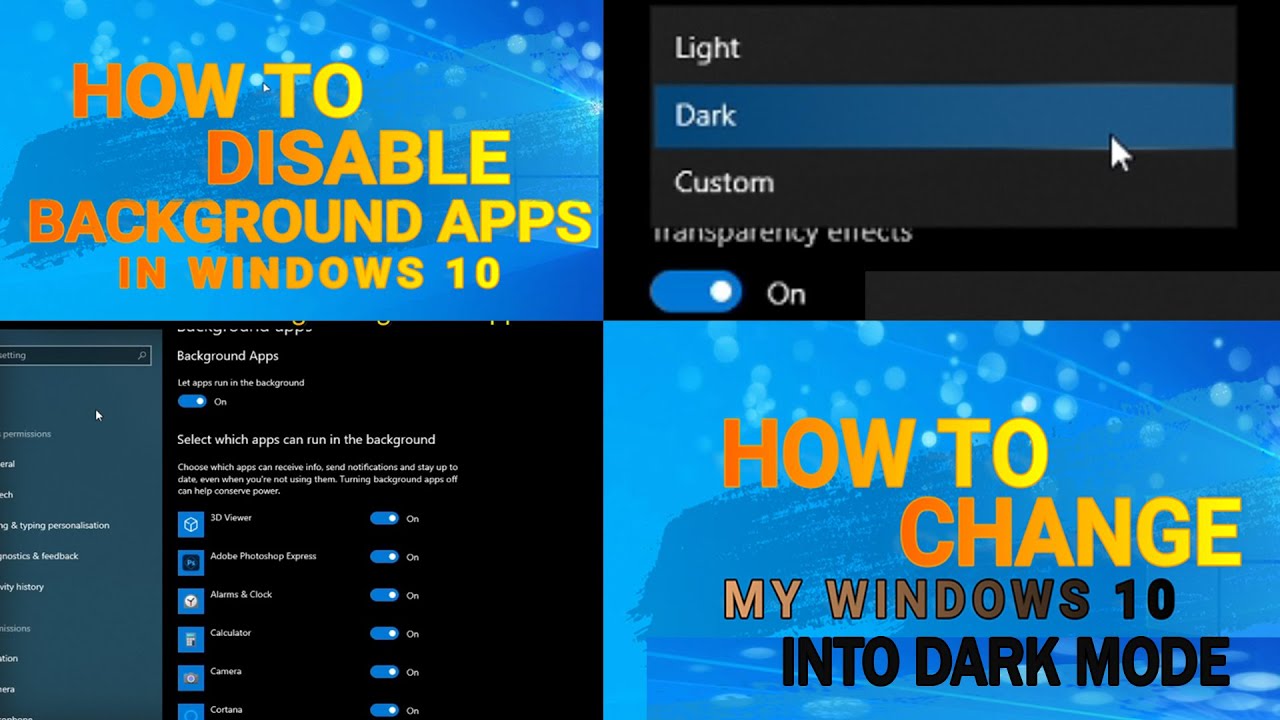
HOW TO DISABLE BACKGROUND APPS || WINDOWS 10 DARK MODE
Автор: ChadTech Tips
Загружено: 2021-04-07
Просмотров: 148
Описание:
2ND STEPS ON HOW TO MAKE YOUR WINDOWS FASTER.
SETTINGS ON HOW TO CHANGE YOUR WINDOWS IN DARK MODE
check our first steps here:
DISABLING STARTUP PROGRAM
• HOW TO DISABLE STARTUP PROGRAMS IN WINDOWS...
WHY NEED TO DISABLE BACKGROUND APPS?
= Every running background app uses a portion of your system resources (RAM, CPU cycles, etc.), and that makes your machine run a little slower than it would if those apps weren’t running.
= Preventing an app from running in the background doesn’t mean you can’t use it. It simply means it won’t be running in the background when you aren’t using it.
More steps are coming on how to make your windows faster.
maong subscribe namo. hehe.
check my other techtips video here:
• TECH TIPS
DAGHANG SALMAT!.
Повторяем попытку...
Доступные форматы для скачивания:
Скачать видео
-
Информация по загрузке: