EXCEL DYNAMICS SUMIFS FORMULA WITH WILDCARDS !
Автор: SkillStack Studio
Загружено: 2025-10-05
Просмотров: 1249
Описание:
Welcome to this in-depth tutorial on mastering the SUMIFS function in Excel using wildcards! Whether you're a beginner looking to level up your Excel skills or an experienced user aiming to refine your data analysis techniques, this video will walk you through everything you need to know about combining SUMIFS with wildcard characters to create powerful, dynamic, and flexible formulas.
🔍 What You’ll Learn in This Video:
✅ Understanding the SUMIFS Function
We’ll start with a quick refresher on how SUMIFS works—its syntax, required arguments, and common use cases. You’ll learn how to sum values based on multiple criteria across different ranges.
✅ Introduction to Wildcards in Excel
Discover the three wildcard characters Excel supports:
Asterisk (*) – matches any sequence of characters
Question Mark (?) – matches any single character
Tilde (~) – used to escape wildcards when you need to search for literal * or ?
✅ Combining SUMIFS with Wildcards
See real-world examples of how to use wildcards inside SUMIFS criteria to:
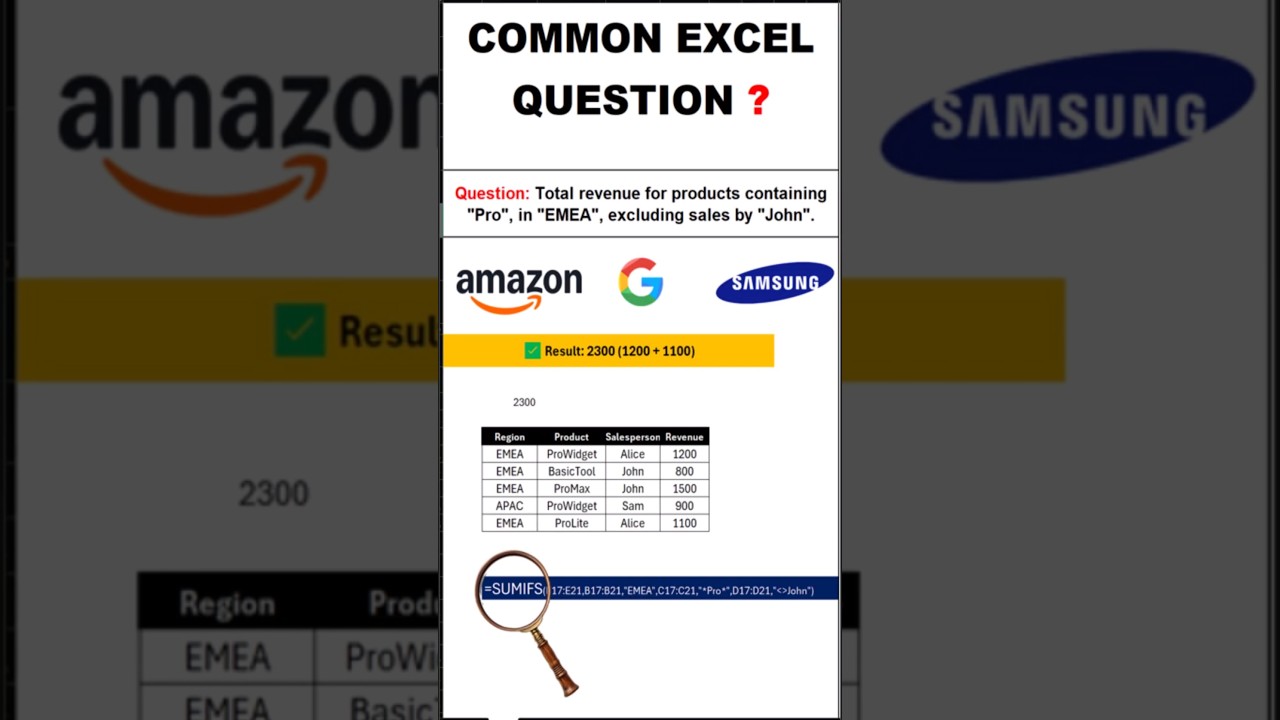
Sum sales for all products starting with “Pro”
Total expenses for vendors containing “Tech” anywhere in their name
Aggregate data for invoice numbers ending with a specific digit pattern
Handle partial matches dynamically using cell references
✅ Dynamic SUMIFS with Wildcards & Cell References
Learn how to build flexible formulas that pull criteria from input cells—perfect for dashboards and interactive reports. We’ll cover how to properly concatenate wildcards with cell references using the & operator.
✅ Common Pitfalls & Troubleshooting Tips
Avoid frequent mistakes like:
Forgetting to wrap criteria in quotes when using hardcoded wildcards
Misplacing the tilde when searching for literal asterisks or question marks
Case sensitivity (spoiler: Excel wildcards are NOT case-sensitive!)
Performance considerations with large datasets
✅ Advanced Techniques
Go beyond the basics with:
Using wildcards across multiple criteria ranges
Combining SUMIFS + wildcards with other functions (e.g., INDIRECT, INDEX)
Creating dropdown-driven reports that auto-update based on partial text input
✅ Real-World Scenario Walkthrough
We’ll analyze a sample sales dataset to demonstrate how wildcard-enabled SUMIFS can solve practical business problems—like summarizing regional performance by product category without exact matches.
Повторяем попытку...
Доступные форматы для скачивания:
Скачать видео
-
Информация по загрузке: