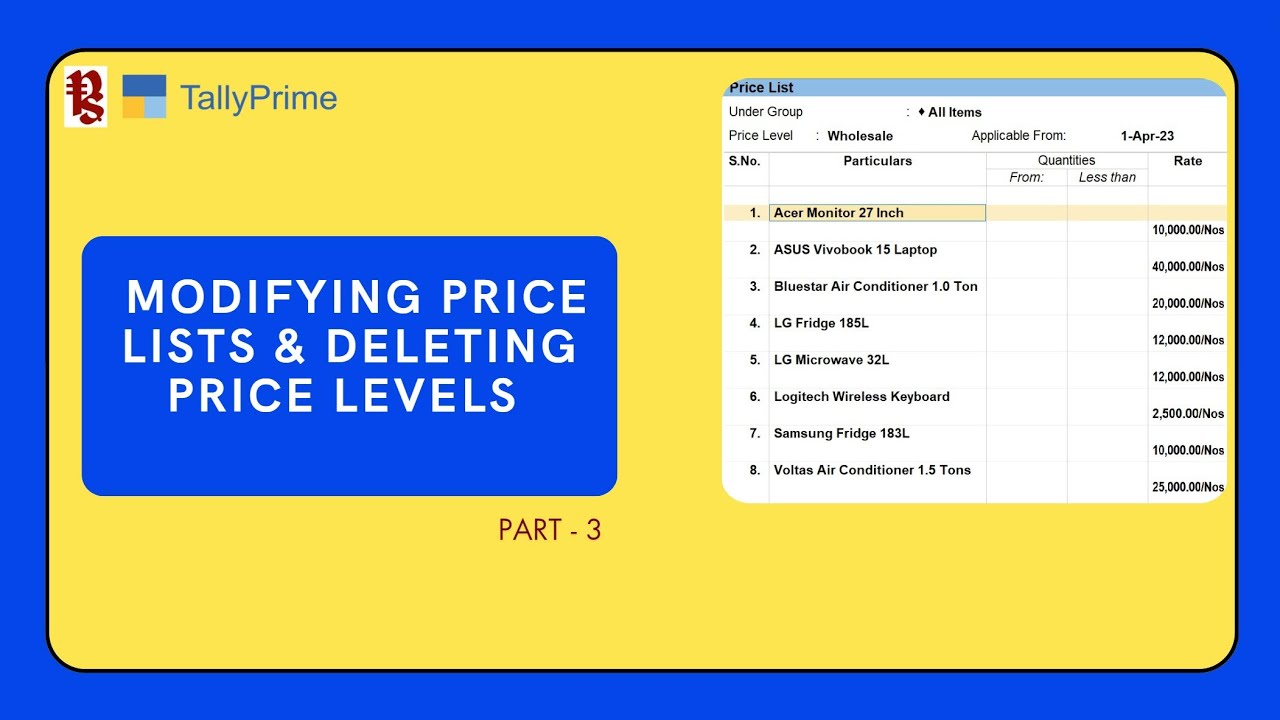
How to Set Price List in TallyPrime
Автор: Pugal-TallyTips
Загружено: 2024-05-06
Просмотров: 2572
Описание:
In this video we shall learn to setup price list for two price levels we had created in the previous video. The price list for ‘Wholesale’ and ‘Retail’.
We shall also learn how to attach a specific price list to a certain level of customers. Example, if you identify a customer as your wholesale customer, then you can link the ‘Wholesale’ price list in the party master.
Similarly, ‘Retail Price list’ can be linked to all your retain customers.
Once the price list have been linked to a customer, while invoice for that customer, TallyPrime will automatically fetch the rate as per the price level and auto populate the amount in the rate column.
Previous Videos:
How to Enable Price Levels & Price Lists in TallyPrime - • How to Enable Price Levels & Price Lists i...
Повторяем попытку...
Доступные форматы для скачивания:
Скачать видео
-
Информация по загрузке: