COPY, RELINK and TRIM Your Media in DaVinci Resolve
Автор: Chris Roberts Video Production & Training
Загружено: 2024-01-22
Просмотров: 10352
Описание:
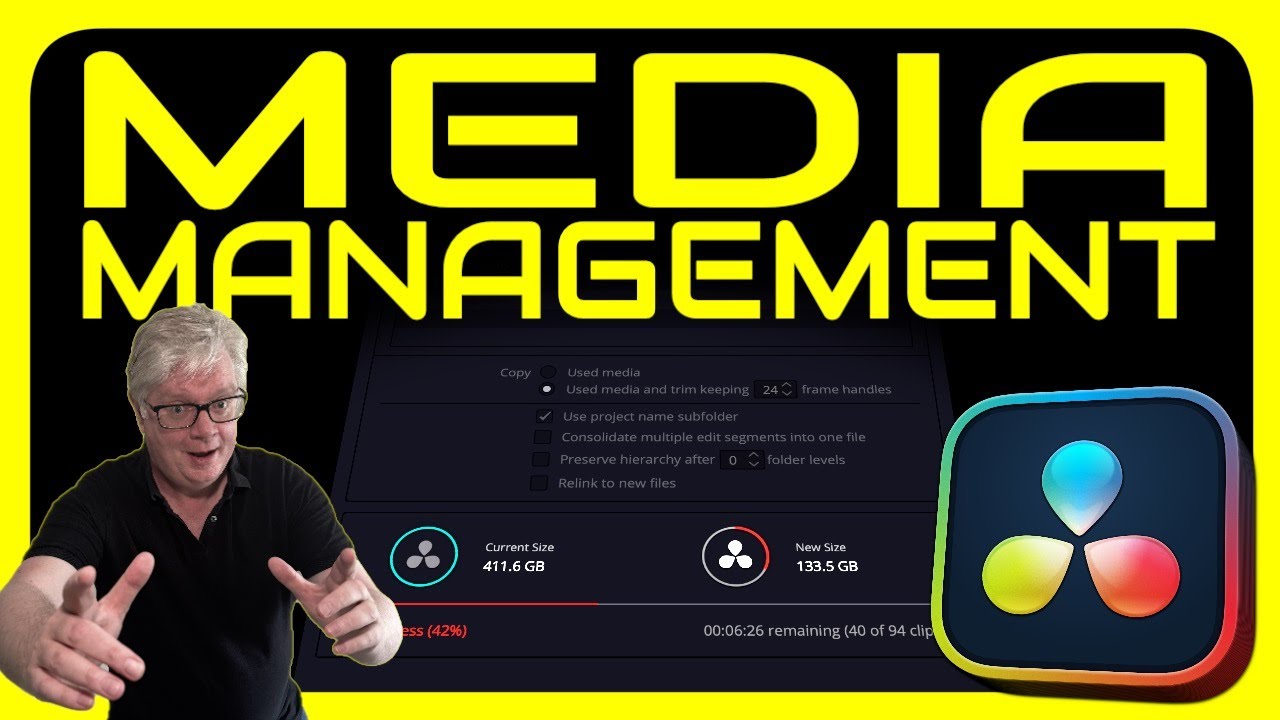
In this episode I tackle the tricky subject of media management for your projects. Starting by looking at copying your media files manually and relinking the clips to the new location, I also look at different ways to make sure your media is backed up before explaining how you can use DaVinci Resolve’s Media Management feature to copy and trim your media files ready for archiving.
For more information on using the Clone Tool, check out my Media Page Tips video:
• MEDIA PAGE TIPS for DaVinci Resolve
Chapters:
00:00 - Intro
00:18 - Checking Source Media Locations
00:43 - Smart Bins Pro Tip
01:12 - Copy and Relink Media
02:16 - Clone Tool Reminder
02:47 - Relink Clips for Selected Bin and Comprehensive Search
03:21 - Media Management Intro
03:50 - Media Management Entire Project
04:47 - Used Media
05:09 - Trim and Add Handles
05:50 - Consolidate Edit Segments
06:23 - Media Managing Timelines
07:05 - Importing Media Managed Timelines
#davinciresolve #videoediting #videoeditingtutorial
Повторяем попытку...
Доступные форматы для скачивания:
Скачать видео
-
Информация по загрузке: