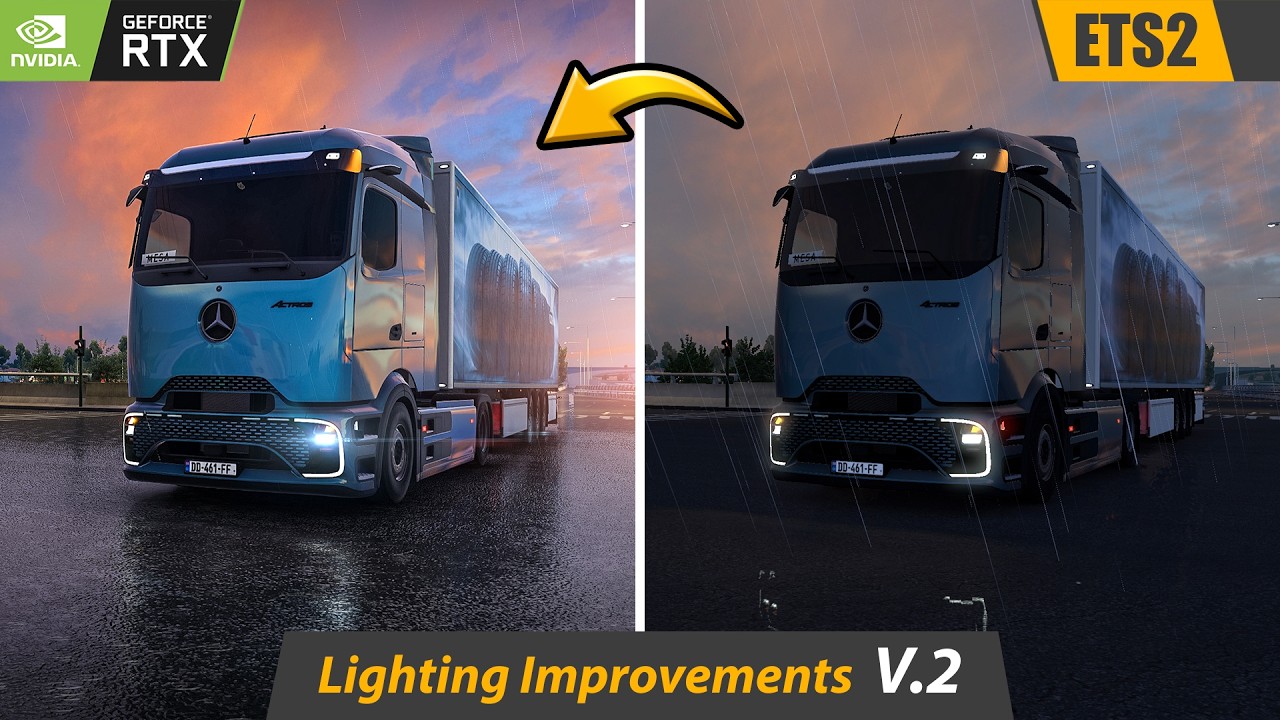
ETS2 Realistic Lighting Setup | Reshade & Snowymoon Installation & Optimization
Автор: Pure Drive Sim
Загружено: 2026-01-06
Просмотров: 3507
Описание:
In this video, I’ll show you how to correctly install Reshade and Snowymoon in Euro Truck Simulator 2, step by step, using a clean and proven method. This a ets2 tutorial of correctly using Snowymoon along with Reshade.
Download snowymoon - https://snowymoon.io/
Download reshade version 6.4.1 - https://www.filepuma.com/download/res...
Reshade official website - https://reshade.me/
Buy the game - https://store.steampowered.com/app/22...
You’ll also learn how to fix common Snowymoon and Reshade problems, including shader compilation warnings, DLSS black screen issues, DirectX 11 configuration, and how to optimize performance for smooth gameplay, even while playing in 4K resolution.
This tutorial is based on Euro Truck Simulator 2 version 1.57, and all settings, fixes, and optimizations shown here were tested on this version.
Whether you’re aiming for realistic lighting, cinematic visuals, or stable FPS, this guide will help you get the best experience out of Reshade and Snowymoon in ETS2.
🛠️ Mods, Tools & Settings Used
• Euro Truck Simulator 2 (Version 1.57)
• Reshade 6.4.1
• Snowymoon Lighting Mod
• Nvidia Control Panel (Performance Optimization)
🔍 Keywords Covered in This Video
Euro Truck Simulator 2 reshade
ETS2 snowymoon
ETS2 realistic lighting
Reshade snowymoon tutorial
ETS2 DLSS black screen fix
ETS2 reshade install
ETS2 graphics mod
ETS2 realism mod
Euro Truck Simulator 2 mods
⏱️ Chapters / Timestamps
00:00 – Intro
00:46 – My PC Specs
01:09 – Installation
03:05 – Testing
04:50 – Force dx11
05:21 – DLSS black screen
06:27 – Performance
Повторяем попытку...

Доступные форматы для скачивания:
Скачать видео
-
Информация по загрузке: