NovaStar 2 Configure NovaStar LED Screens | Setup, Mapping & Redundancy Guide(NCE 2022)
Автор: LEDSCREENPARTS
Загружено: 2025-07-31
Просмотров: 603
Описание:
Looking to master the complete configuration of NovaStar LED screens? This in-depth training covers everything from screen setup and mapping to signal redundancy and troubleshooting techniques. Ideal for engineers, system integrators, and LED technicians working on professional display projects.
🧩 What You Will Learn in This Video:
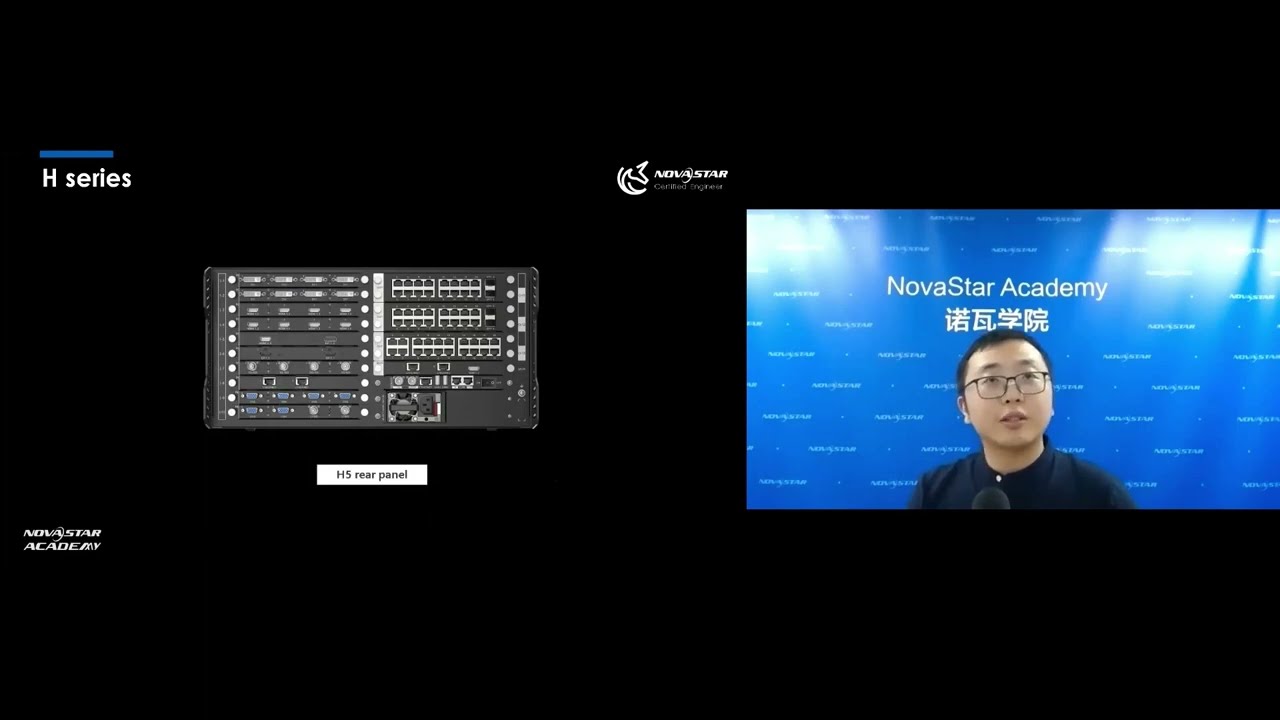
1. System Architecture Overview
Review of LED control structure: PC, sending card, Ethernet, cabinets
Data transmission via HDMI, DVI, DP, and Ethernet cables
2. Pixel Calculation & Cabinet Loading Logic
Formula for calculating cabinet resolution based on pixel pitch
Why 650,000 pixels is the standard per Ethernet port
The effect of color depth (8bit, 10bit, 12bit) on loading capacity
3. Sending Card Capabilities & Limitations
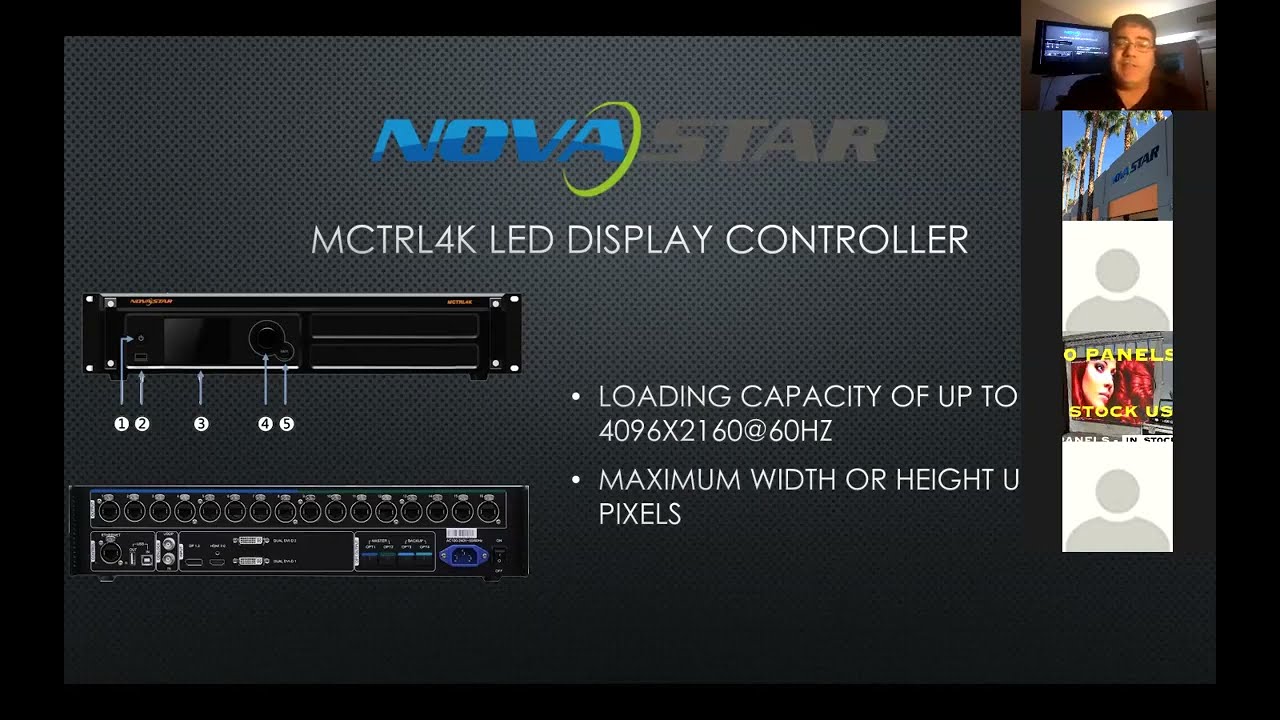
Loading capacity differences: MCTRL300, MCTRL600, MCTRL660, MCTRL4K
Why some resolutions exceed standard DVI limitations
Maximum height and width per model explained
4. Real-World Case Study: 1080p LED Project Setup
Common missteps when using MCTRL660 for complex layouts
System limitations due to rectangular loading recognition
How to overcome with correct port planning and data flow
5. LED Screen Configuration Workflow (Step-by-Step)
PC settings: Extended mode, resolution, scale to 100%
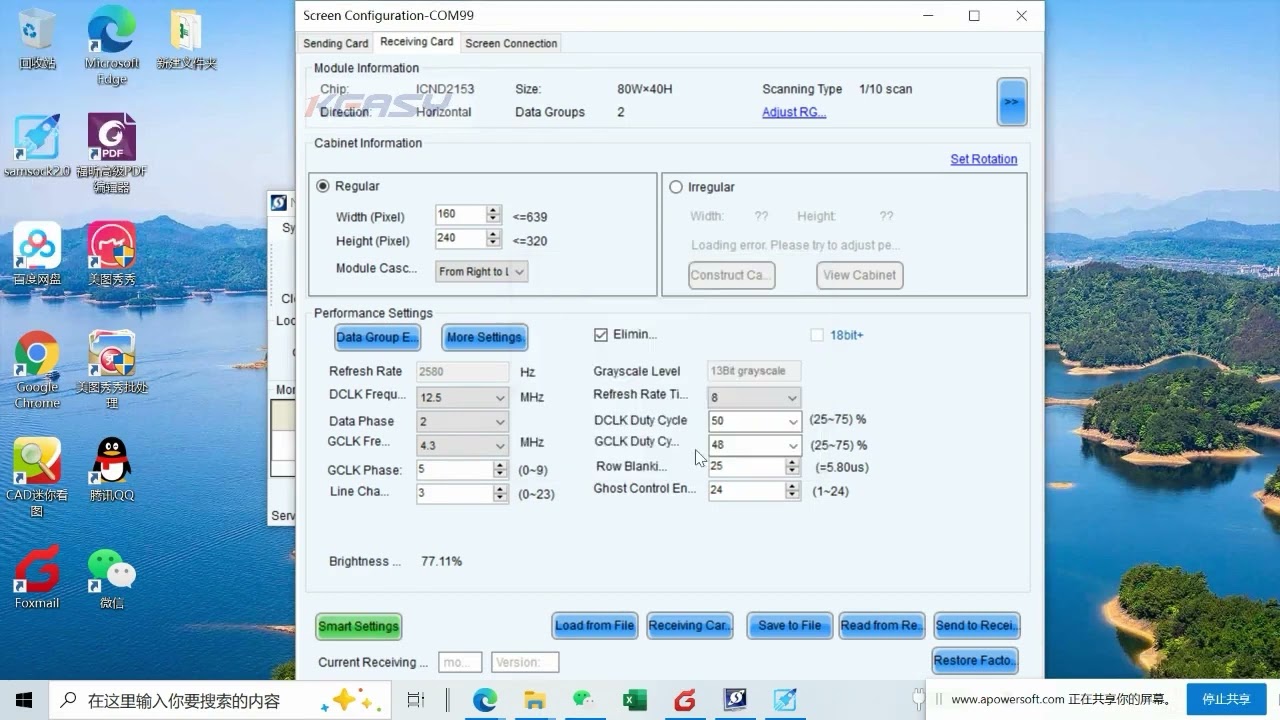
NovaLCT: Sending card setup, resolution, refresh rate
Receiving card setup: Load RCFGX files, map pixel sizes
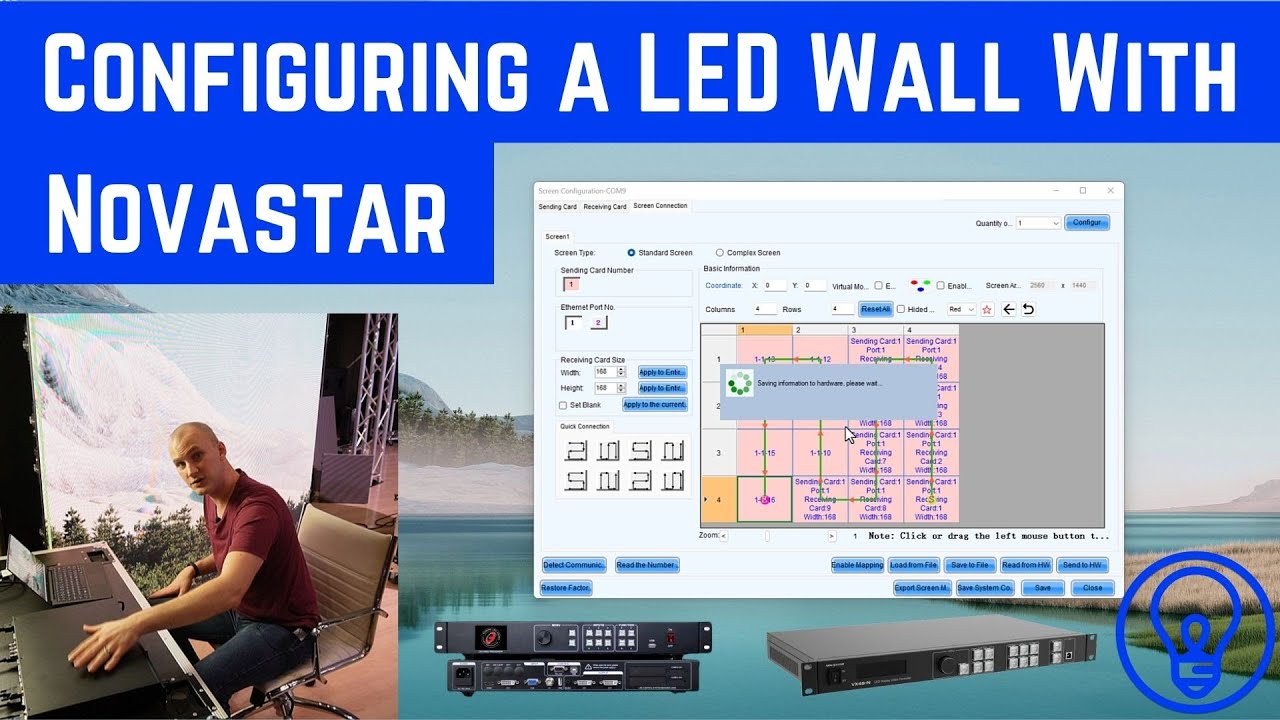
Screen connection: Column/row config, port selection
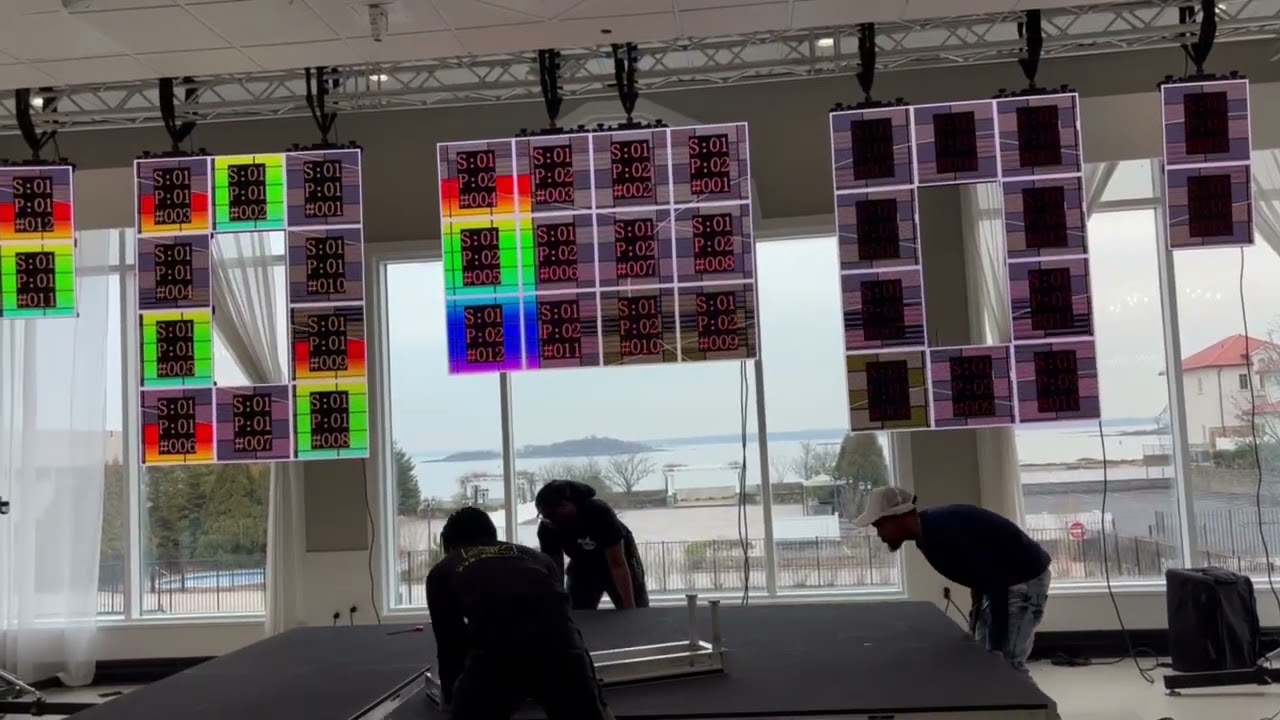
Mapping mode explained: Port and receiving card visualization
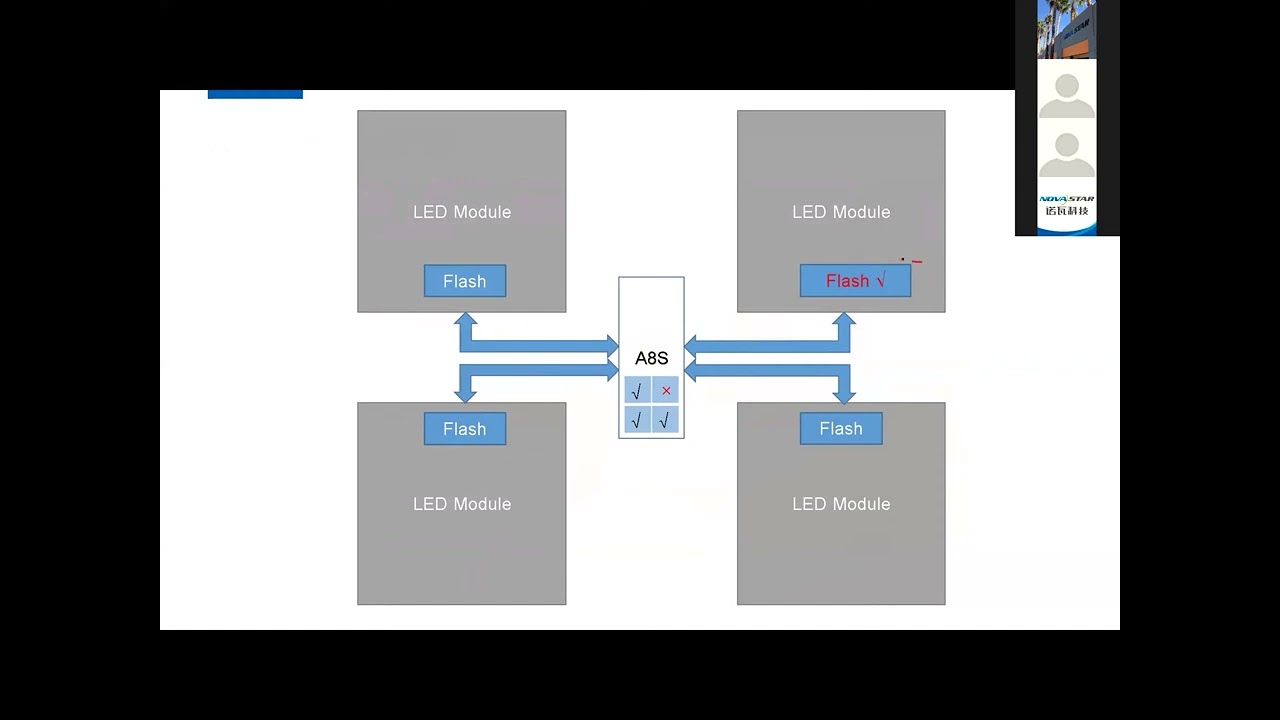
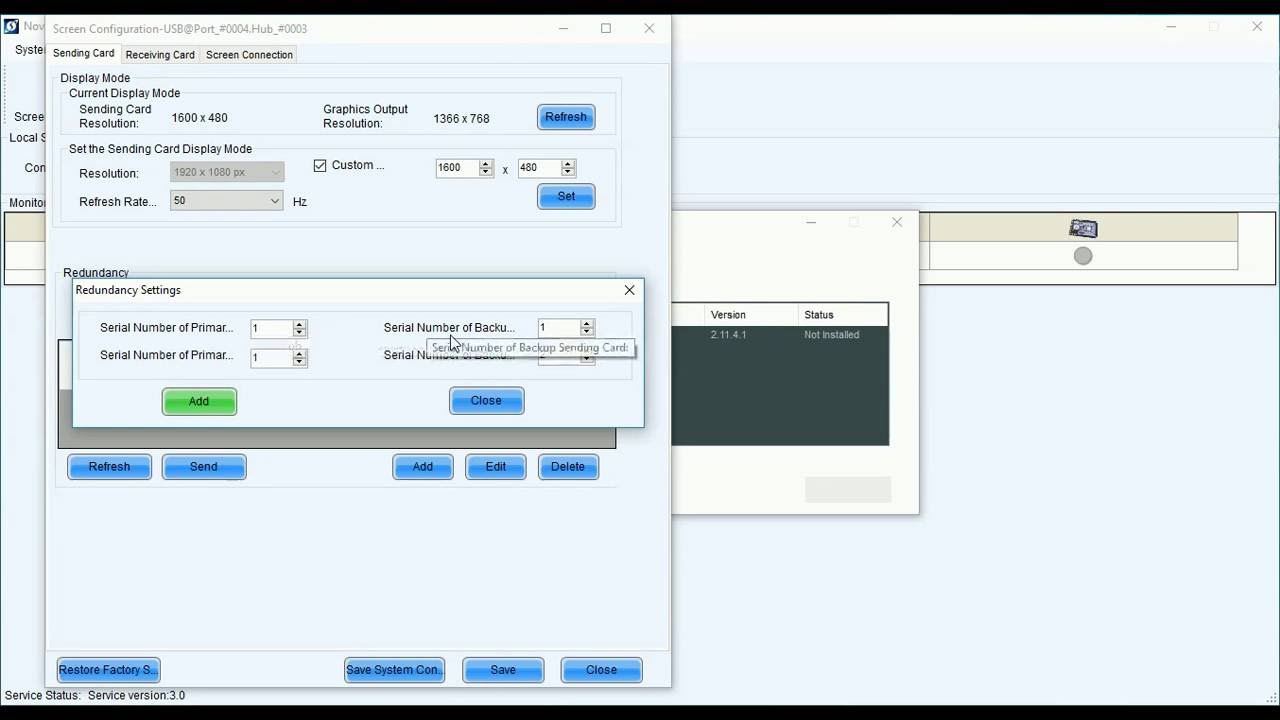
6. Cascading and Redundancy Setup
UART and USB cascading methods for MCTRL & VX series
Correct cable types for MCTRL300, MCTRL600, MCTRL660, MCTRL4K
Redundancy configuration steps:
Single unit redundancy
Cascaded redundancy
Non-cascaded backup with USB
7. Backup Controller Demo (Live Walkthrough)
How backup takes over automatically if the main port fails
Verifying status using front panel or NovaLCT
8. Troubleshooting LED Display Issues
LED screen blackout root causes: full screen vs partial blackout
Reading receiving card indicator LEDs:
Normal mode
Backup mode
Disconnected network
No signal input
9. Tools for Maintenance & Testing
Screen Control mode (test pattern from receiving card)
Test Tool mode (full path video signal test from PC)
Orientation settings for cabinet placement validation
Factory Reset for recovery
🔧 Whether you're configuring a standard LED screen or deploying a complex multi-controller system, this tutorial equips you with the technical know-how to build robust, scalable, and resilient NovaStar-based LED display installations.
Have questions about your setup? Drop them in the comments or contact us for technical support and product sourcing.
📧 For further information about the products or to inquire about quotations, please contact us:
🌐 Website: www.ledscreenparts.com
✉️ Email: [email protected]
📲 WhatsApp: +86 13316541431
#NovaStar #LEDdisplay #controlsystem #LEDscreen #redundancysetup #troubleshooting
Повторяем попытку...
Доступные форматы для скачивания:
Скачать видео
-
Информация по загрузке: