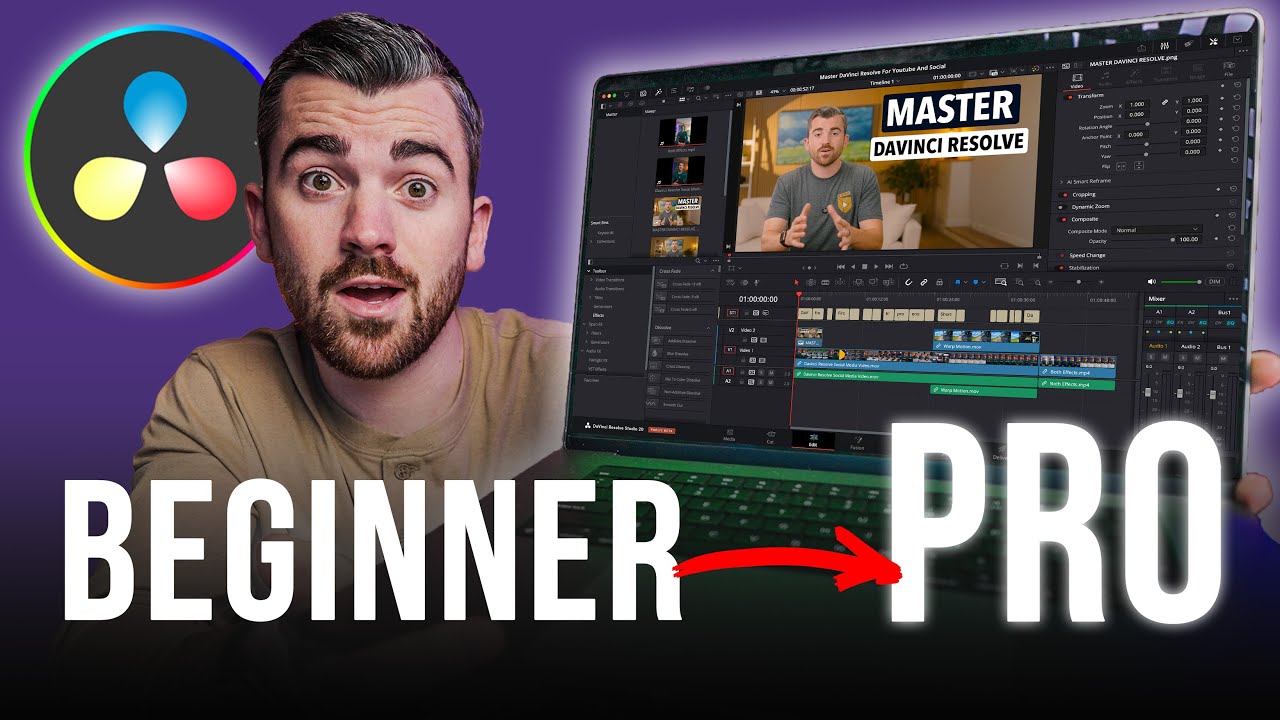
How To Blur Part of Video in Davinci Resolve | And Track It | Davinci Resolve Tutorial
Автор: Checkmark Tutorials
Загружено: 2023-04-22
Просмотров: 25267
Описание:
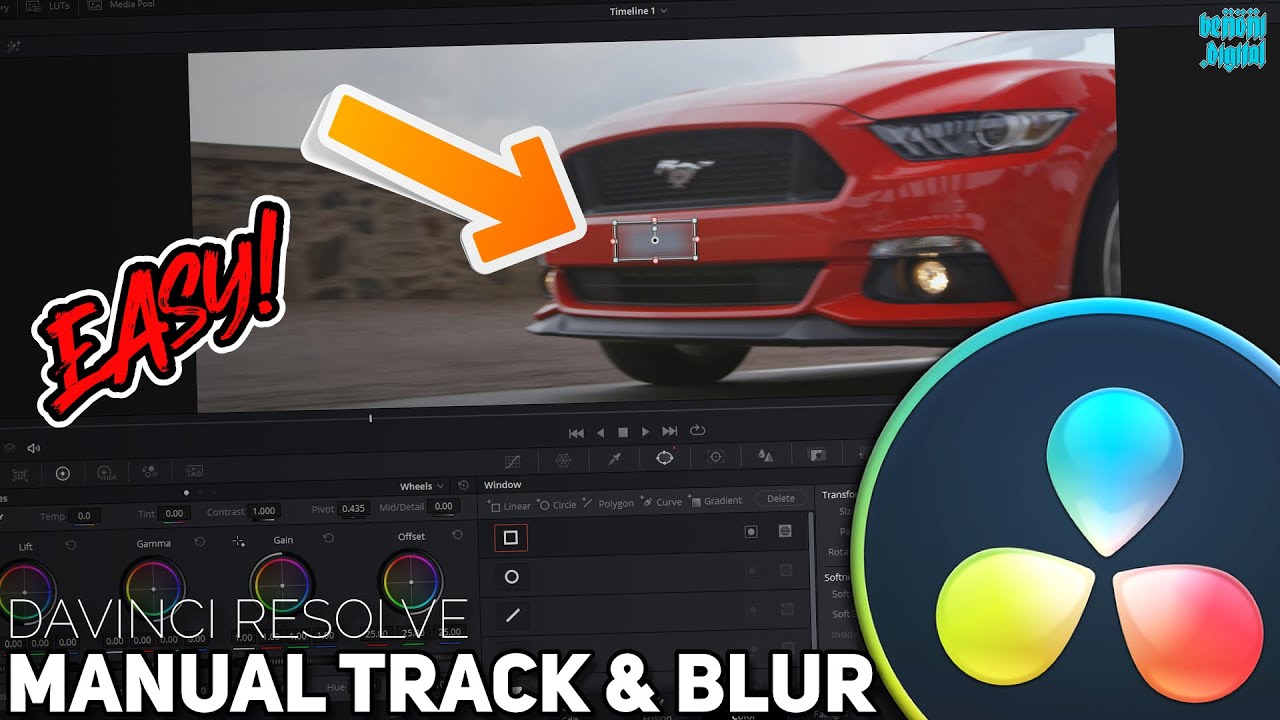
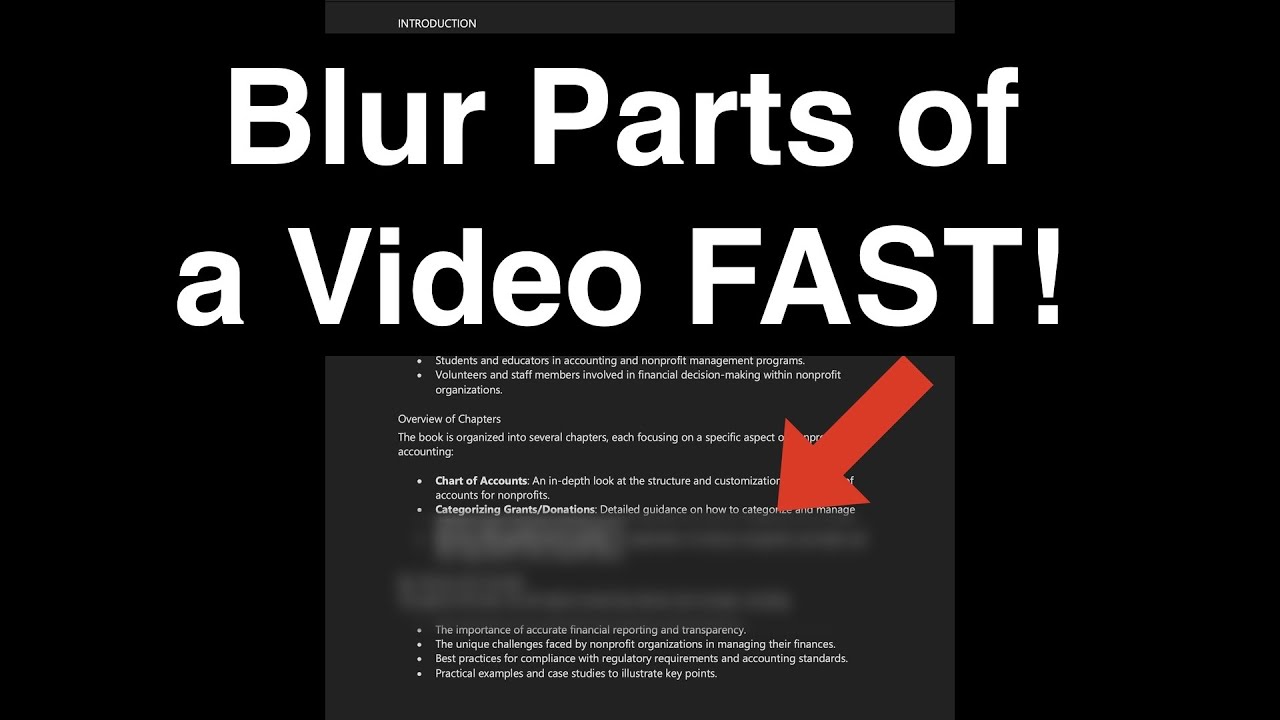
In this tutorial, we will guide you through the process of blurring a specific part of your video footage in Davinci Resolve. This technique can be useful for obscuring sensitive information, highlighting a specific area of the frame, or creating a selective focus effect. We will show you how to use the masking tools in Davinci Resolve to isolate the part of the video you want to blur and apply the blur effect precisely.
How to Blur a Specific Area of Your Video in Davinci Resolve
Davinci Resolve Tutorial: Selectively Blurring Part of Your Footage
How to Use Masks in Davinci Resolve to Blur Specific Parts of Your Video
Davinci Resolve Tips: Blurring a Portion of Your Video for Creative Effect
A Comprehensive Guide to Blurring Specific Parts of Your Video in Davinci Resolve
Davinci Resolve 101: How to Blur a Part of Your Video with Precision
How to Create a Selective Focus Effect in Davinci Resolve
Davinci Resolve Techniques: Blurring Only What You Want to Blur
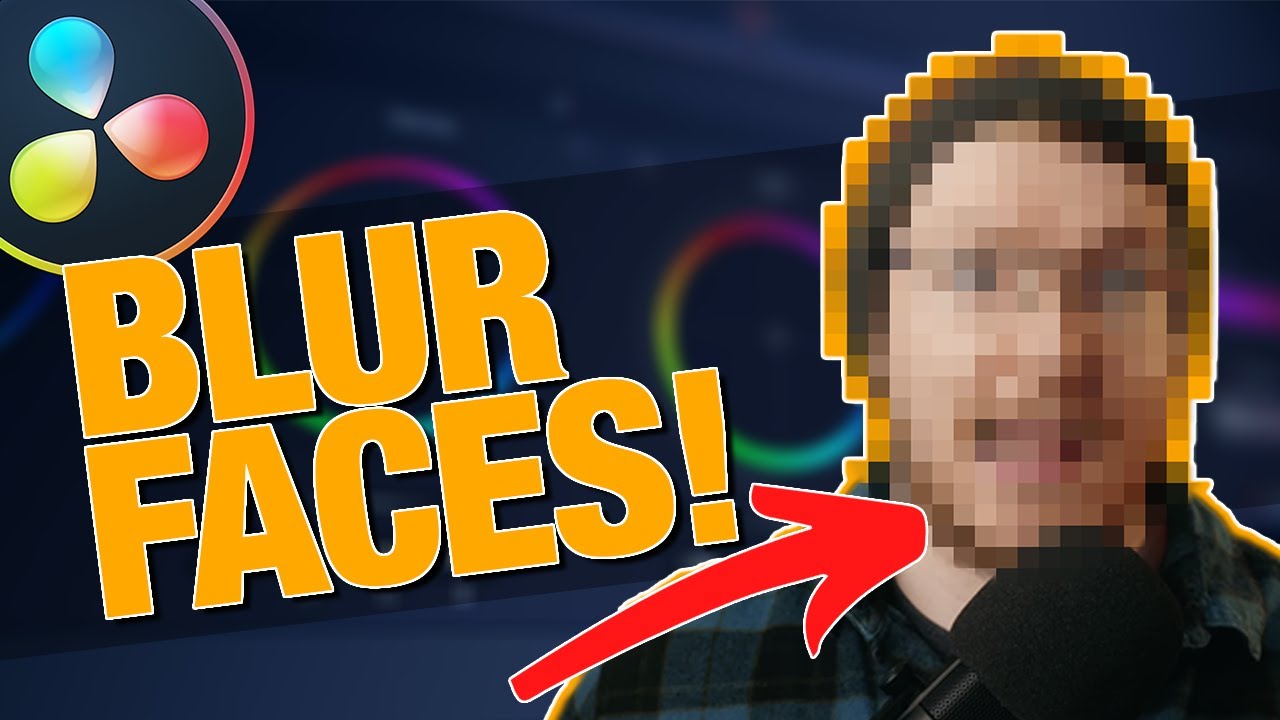
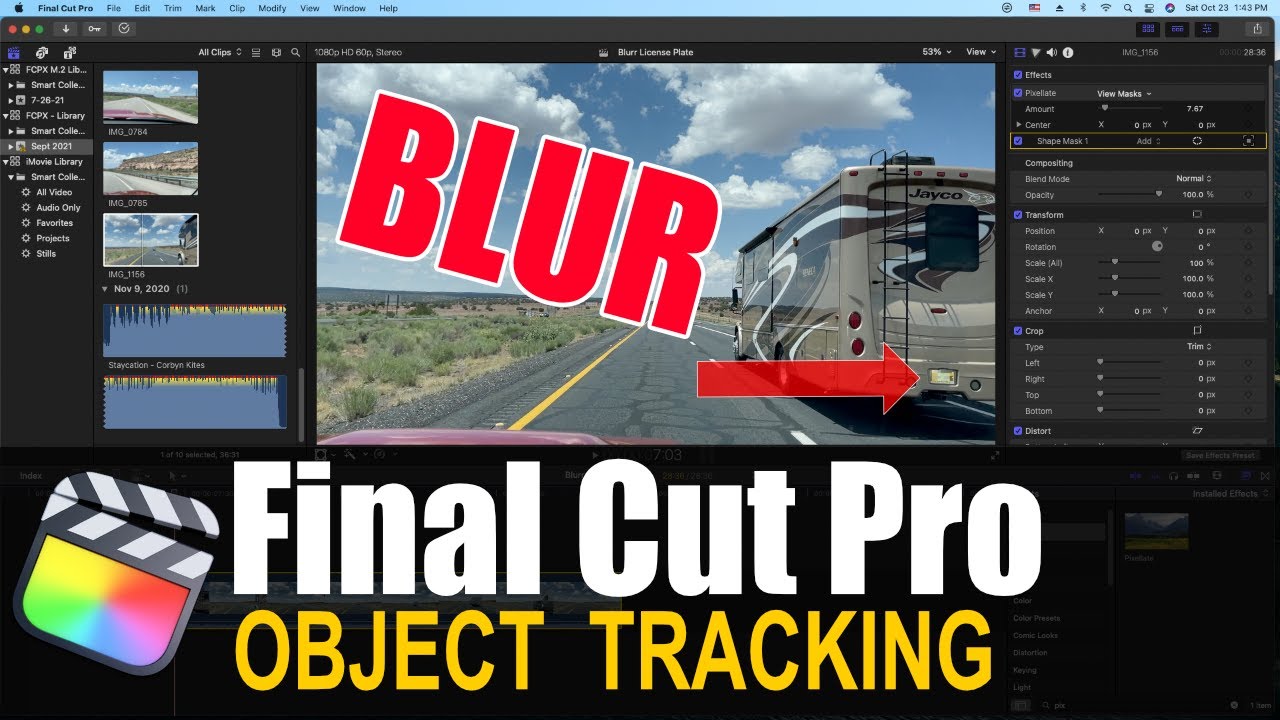
How to Blur Faces, License Plates, and Other Sensitive Information in Davinci Resolve
How to Create Custom Blurs for Your Videos in Davinci Resolve
Повторяем попытку...

Доступные форматы для скачивания:
Скачать видео
-
Информация по загрузке: