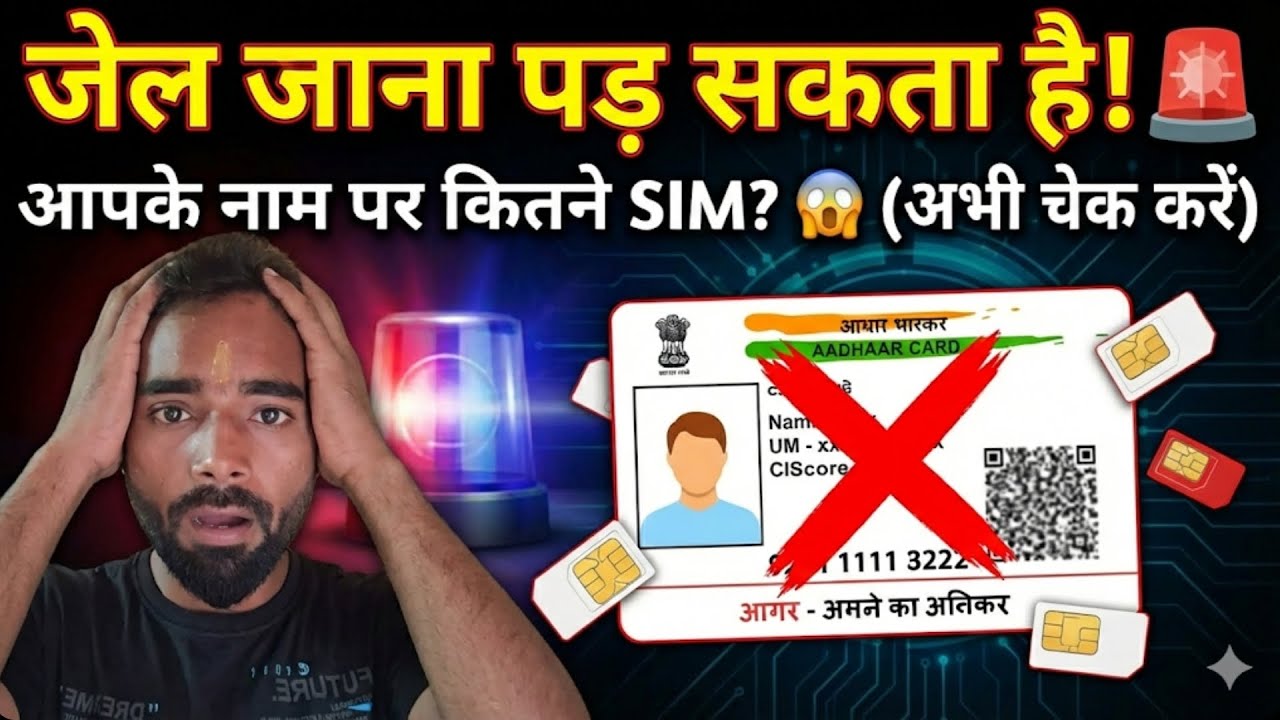
Check how many SIM Cards are registered on your Aadhaar Card? | Find out in Minutes
Автор: Free Tips & Tricks
Загружено: 2025-04-15
Просмотров: 48
Описание:
🛑 How Many SIM Cards Are Linked to Your Aadhaar? आपके आधार कार्ड से कितना सिम कार्ड चालू है कैसे पता करें?🛑
In this video, we’ll show you step-by-step how to check how many mobile numbers (SIM cards) are registered with your Aadhaar card using the official TAFCOP portal.
🔍 This is important for your privacy, security, and to avoid unauthorized use of your Aadhaar details!
✅ What you'll learn:
Why it's important to check SIMs linked to your Aadhaar
How to use the official government website
How many SIMs you can link with one Aadhaar
📱 Whether you’re concerned about identity theft or just want to clean up old or unused connections, this video is a must-watch.
✅ Step-by-Step Guide:
1. Go to the TAFCOP Portal
Open your browser and visit the official website:
🔗https://tafcop.sancharsaathi.gov.in
2. Enter Your Mobile Number
On the homepage, enter your active mobile number (the one linked to your Aadhaar).
3. Click on “Request OTP”
You’ll receive a One Time Password (OTP) on your number.
4. Enter the OTP
Type the OTP you received and verify your number.
5. View the List of Linked Numbers
After verification, you’ll see a list of all mobile numbers linked with your Aadhaar.
6. Report Unknown Numbers (if any)
If you see any numbers that don’t belong to you, you can click on the option to report them or request for deactivation.
📌 Important Notes:
The TAFCOP portal is currently available only in select states (like Andhra Pradesh, Kerala, Telangana, etc.), but it’s gradually expanding.
A maximum of 9 SIMs can be registered to one Aadhaar in India (per telecom rules).
👉 Don’t forget to like, share, and subscribe for more useful tech and security tips!
🔗 Useful Link (TAFCOP Portal): https://tafcop.sancharsaathi.gov.in/t...
#Aadhaar #SIMCardCheck #TAFCOP #DigitalIndia #CyberSafety #AadhaarCard #MobileSecurity
Watch Our More video:
1. How to Delete Google Search History Link: • How to Delete Google Search History | Goog...
2. Previews excel sheet without Open worksheet Link: • XLSX Worksheet Preview shortcut | Preview ...
3. How to Copy Text from an Image? Link: • How to Copy Text from an Image?
4. PF Withdrawal Process Online 2025 Links: • PF Withdrawal Process Online 2025 | PF से ...
5. How to make Ghibli Image? Links: • अब आप UPI और ATM से निकाल सकते हैं अपना PF...
6. अब आप UPI और ATM से निकाल सकते हैं अपना PF का पैसा Link: • 1 अप्रैल से UPI नियमों में हुआ बड़ा बदलाव ...
7. 1 अप्रैल 2025 से UPI नियमों में हुआ बड़ा बदलाव Link: • 1 अप्रैल से UPI नियमों में हुआ बड़ा बदलाव ...
8. UAN और PF नंबर में क्या अंतर है? Link: • UAN और PF नंबर में क्या अंतर है? | What is...
9. How to remove Text and Object from Photo Link: • How to remove Text and Object from Photo |...
10. Aadhaar Card से कौन सा Mobile Number लिंक है | कैसे पता करें ? Link: • Aadhaar Card से कौन सा Mobile Number लिंक ...
Please Like, Share, & Comment.
If you have any doubts or queries, write in the comment box.
Do not forget to subscribe our Channel "Free Tips & Tricks" for more informative videos and Tips & Tricks.
Thank you for Watching this video and supporting us.
Повторяем попытку...

Доступные форматы для скачивания:
Скачать видео
-
Информация по загрузке: