ycliper

Популярное

Музыка Кино и Анимация Автомобили Животные Спорт Путешествия Игры Юмор

Интересные видео

2025 Сериалы Трейлеры Новости Как сделать Видеоуроки Diy своими руками

Топ запросов

смотреть а4 schoolboy runaway турецкий сериал смотреть мультфильмы эдисон
Скачать

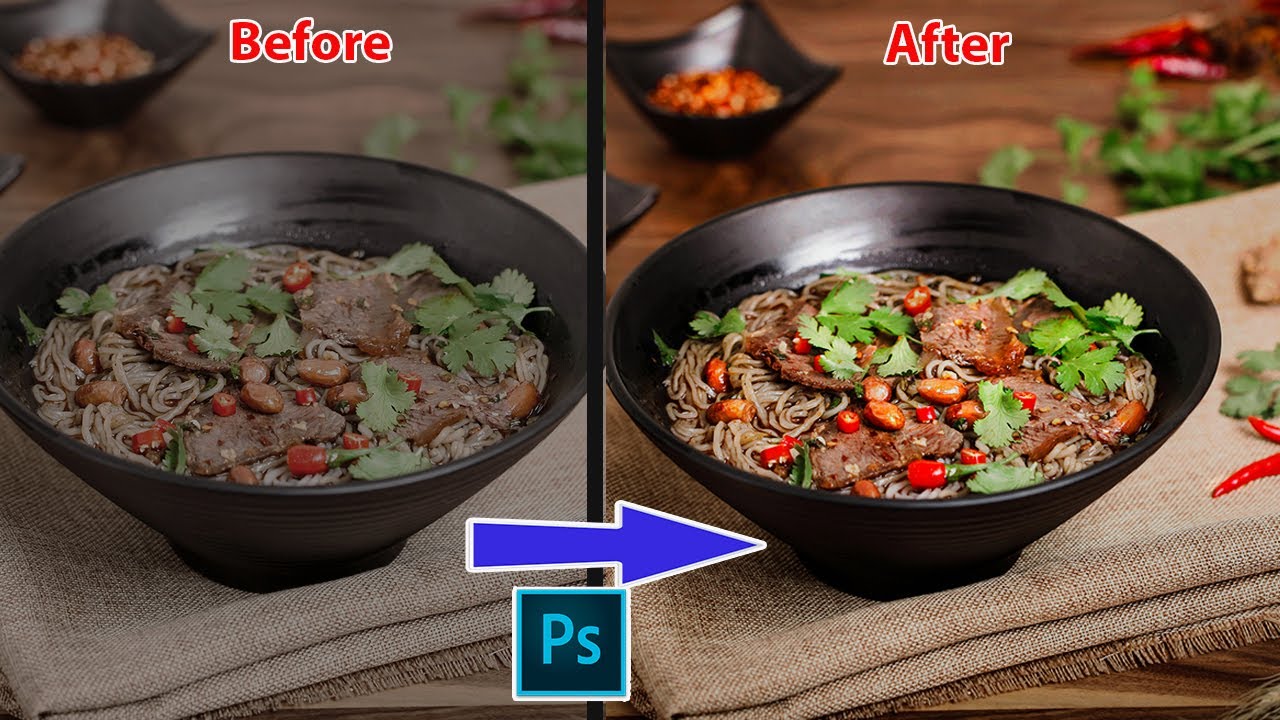
Photoshop Tutorials | How To Make Colors POP | Food Photography Tricks | N5studio

Автор: N5studio

Загружено: 2023-10-19

Просмотров: 2879

Описание: Video Photoshop Tutorials | How To Make Colors POP | Food Photography Tricks | N5studio
Download practice photo: https://drive.google.com/file/d/1lrns...
🔷 SUBSCRIBE my channel for more tutorials :    / @n5studio88  
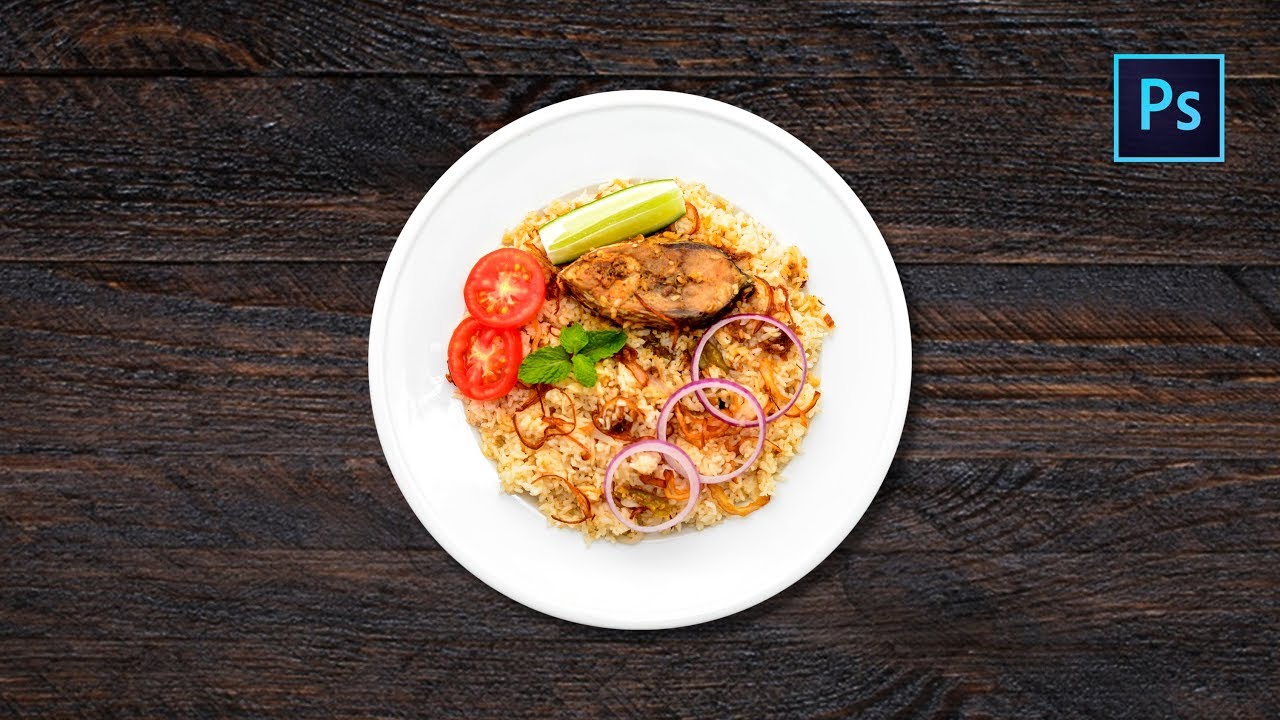
Let’s take a look at the overall picture. It should be warmer. It is a bit dark when it is photographed. Then we will normalize the brightness first and give it a boost of all the gray. Brighten and brighten the contrast but don’t make it too dark. The back is about the same here . Just make it a little brighter. Then you can’t make it too bright or too white and it won’t look good. , the saturation is not enough, and you see, if you mention the saturation now, you can’t pick it up. You can’t pick it up too much because it has no color to begin with, so if you mention it again, it won’t be much, and then you see, it ’s returned to the plate, but nothing else The place is right, and then include the peanut piece you see, which is this one. First, lift a little bit, and then add some color, because you have no color, it can’t be lifted up. Give it a little bit, and then we will give some color balance, and go to Add red and yellow to it, add red and add red as hard as you can, then this time it will be red. If you try to saturate it again, it will be a little more. Then you see that the environment behind it is too harsh, including that, everything on the plate is a little bit. The problem is, the meat is okay in the middle, then let's go to the brightness and contrast, turn it off, make it brighter overall, and then add some saturation to it, and then for this color balance we have to use the eraser, Ctrl+I to reverse the color, let's go to what I want The main part should be a little bit cleaner, fresher, and more delicious , right? If the plate in other places is cold, it should be colder. This thing should be warmer. Hold down Ctrl to load. Next select the area and see which area has not been wiped out. Then, including the pepper, don’t let the cloth affect it. The cloth should be its own color and don’t touch it. Just brighten it up. Do a little work on the following places. It doesn’t need to be too much, because it’s not too bright in the distance, which is normal. Add saturation, and then this, almost here......
pinterest :   / n5_studio  
Photoshop CC
Camera Raw
Lightroom
#photoshop_tutorial
#photoshop
#editphoto
#camera_raw
#lightroom
#portrait
#foodphotography
#foodphoto
#color_grading
#colorpop

Не удается загрузить Youtube-плеер. Проверьте блокировку Youtube в вашей сети.
Повторяем попытку...
Photoshop Tutorials | How To Make Colors POP | Food Photography Tricks | N5studio

Поделиться в:

Доступные форматы для скачивания:

Скачать видео

  • Информация по загрузке:

Скачать аудио

Похожие видео

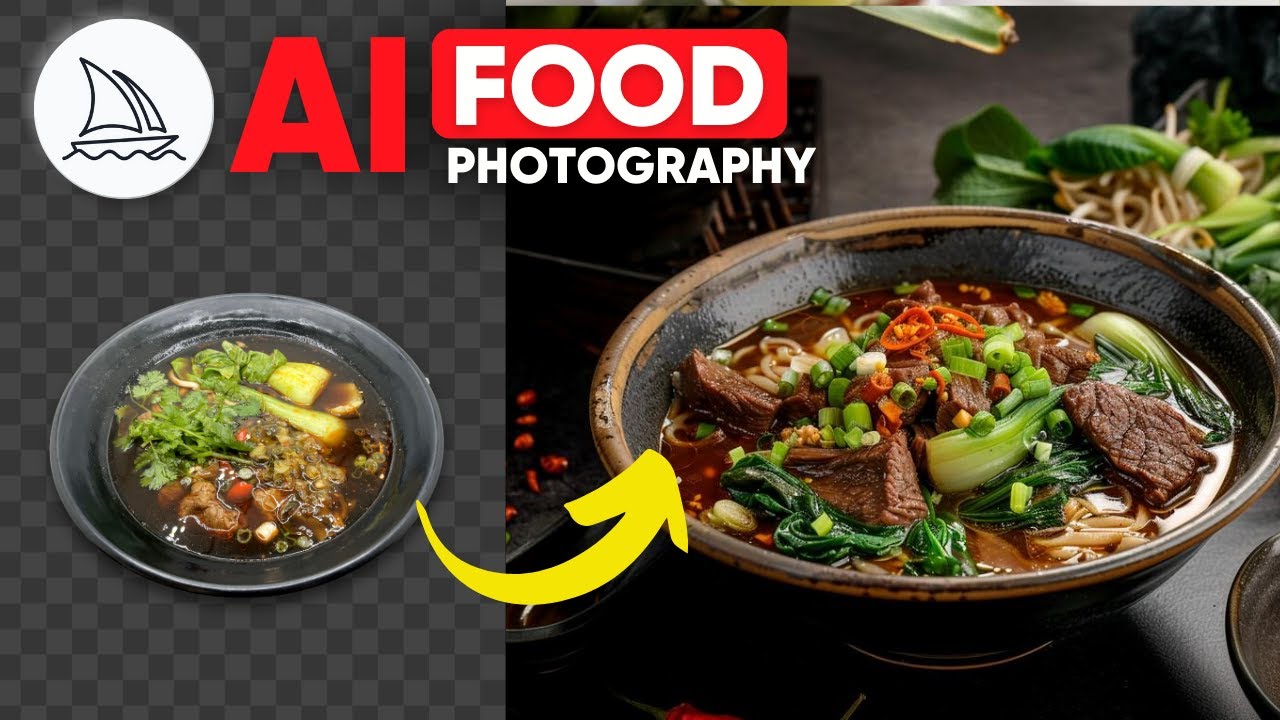
Превратите любую скучную фотографию еды в фотографию гурмана с Midjourney

Превратите любую скучную фотографию еды в фотографию гурмана с Midjourney

7 ошибок, которые испортят вашу фуд-фотографию

7 ошибок, которые испортят вашу фуд-фотографию

ПРЕВОСХОДНЫЙ дизайн рекламы манипуляции продуктом ✅🔥 Полный урок по Photoshop

ПРЕВОСХОДНЫЙ дизайн рекламы манипуляции продуктом ✅🔥 Полный урок по Photoshop

Editing Food Photos in Lightroom - Day 18

Editing Food Photos in Lightroom - Day 18

Jewelry retouching high end quality | Part-28 | Photoshop Research.

Jewelry retouching high end quality | Part-28 | Photoshop Research.

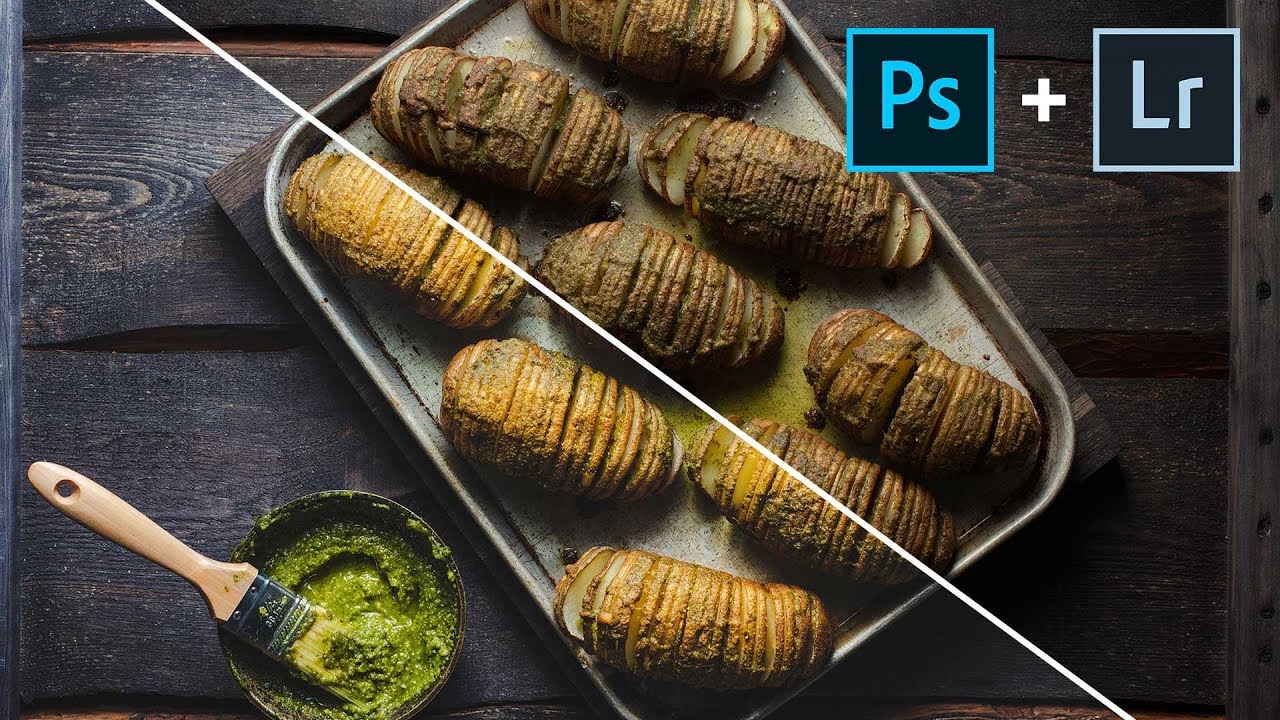
Редактируйте потрясающие фотографии еды с помощью Lightroom и Photoshop.

Редактируйте потрясающие фотографии еды с помощью Lightroom и Photoshop.

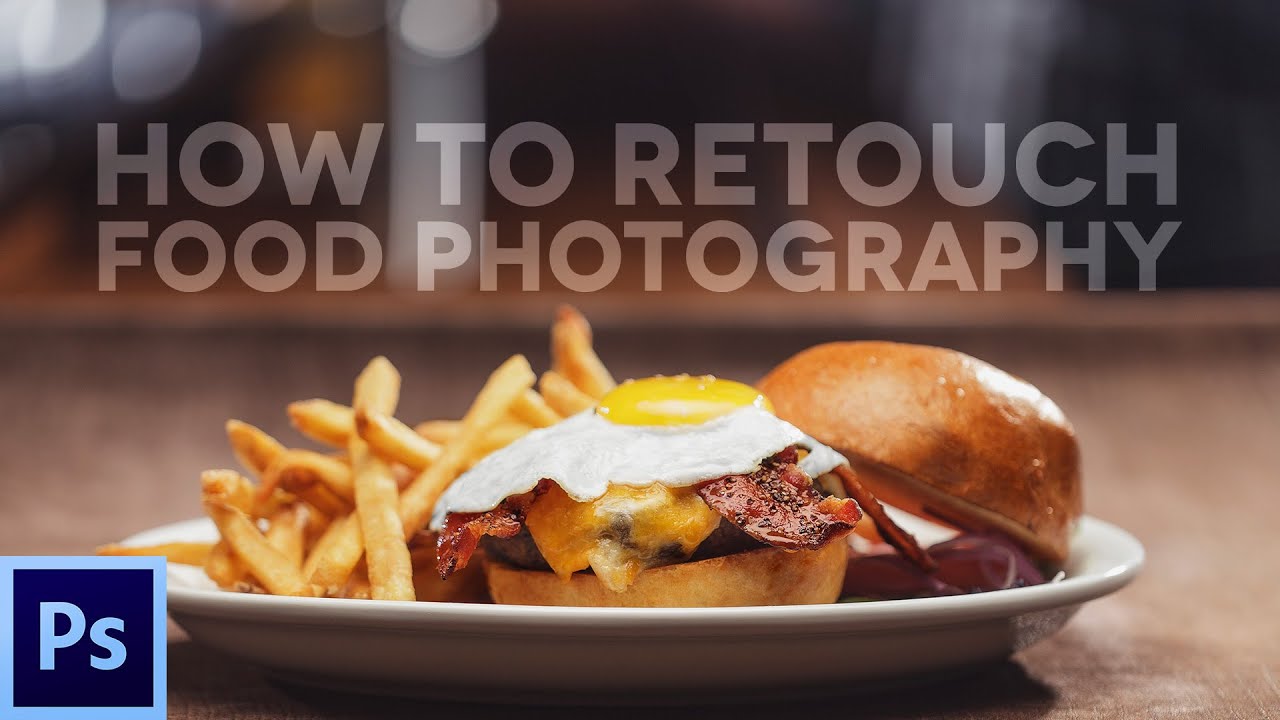
Как ретушировать еду (бургер) с помощью Adobe Photoshop

Как ретушировать еду (бургер) с помощью Adobe Photoshop

Силовой захват российских танкеров? / Готовность к штурму

Силовой захват российских танкеров? / Готовность к штурму

Color correction | Adobe lightroom tutorial for beginners | N5studio

Color correction | Adobe lightroom tutorial for beginners | N5studio

Professional Food Photo Retouching in Photoshop for Beginners

Professional Food Photo Retouching in Photoshop for Beginners

EASY Camera Raw Tricks to Make Colors POP!

EASY Camera Raw Tricks to Make Colors POP!

How to Edit Food Photography using photoshop

How to Edit Food Photography using photoshop

Как исправить тусклые фотографии еды | 10-минутный урок Photoshop

Как исправить тусклые фотографии еды | 10-минутный урок Photoshop

How to Retouch Product Photos | Retouch high end in Photoshop

How to Retouch Product Photos | Retouch high end in Photoshop

Create Even Colour Backgrounds - Food Photography

Create Even Colour Backgrounds - Food Photography

Layer Mask - Photoshop for Beginners | Lesson 4

Layer Mask - Photoshop for Beginners | Lesson 4

Fixing Your Food Photos in Photoshop

Fixing Your Food Photos in Photoshop

УДАЛЕНИЕ СКЛАДОК - Предметная фотосъемка - PHOTOSHOP

УДАЛЕНИЕ СКЛАДОК - Предметная фотосъемка - PHOTOSHOP

[ Color Effect ] HOW TO EDIT DARK FOOD PHOTOGRAPHY IN PHOTOSHOP

[ Color Effect ] HOW TO EDIT DARK FOOD PHOTOGRAPHY IN PHOTOSHOP

ЕДИНСТВЕННЫЙ урок по предметной фотографии, который вам НУЖНО посмотреть

ЕДИНСТВЕННЫЙ урок по предметной фотографии, который вам НУЖНО посмотреть

© 2025 ycliper. Все права защищены.


  • Контакты
  • О нас
  • Политика конфиденциальности


Контакты для правообладателей: [email protected]