How to Set Default Discount for Each Product in Go GST Bill | Step by Step |
Автор: GoGSTBill - Free GST Billing Software
Загружено: 2026-03-06
Просмотров: 78
Описание:
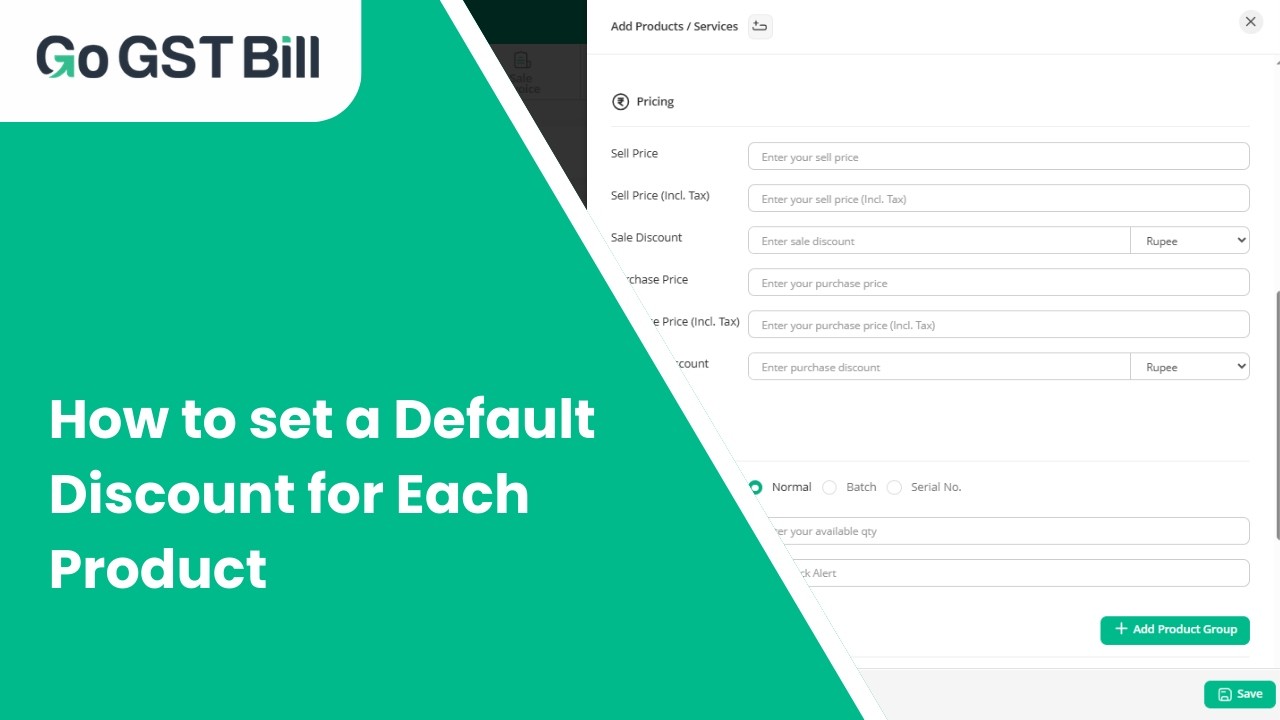
In this video, we’ve explained how you can set a default discount for each product in your Go GST Bill account in a few simple steps.
We have shown how to open the product settings, enter the discount amount or percentage, and save it so the discount applies automatically whenever you create an invoice.
Setting a default discount helps you save time and ensures accurate billing without entering the discount manually every time. The process is quick and easy to follow.
Watch till the end and make your billing faster and more efficient.
💬 Have questions? Drop them in the comments below. Don’t forget to LIKE, SHARE, and SUBSCRIBE for more Go GST Bill tutorials and business tips.
#GoGSTBill #gstbillingsoftware #DefaultDiscount #productmanagement #billingsoftware #cloudbillingsoftware #smallbusinessindia #invoicingsoftware #smeindia #billingmadeeasy #inventorymanagement #businesstools #digitalbilling #youtubevideo
Повторяем попытку...
Доступные форматы для скачивания:
Скачать видео
-
Информация по загрузке: