ycliper

Популярное

Музыка Кино и Анимация Автомобили Животные Спорт Путешествия Игры Юмор

Интересные видео

2025 Сериалы Трейлеры Новости Как сделать Видеоуроки Diy своими руками

Топ запросов

смотреть а4 schoolboy runaway турецкий сериал смотреть мультфильмы эдисон
Скачать

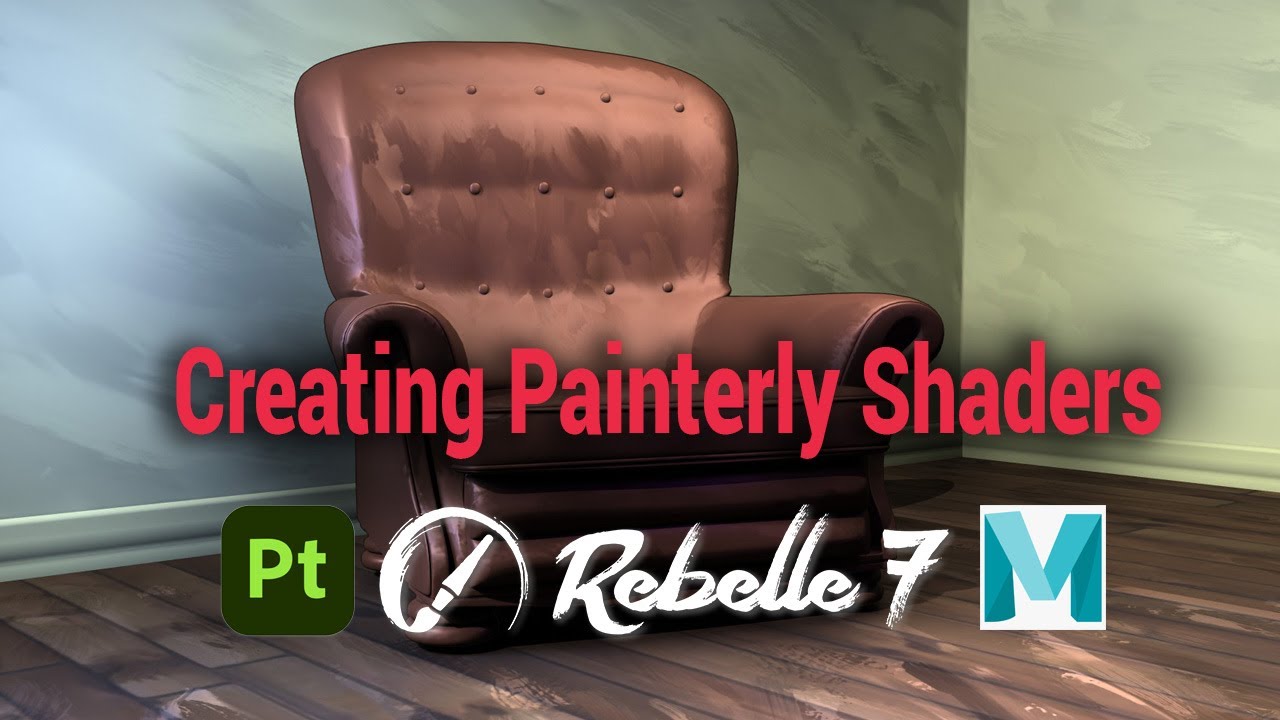
Creating Painterly shaders in Maya, Substance Painter, and Rebelle with object space normals

Автор: Derek Flood

Загружено: 2025-04-23

Просмотров: 1258

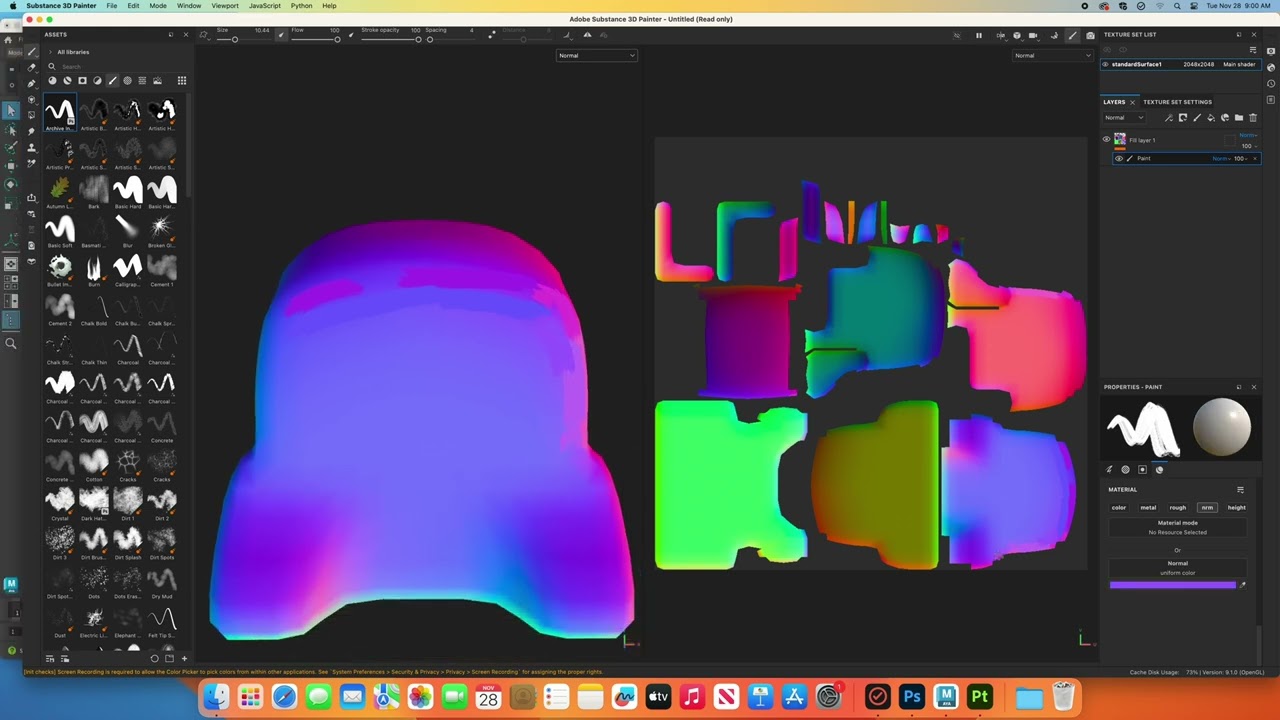
Описание: Using Substance Painter and Rebelle to paint brushstrokes across the geometry object space normals, and then bringing these into Maya to build a shader network in Arnold. This technique works on rigid body objects and so is ideal for set elements and props, but does not work for deforming geometry such as animated characters.

contents:
0:00 intro
1:21 Writing World Space Normal texture maps
6:28 Painting World Space Normals in Substance Painter
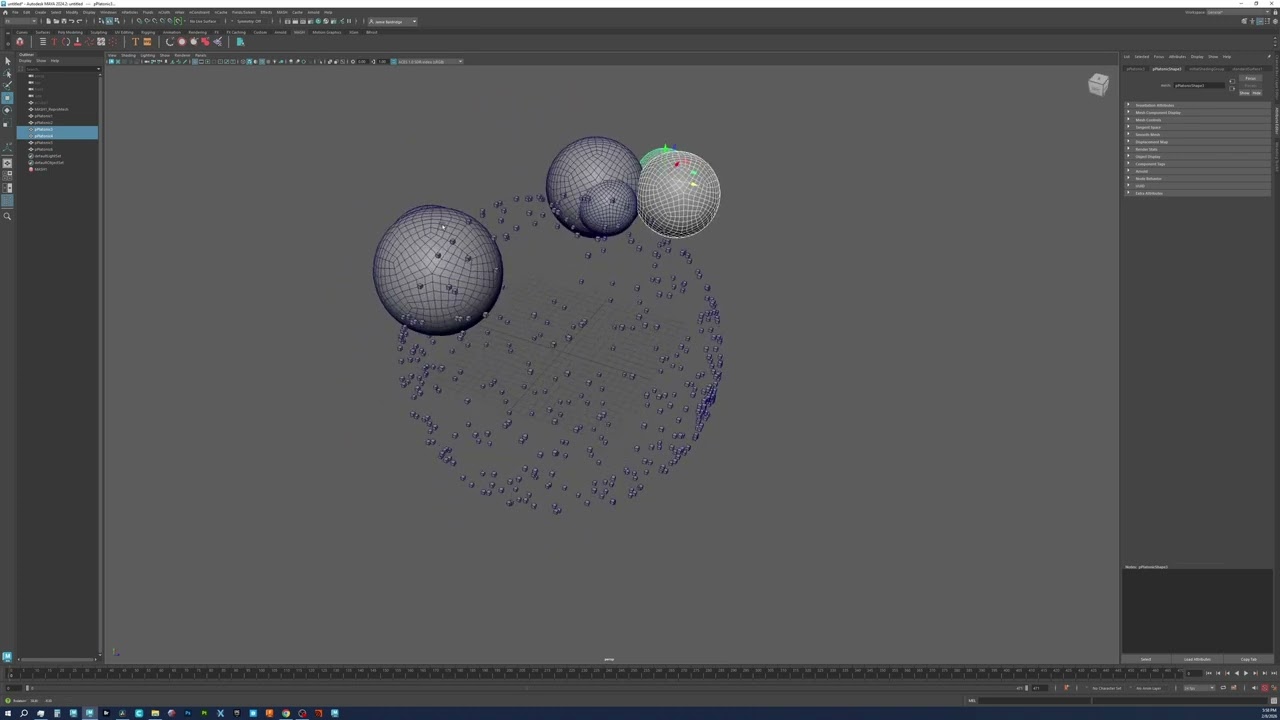
19:51 Building the Arnold shader network in Maya
29:54 Converting from Object to World Space Normals
32:55 Painting normals on flat surfaces with Rebelle
39:40 Final render and closing remarks

Не удается загрузить Youtube-плеер. Проверьте блокировку Youtube в вашей сети.
Повторяем попытку...
Creating Painterly shaders in Maya, Substance Painter, and Rebelle with object space normals

Поделиться в:

Доступные форматы для скачивания:

Скачать видео

  • Информация по загрузке:

Скачать аудио

Похожие видео

Shader Nodes

Shader Nodes

How to Create Painterly Textures | 3D Masterclass

How to Create Painterly Textures | 3D Masterclass

Maya MASH Distribution Type

Maya MASH Distribution Type

Arnold Tutorial - How to use the toon tonemap hue saturation

Arnold Tutorial - How to use the toon tonemap hue saturation

Metoda na

Metoda na "Giertych Debil"

The Complete Guide to Materials in BLENDER (Textures, Nodes & Shaders Explained)

The Complete Guide to Materials in BLENDER (Textures, Nodes & Shaders Explained)

Paint on Normal Map: Painterly Texture Maya/Substance Painter

Paint on Normal Map: Painterly Texture Maya/Substance Painter

Creating USD Sets in Maya - A Modeling Artist’s Guide. Universal Scene Description (OpenUSD)

Creating USD Sets in Maya - A Modeling Artist’s Guide. Universal Scene Description (OpenUSD)

Уход за стилизованными волосами с помощью XGen Interactive — мой процесс создания причесок для ан...

Уход за стилизованными волосами с помощью XGen Interactive — мой процесс создания причесок для ан...

Текстурирование табурета с помощью Maya 2022 и Substance 3D Painter

Текстурирование табурета с помощью Maya 2022 и Substance 3D Painter

Советы по реалистичному текстурированию в Substance Painter

Советы по реалистичному текстурированию в Substance Painter

The BrushStroke Tool Is Free & Phenomenal! (A Painterly & Stylization Gold For All!)

The BrushStroke Tool Is Free & Phenomenal! (A Painterly & Stylization Gold For All!)

Hand Painting a Stylized Character Head in Substance Painter

Hand Painting a Stylized Character Head in Substance Painter

Arnold Tutorial - How to create a paint stroke effect in Arnold for Maya (GPU)

Arnold Tutorial - How to create a paint stroke effect in Arnold for Maya (GPU)

Paint On Baked Maps To Fix Issues | Substance Painter

Paint On Baked Maps To Fix Issues | Substance Painter

Create Particle Brushstrokes using Nuke's Blinkscript with Scholar

Create Particle Brushstrokes using Nuke's Blinkscript with Scholar

A Lookdev Artist’s Guide to Creating USD Sets in Maya.  Universal Scene Description (OpenUSD)

A Lookdev Artist’s Guide to Creating USD Sets in Maya. Universal Scene Description (OpenUSD)

Turning Our Game Into A Painting | Quiet On Set - Devlog 08

Turning Our Game Into A Painting | Quiet On Set - Devlog 08

Making a Stylized Handpainted 3D Anchor! - Maya / Substance Painter Timelapse

Making a Stylized Handpainted 3D Anchor! - Maya / Substance Painter Timelapse

Bakes & Mesh Maps Explained - Substance Painter

Bakes & Mesh Maps Explained - Substance Painter

© 2025 ycliper. Все права защищены.


  • Контакты
  • О нас
  • Политика конфиденциальности


Контакты для правообладателей: [email protected]