Reframing 360° video with Blender: The Ultimate Guide
Автор: Backus Creative Imaging
Загружено: 2023-03-04
Просмотров: 1000
Описание:
This is an advanced techniques / demonstration tutorial of how I edit 360 degree video in Blender. This is not necessarily a beginner friendly tutorial, as I expect you to have some knowledge of Blender to keep the tutorial reasonably short.
Blender is completely free and open source software. Download here:
https://www.blender.org/download/
Timestamps:
0:00 - Introduction
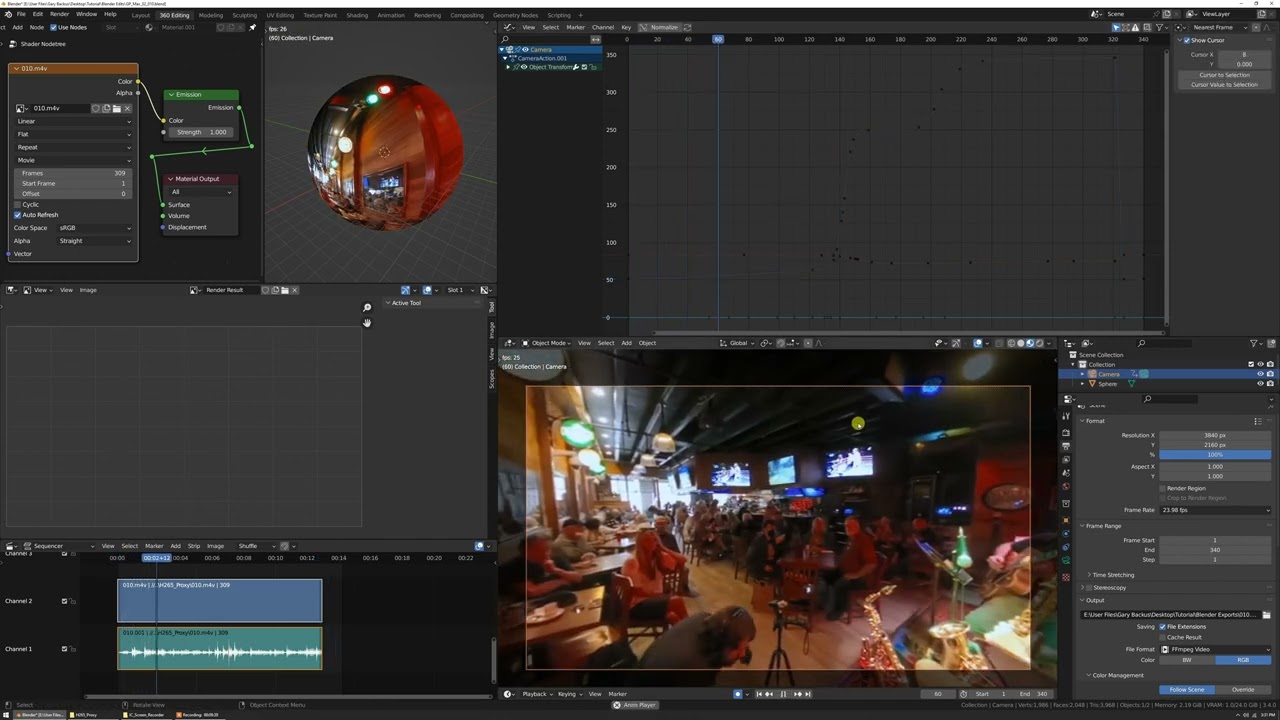
1:10 - Workspace setup with a UV Sphere
1:36 - Emission shader
2:12 - Proxy video import
2:42 - Importing into Video Sequence Editor
3:33 - Toggle on audio waveform display in VSE
3:58 - Mirroring sphere for correct display
4:25 - Camera setup
5:30 - Hiding headers
5:41 - Adding the Graph Editor and adjusting the workspace / scene
7:17 - Disable post processing of VSE and Compositor
7:42 - Eevee render settings
8:18 - Color management
8:39 - Saving the workspace
9:20 - Shot 1 import
10:28 - Fly Navigation (method 1) and Auto Key
12:05 - Decimate (Ratio) on keyframes
12:46 - Keyframe clean up
13:54 - Gesture-based keyframe editing in the Graph Editor
15:09 - Using the Dope Sheet for pivot scaling keyframes around a specific time
15:41 - Animating the camera's focal length
17:50 - Animate sphere translation and rotation to blend between amount of aspherical/fisheye appearance of video and/or create illusion of actual camera position change
20:14 - Adding and adjusting Noise modifier to Camera X and Z rotation for subtle camera shake
22:15 - Render setup
24:08 - Middle mouse pan (similar to Walk Navigation) (method 2) and Auto Key
27:40 - Shot 2 editing example to demonstrate illusion of subtle physical camera move
31:50 - Conclusion
Повторяем попытку...
Доступные форматы для скачивания:
Скачать видео
-
Информация по загрузке:






![[2.9] Обучающее видео по Blender: 360-градусное видео](https://imager.clipsaver.ru/QDn14ZUllC0/max.jpg)