How to download your Healthcare Access Card on the GuardMe Mobile App
Автор: GuardMe Canada
Загружено: 2025-08-20
Просмотров: 422
Описание:
The GuardMe Mobile App is your all-in-one solution for managing your GuardMe health insurance benefits.
To download the app, visit:
•Google Play Store: https://tinyurl.com/guardmeappgoogle
•Apple App Store: https://tinyurl.com/guardmeappapple
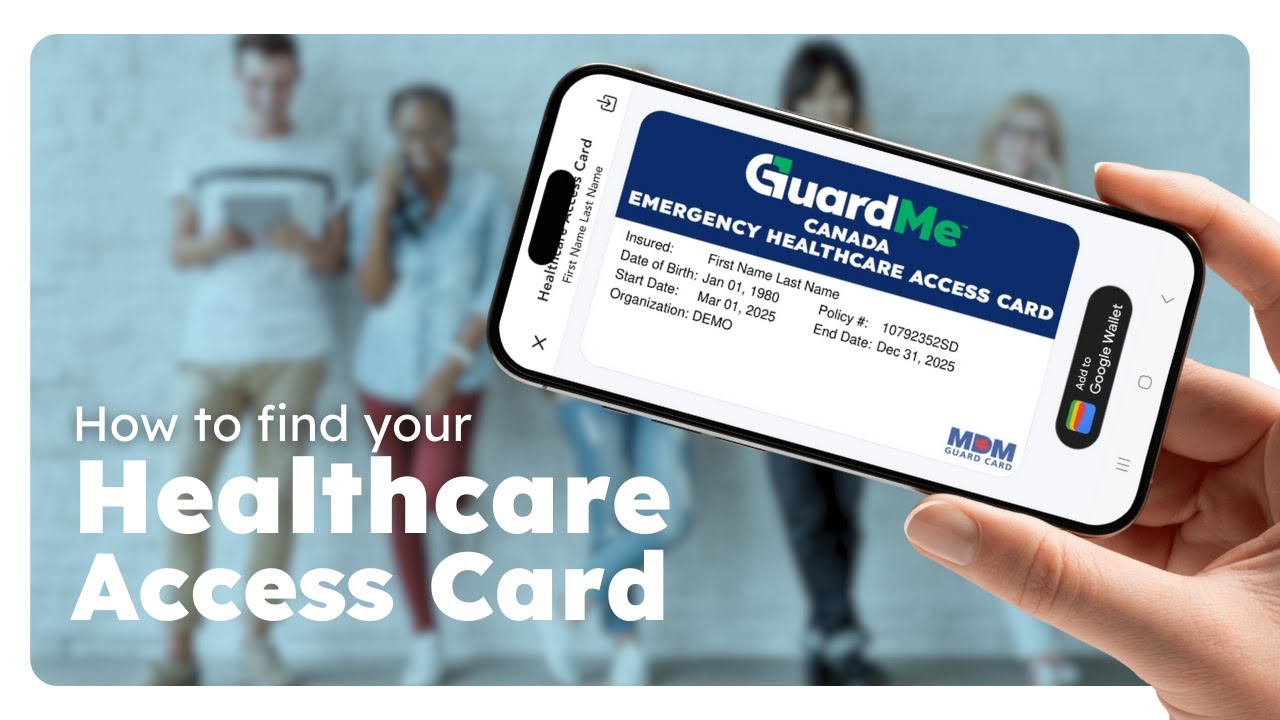
Your Healthcare Access Card is proof of your insurance. You must present this card when you visit any medical facility. You can:
•Present your card directly from the app.
•Save the card in the digital wallet on your phone.
•Download the card and save it on your phone or computer.
•Download and then print the card to keep a printed version with you.
You will not receive a physical card. The digital card is your only official Healthcare Access Card. Please always have it with you while studying or travelling abroad.
Like this video and subscribe to our channel for more helpful tutorials, updates, and insights from GuardMe.
If you have any questions or need assistance, please comment below and we'll be happy to help you!
For support, contact our Customer Care team:
www.guard.me
[email protected]
1-877-873-8447
For more tips and tutorials, follow us on social media:
/ guardmecanada
/ guardmecanada
/ guardmecanada
Повторяем попытку...
Доступные форматы для скачивания:
Скачать видео
-
Информация по загрузке: