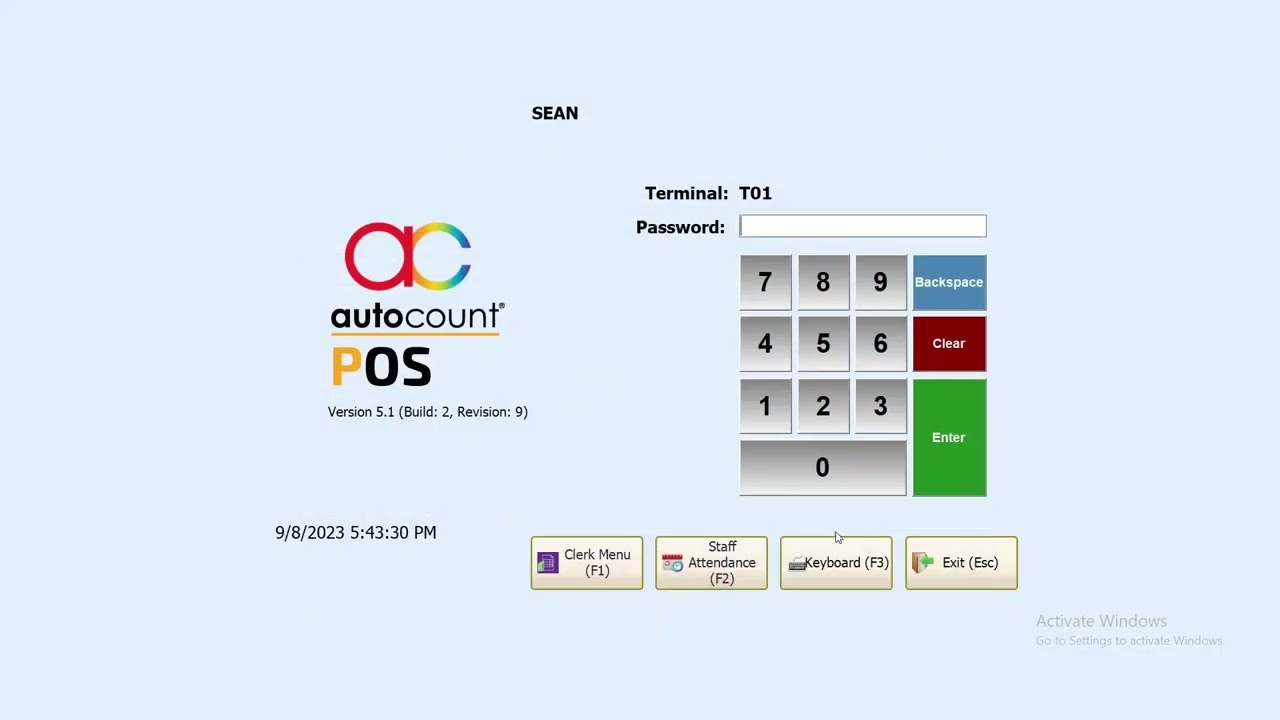
UKSE-POS002 AutoCount POS / FNB 5.1: How To Open and Close Counter
Автор: UK Soft & Solution PLT
Загружено: 2023-09-01
Просмотров: 996
Описание:
The Open Counter functions is a function that signifies the start of a POS Session.
In this function, you can enter an amount to signify the amount of cash available at the time of start of the POS Session, which we called Initial Cash. This function will automatically prompt when you first log-in into the POS Front-End after a POS session is closed.
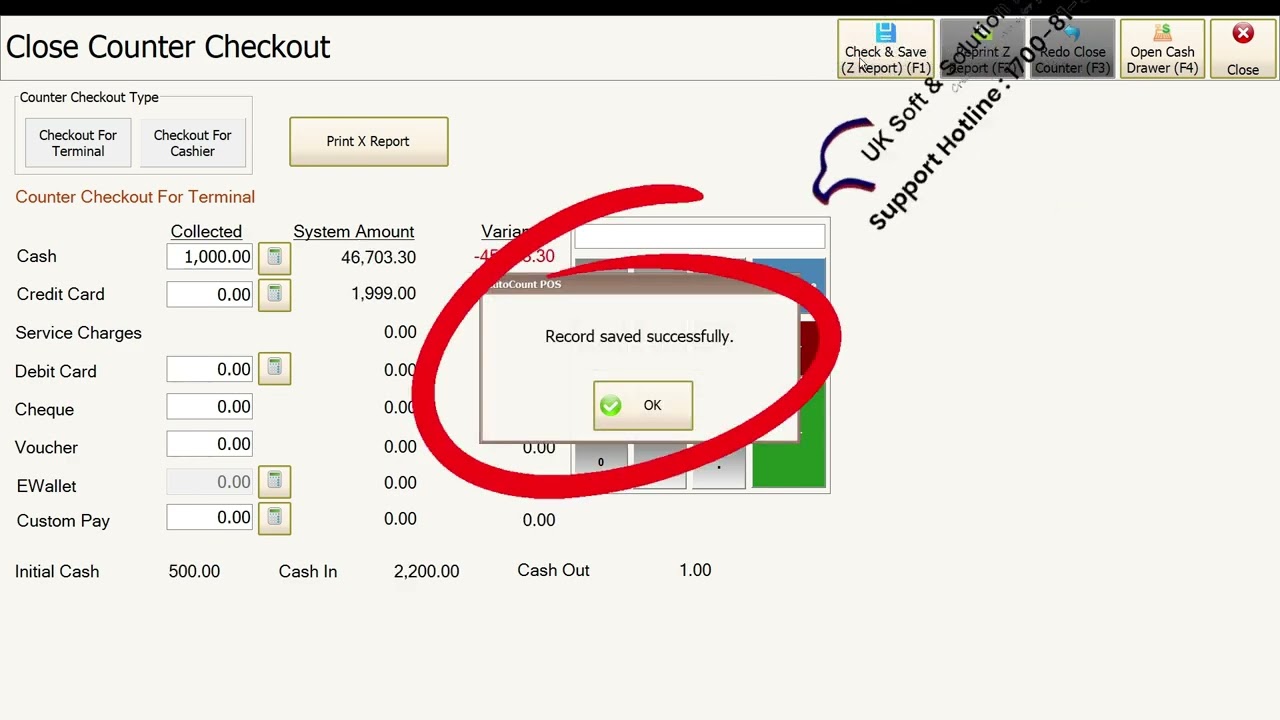
Close Counter function is used when end the POS Session, in other word called end day business.
Open Counter 是一个表示 POS 会话开始的函数。
在这个功能中,你可以输入一个金额来表示 POS 会话开始时的可用现金金额,我们称之为初始现金。在关闭 POS 会话后首次登录 POS 前端时,该功能会自动提示。
关闭计数器功能用于结束 POS 会话,换句话说就是结束当日业务。
UK Soft & Solution PLT ( Education Team )
Free Try
+60127479966 ( Mr Yu)
https://wa.me/60127479966
Support Hotline:
1700819966
Our Facebook :
https://www.facebook.com/uksoftware2u
Повторяем попытку...
Доступные форматы для скачивания:
Скачать видео
-
Информация по загрузке:

![[4K FULL HD] Relaxing Water Background | 1 HOUR | Calm Water Wallpaper (No Sound)](https://imager.clipsaver.ru/y9PTNTSpGJs/max.jpg)


![Best of Deep House [2026] | Melodic House & Progressive Flow](https://imager.clipsaver.ru/Il-ZpBuC8tA/max.jpg)