Healy HealAdvisor tutorial
Автор: Mister Frequency
Загружено: 2020-07-12
Просмотров: 3022
Описание:
Healy HealAdvisor tutorial
Welcome to the HealAdvisor tutorial. You must own a Healy to use this application. Simply locate and launch the HealAdvisor from your smartphone or tablet. As you will read here, the HealAdvisor App does not constitute medical advice.
You are now at the welcome screen. Simply press the start button. You now see the HealAdvisor Searchbox at the top. If you also subscribe to the digital nutrition app, the color will be dark like the HealAdvisor searchbox is. Here you see the disclaimer that the Healy is not meant to diagnose, treat, cure or prevent any disease or provide medical advice. Click OK here.
Now you are at the search screen. Here you can find Healy frequency program recommendations for bioenergetic balancing. You can search for issues, program names, program pages and more topics. We will enter arthritis here.
The initial primary and secondary search results appear here.
Press the other programs button to see additional programs available.
You can add each program to a custom program simply by pressing the green plus sign.
In the bottom left, press the green programs button.
You are now at the screen where you can create customized programs.
What you see now are individual programs you have added to program pools. At the top, click from active program pools to active programs.
Here you see a list of topics, which can be individually selected for additional choices.
In this instance we will choose immune system. Click next by the bottom right arrow.
Please choose at least one answer.
Here are the topics of your application plan. Add, prioritize, and deactivate topics to get updated Healy programs recommendations. Click continue or you can add additional topics.
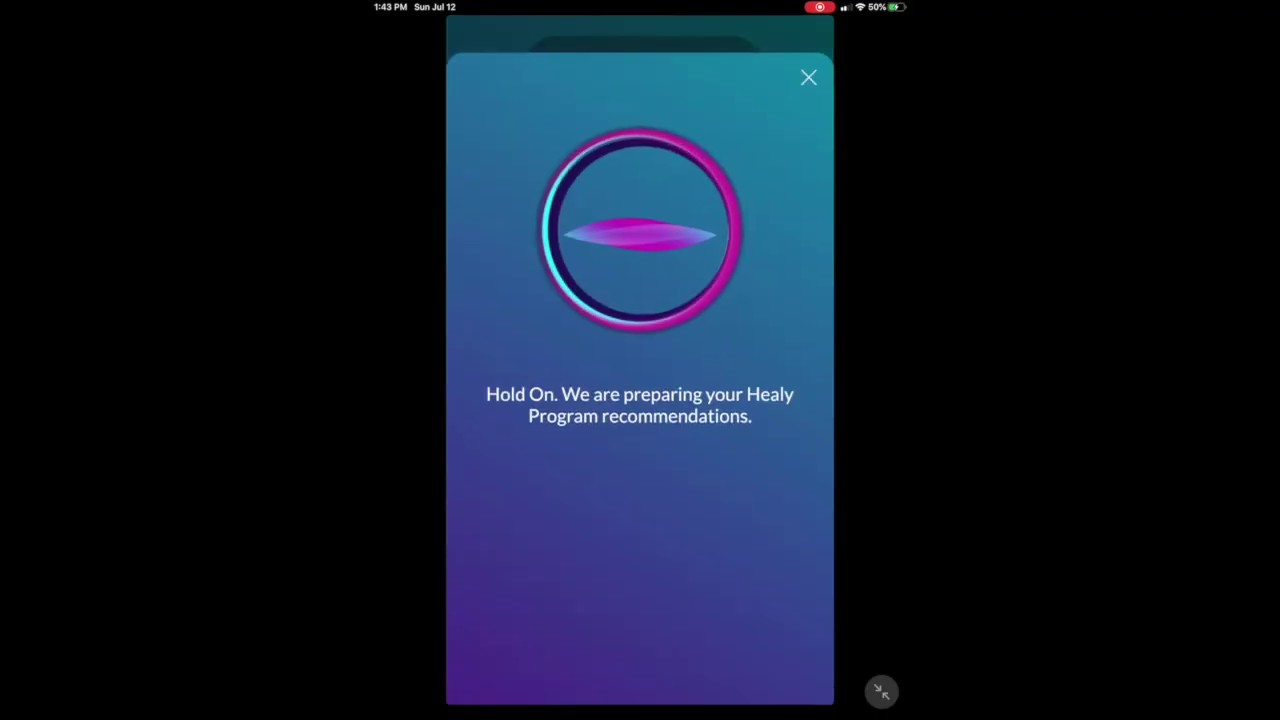
Now the HealAdvisor will prepare your Healy programs recommendations. Click continue to see the applications recommendations.
The following frequency programs have been determined to support your bioenergetic balance. Select a program to change or deactivate it.
Here you can also create an application plan by clicking the button at the bottom.
Here you can select when you would like to use your Healy and create your custom application plan.
Now your application plan is ready. Click the continue button.
Here you now see your upcoming application plan. Good luck using your HealAdvisor application!
Healy HealAdvisor
Healy HealAdvisor tutorial
Healy HealAdvisor training
Healy is a micro-current medical device that has been cleared by the U.S. Food and Drug Administration for relief of acute, chronic, and arthritis pain and muscle soreness due to overexertion. Healy also has non-medical applications that use individualized frequencies to help balance your mind and body and relieve stress. Always use your Healy in accordance with its Instructions for Use.
Повторяем попытку...
Доступные форматы для скачивания:
Скачать видео
-
Информация по загрузке: