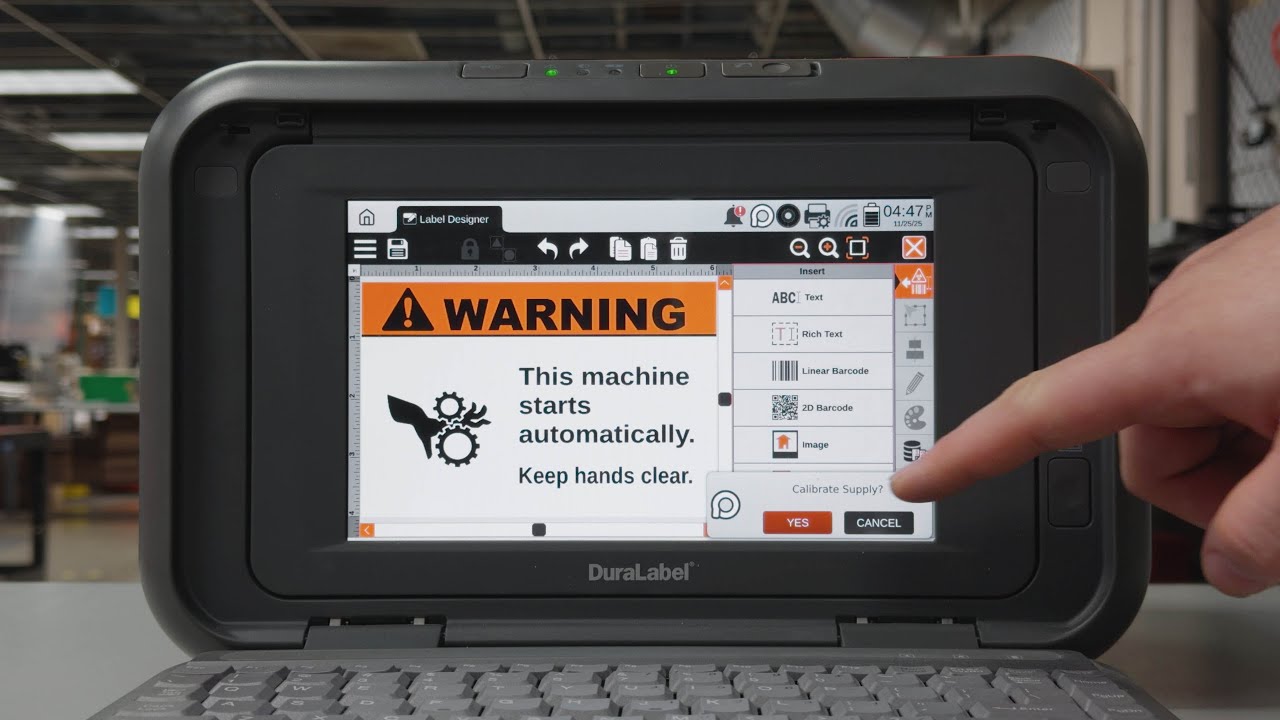
Fixing Ribbon Cartridge Loading Error (Error 22) | DuraLabel Toro Max System
Автор: DuraLabel by Graphic Products
Загружено: 2025-12-11
Просмотров: 239
Описание:
Running into Error 22 on your Toro Max System? In this quick walkthrough, we show you how to verify your ribbon, check the smart chip, reload the cartridge, and test a new ribbon to get your printer back up and running fast. If your cartridge turns out to be defective, remember you can always tap into DuraLabel’s free lifetime support for help or to request a replacement.
0:00 Introduction
0:05 Overview of Toro Max Error 22
0:10 Verifying ribbon type and SKU information
0:34 Checking and identifying the smart chip in ribbon cartridge
1:35 Reloading the ribbon and power cycling the printer
2:01 Testing with a new ribbon and confirming resolution
3:00 Next steps and free lifetime support
Helpful Links 🔗
DuraLabel Support Number:
👉 +1 (888) 788-5572
Download LabelForge PRO:
👉 https://op.duralabel.com/labelforge-pro
Product Knowledge Base:
👉 https://kb.duralabel.com
DuraLabel Support:
👉 https://duralabel.com/support/
DuraLabel Print Systems & Supplies:
👉 https://duralabel.com/printers-and-su...
Повторяем попытку...

Доступные форматы для скачивания:
Скачать видео
-
Информация по загрузке: