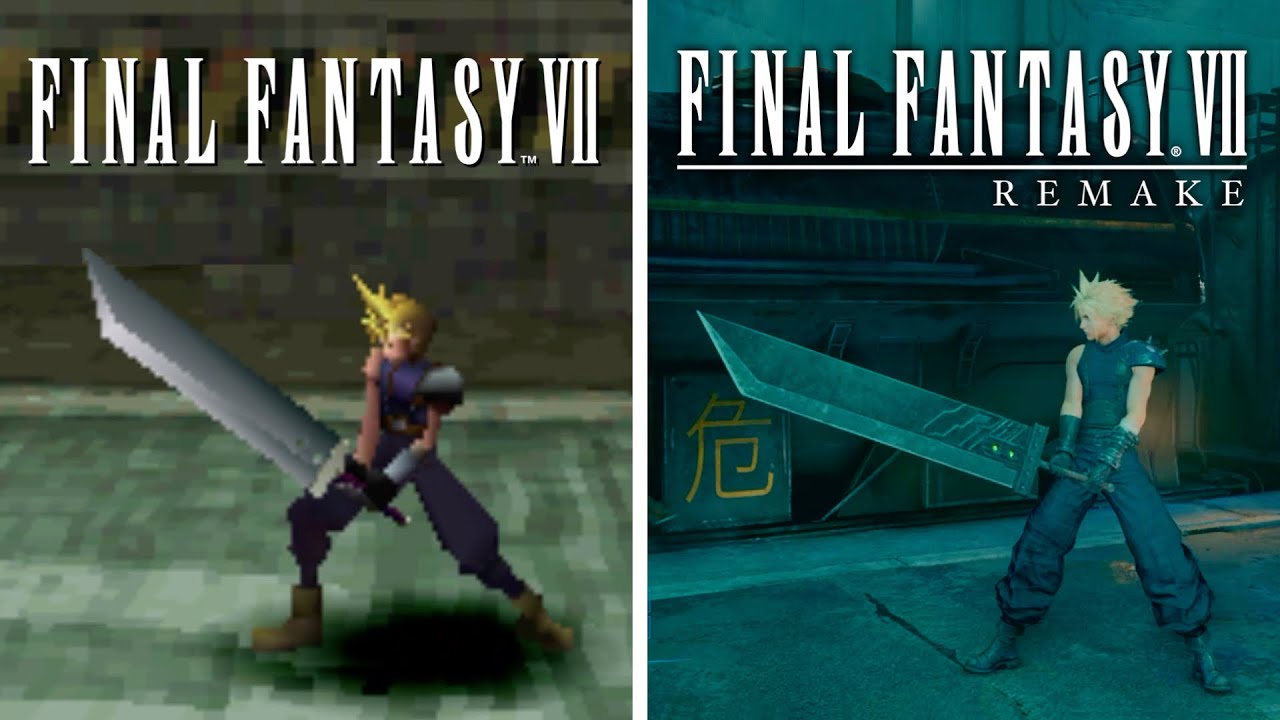
Final Fantasy VII Remake PC | GTX 1060 6GB Benchmark and Optimized Settings | 1080p, 1440p, and 4K
Автор: Daniel Owen
Загружено: 2021-12-16
Просмотров: 53781
Описание:
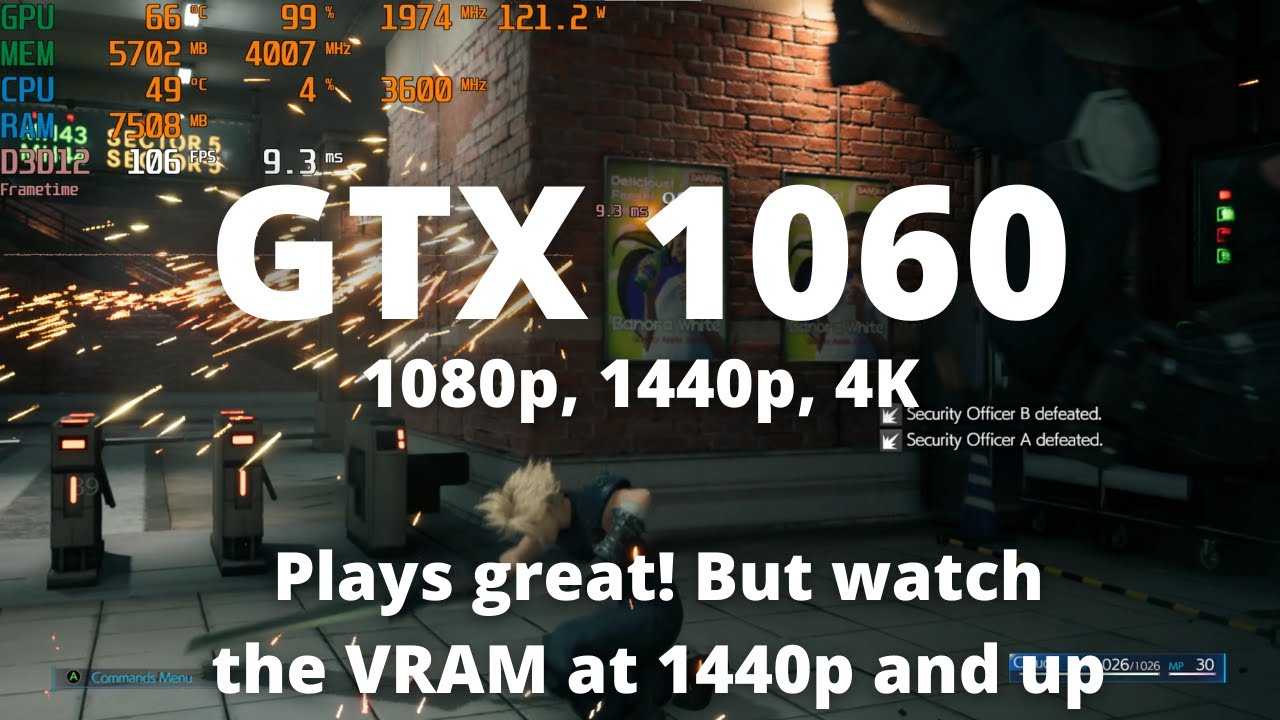
GTX 1060 6GB performance tested and optimized graphics settings for Final Fantasy 7 remake Intergrade on PC. FF7 has very limited graphics options to choose from, but does seem to perform quite well on PC. Note that the game is using some dynamic resolution scaling to hit the framerate settings that you choose, which I didn't realize while filming this video. Here is a video where I test it side by side: • The Resolution is a LIE!!! FF7 Remake PC G...
My system (but with the GPU switched out for a 1060 6GB):
CPU: AMD Ryzen 9 5950X https://amzn.to/3a6NZTO
Cooler: Arctic Liquid Freezer II 360 https://amzn.to/3Ddrqts
Mobo: Gigabyte X570 AORUS Elite https://amzn.to/3laFVIh
RAM: Crucial Ballistix 3600 CL 16 https://amzn.to/3iyZdoM
SSD: Samsung 980 Pro https://amzn.to/3BfkKds
SSD: Samsung 970 Evo Plus https://amzn.to/3aFYIVO
Case: Phanteks Eclipse P600S https://amzn.to/3A3fLeE
PSU: Super Flower Leadex III Gold 850W https://amzn.to/3Bo9HyZ
GPU: AMD RX 6800 XT https://amzn.to/2YeMT63
Monitor: LG C1 48 inch OLED https://amzn.to/3nhgEMr
What equipment do I use to make my videos?
Camera: Sony a6100 https://amzn.to/3wmDtR9
Camera Lens: Sigma 16mm f/1.4 https://amzn.to/36i0t9t
Capture Card: Elgato CamLink 4K https://amzn.to/3AEAPcH
Mic: My actual mic (AT 3035) is out of production but this is a similar mic (AT 2020) https://amzn.to/3jS6LEB
Portable Mic attached to camera: Rode Video Micro https://amzn.to/3yrT0R4
Audio Interface: Focusrite Scarlett 2i2 3rd Gen: https://amzn.to/3wjhlad
Greenscreen: Emart Collapsable https://amzn.to/3AGjQXx
Lights: Neewar Dimmable USB LED https://amzn.to/3yw4frD
RGB Strip Backlight on desk: https://amzn.to/2ZceAwC
Sponsor my channel monthly by clicking the "Join" button:
/ @danielowentech
Donate directly to the channel via PayPal:
https://www.paypal.com/donate?hosted_...
Disclaimer: I may earn money on qualifying purchases through affiliate links above.
Chapters:
0:00 1080p Shadows High, Textures High
1:58 Discussing the disappointing graphics options in the PC port
3:39 1080p Shadows High, Textures High
4:44 1080p Shadows Low, Textures High
6:24 1080p Shadows Low, Textures Low (Checking VRAM)
8:24 1080p Shadows High, Textures Low (Also checking VRAM)
9:14 1440p Shadows High, Textures High (notice VRAM stutters)
10:28 1440p Shadows High, Textures Low (Trying to solve VRAM issue)
11:18 1440p Shadows High, Textures High (Reproducing stutters to confirm VRAM related)
12:09 1440p Shadows Low, Textures High (Checking if this also solves VRAM issue)
13:00 1440p Shadows Low, Textures Low
13:59 1440p Shadows High, Textures Low (testing to see if optimized settings for 1440p)
15:12 4K Shadows Low, Textures Low
16:04 4K Shadows High, Textures Low
17:17 4K Shadows High, Textures High
18:15 1440p Shadows Low, Textures High
20:01 1440p Shadows High, Textures High
Повторяем попытку...
Доступные форматы для скачивания:
Скачать видео
-
Информация по загрузке: