Rippled Signet Ring Top Using Loft Command - Rhino Jewellery CAD Tutorial
Автор: JTR Design - Practical Rhino Jewellery CAD
Загружено: 2020-09-12
Просмотров: 4361
Описание:
To enquire about live, online Rhino training with me, just drop me an email!
[email protected]
Found this video helpful and want show your appreciation? You can say "Thanks!" by buying me a coffee via my BuyMeACoffee page
https://www.buymeacoffee.com/JTRCAD
Software: Rhino 6
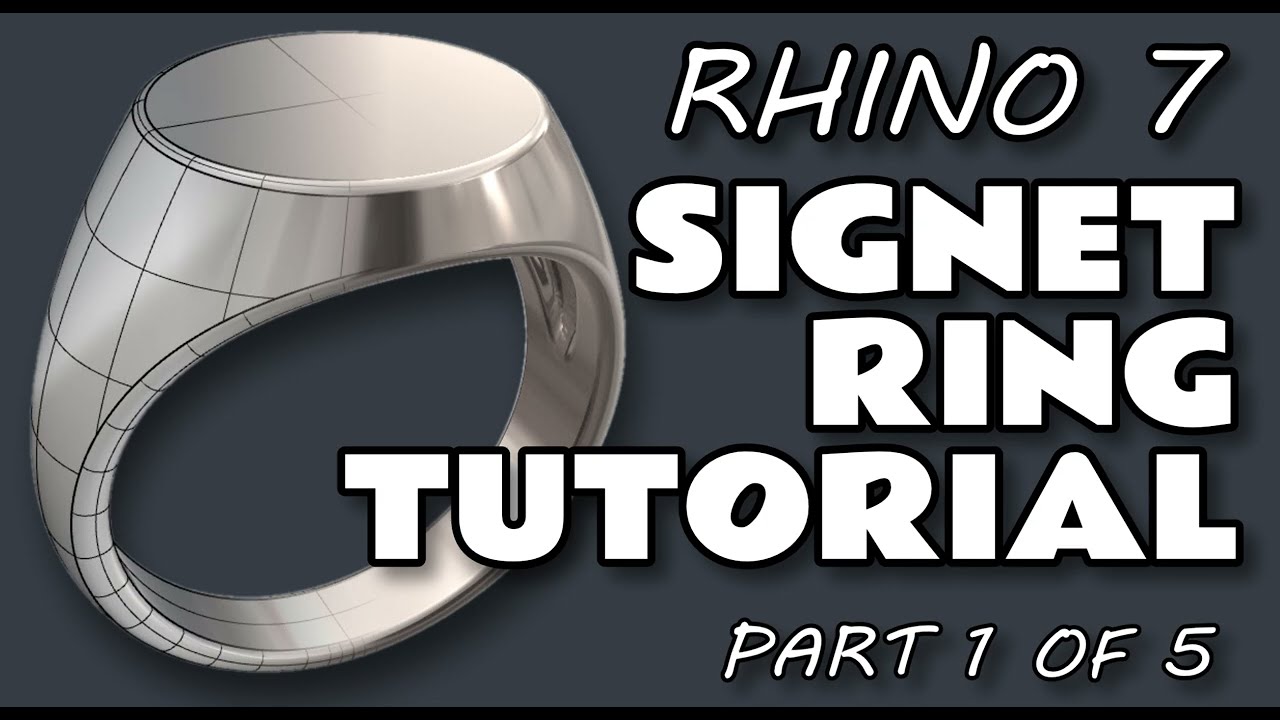
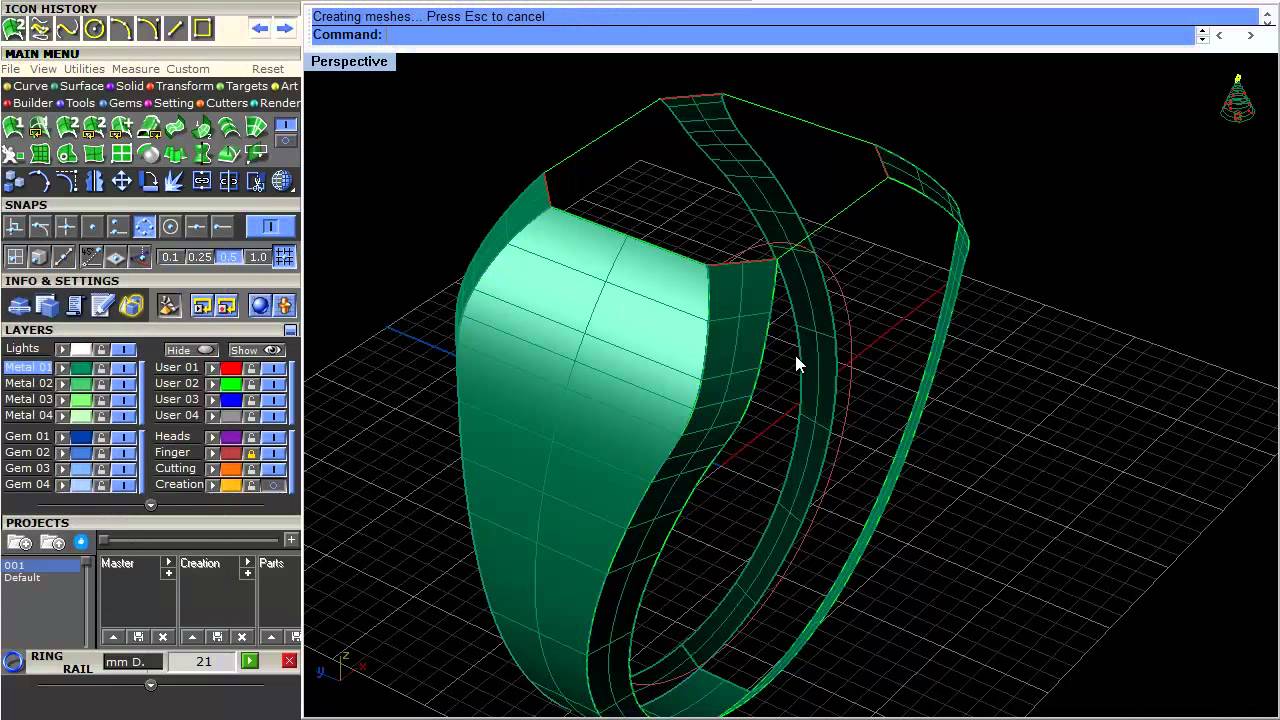
In this video tutorial, we take an in-depth look at creating a smooth, rippled oval surface, using the LOFT command and make a printable insert for the head of a signet ring.
As ever, as well as the HOW I’ll also be explaining the WHY, breaking down my decision making process along the way.
Presented and narrated by Jack Row FIPG.
Any questions, post them in the comments section.
www.facebook.com/jtrcad/
Software link:
Rhino 3D - https://www.rhino3d.com/download - Free 90 day trial currently available at time of posting.
Featured key Rhino commands in this video include:
• Loft
• Array Polar
• Trim
• PointsOn
• Gumball
• Mirror
• DupEdge (Duplocate Edge)
• Split
• ExtrudeSrf (Extrude Surface)
Top tip in this Video:
Struggling to split a surface with an edge? Duplicate the edge(s) to turn it into a curve and try using this as your cutting object.
Повторяем попытку...

Доступные форматы для скачивания:
Скачать видео
-
Информация по загрузке: