Forgot Password? Motorola Razr 2024 (Razr 50 XT2453) Hard Reset – Factory Reset & Recovery Mode
Автор: Device Autopsy
Загружено: 2026-02-19
Просмотров: 39
Описание:
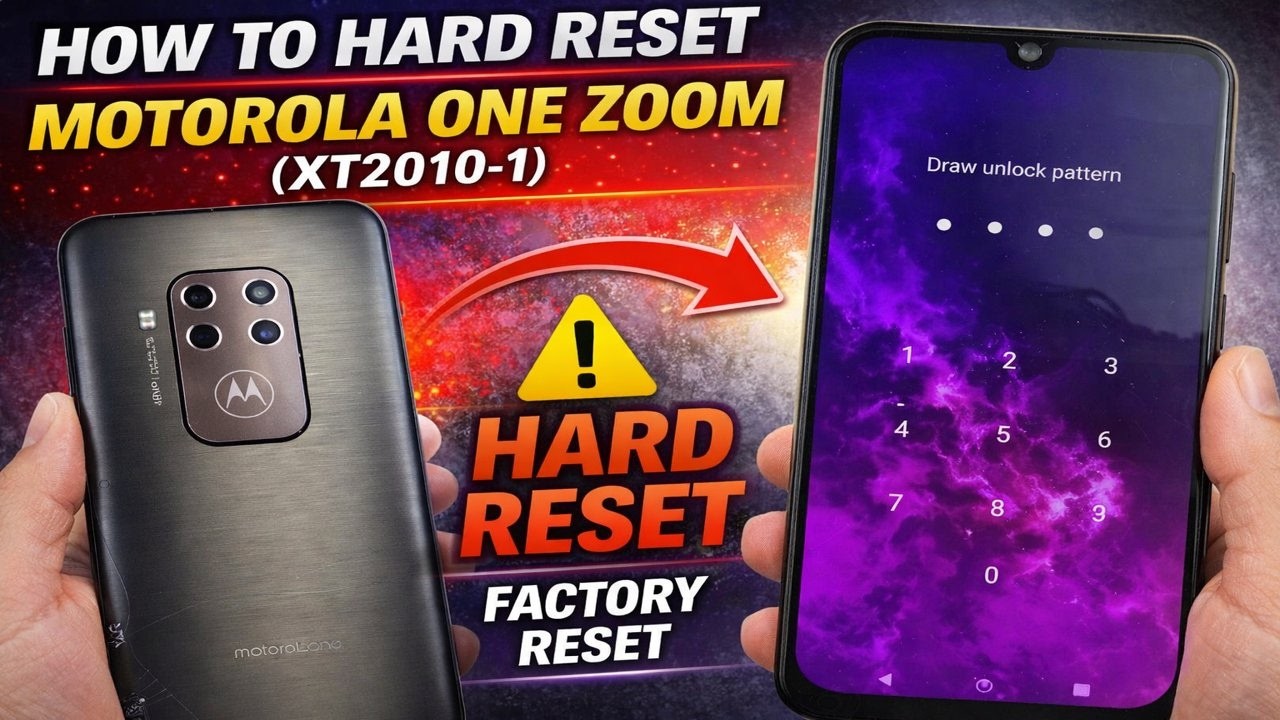
Forgot your password on the Motorola Razr 2024 / Razr 50 (XT2453)?
In this video, I’ll show you how to hard reset the Motorola Razr 50 using recovery mode to remove a forgotten PIN, pattern, or password.
This method works if your device is:
• Locked due to forgotten screen lock
• Stuck on the Motorola logo
• Bootlooping
• Frozen or not responding
• Running slow or experiencing software issues
⚠️ Important:
A factory reset will erase all data on the device. After resetting, you may need to verify the original Google account (FRP).
This tutorial applies to:
Motorola Razr 2024 / Razr 50 – Model XT2453
📌 Only reset devices you own or are authorized to service.
If this guide helped, please Like 👍 and Subscribe 🔔 for more hard reset and repair tutorials.
Повторяем попытку...

Доступные форматы для скачивания:
Скачать видео
-
Информация по загрузке: