CaseFox Complete Walk-through - Get Started with Best Legal Software Under 20 Minutes
Автор: CaseFox - Legal Billing Software
Загружено: 2023-11-16
Просмотров: 740
Описание:
#casemanagementsoftware #legalbillingsoftware #legalsoftware #CaseFox
Welcome to the CaseFox walkthrough—a comprehensive guide to acquaint you with our powerful yet user-friendly platform designed to streamline your legal practice. This walkthrough will provide a detailed overview of the essential features, enabling you to efficiently manage your cases and clients.
Section 1: Getting Started
Account Setup: Learn how to create your account and set up your profile.
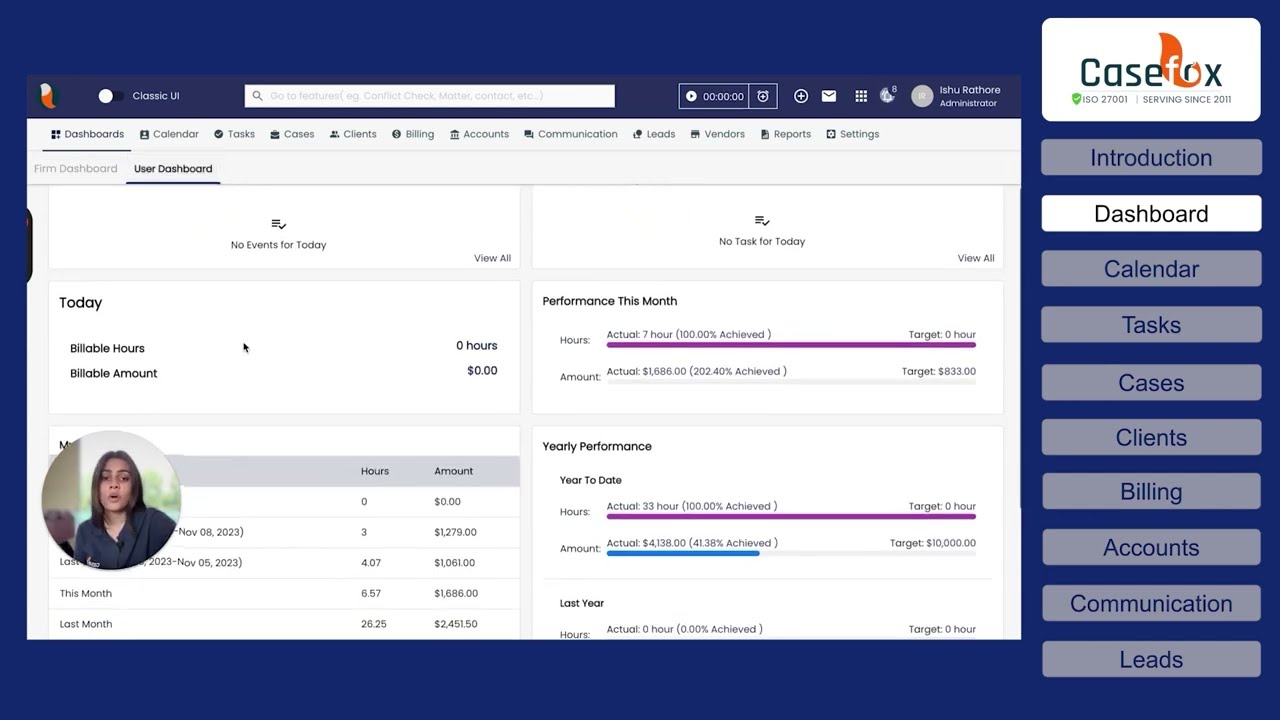
Dashboard Navigation: Explore the intuitive dashboard layout for easy access to critical functions.
Case Creation: Step-by-step guide on how to create and manage cases efficiently.
Section 2: Managing Cases
Client Management: Add, edit, and organize client information seamlessly.
Billing and Invoicing: Understand the billing process, generate invoices, and track payments effortlessly.
Time Tracking: Explore the time-tracking feature to accurately log billable hours.
Section 3: Document Management
File Uploads: Learn how to upload and organize documents associated with each case.
Document Templates: Utilize pre-made templates for streamlined document creation.
Section 4: Reporting and Analytics
Case Reports: Access comprehensive reports to analyze case progress and financial data.
Data Insights: Understand how analytics tools can provide valuable insights for your practice.
Section 5: Additional Features
Calendar Integration: Sync CaseFox with your calendar for efficient scheduling.
Task Management: Organize and track tasks related to your cases.
Customization Options: Learn how to tailor CaseFox to suit your specific needs.
Conclusion:
Thank you for joining us on this CaseFox walkthrough! We hope this guide has equipped you with the fundamental knowledge to maximize the benefits of our platform. For further assistance or in-depth tutorials, feel free to explore our support resources or reach out to our dedicated team.
00:00 - Introduction
00:37 - Dashboard
01:38 - Calendar
02:38 - Tasks
03:06 - Cases
05:10 - Clients
07:15 - Billing
13:03 - Accounts
14:44 - Communication
15:42 - Leads
16:02 - Vendor
16:38 - Reports
18:10 - Settings
19:50 - Integration
Повторяем попытку...
Доступные форматы для скачивания:
Скачать видео
-
Информация по загрузке: