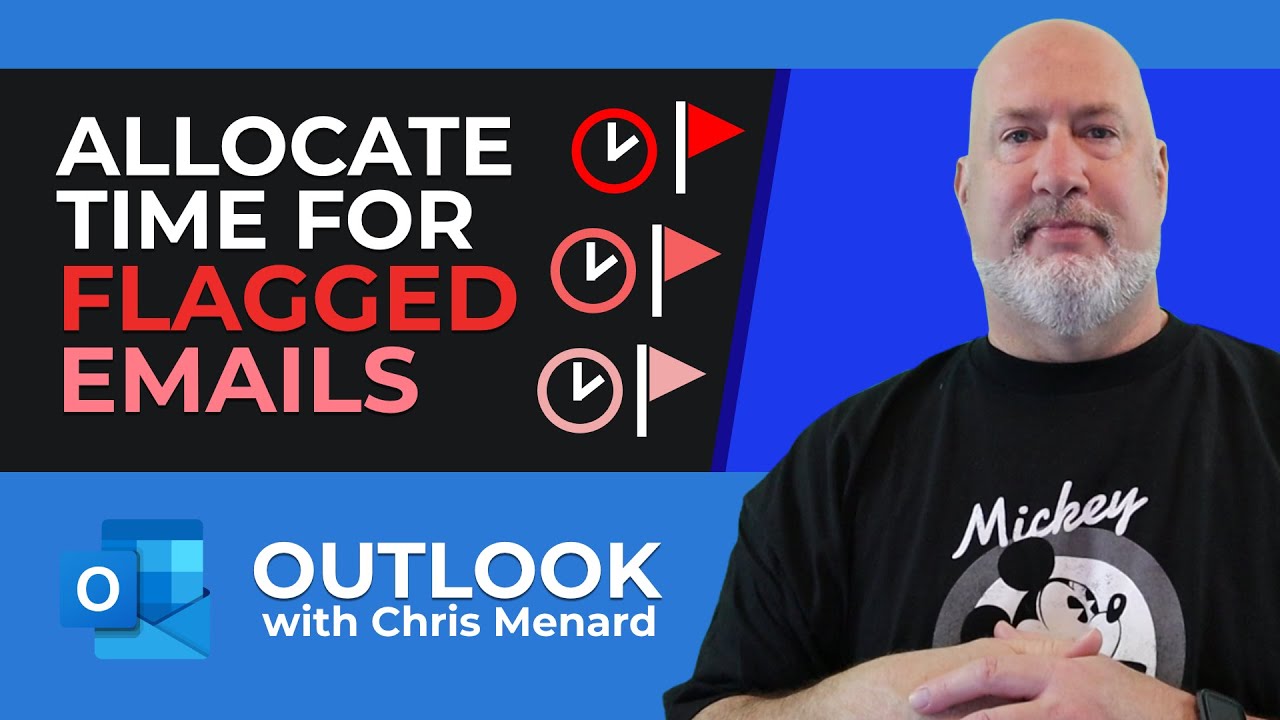
Outlook - Allocate time for Flagged Emails - Time Management
Автор: Chris Menard
Загружено: 2022-12-02
Просмотров: 3087
Описание:
Outlook users frequently flag email messages. One issue with flagged messages is allocating time to handle the To-Do item. Here is my quick tip on using the calendar with flagged messages to allot time for the tasks.
Chapters:
0:00 Intro
0:18 Flag emails
1:00 Task list in Outlook
1:12 Calendar
1:50 View Daily Task List
November 2022 YouTube videos published.
------
Excel PivotTable - Percentage of Row Totals and Five Awesome Tips • Excel PivotTable - Percentage of Row Total...
Excel Tiered Conditional Formatting with Dates using functions AND and TODAY • Excel Tiered Conditional Formatting with D...
Teams Online Course Promotion • Teams Online Course Promotion
Excel PivotTables Percentages - Grand Total, Parent Row Total, and Parent Total • Excel PivotTables Percentages - Grand Tota...
Excel - Turn on Multiple Filters in a PivotTable - Allow multiple filters per field Setting • Excel - Turn on Multiple Filters in a Pivo...
Excel - Filter a PivotTable with a Timeline • Excel - Filter a PivotTable with a Timeline
PivotTables - 3 Annoying Things FIXED! • PivotTables - 3 Annoying Things FIXED!
Excel Add Sparklines on a Separate Worksheet • Excel Add Sparklines on a Separate Worksheet
Excel Chart Maps used with the Geography Data Type • Excel Chart Maps used with the Geography D...
Excel Concatenate Text and Dates with the TEXT function • Excel Concatenate Text and Dates with the ...
Tasks by Planner in Teams - Recurring Tasks - New Feature • Tasks by Planner in Teams - Recurring Task...
Excel - Insert a blank row after every row or every Nth row • Excel - Insert a blank row after every row...
#timemanagement #chrismenardtraining #outlook #msoutlook #chrismenardtraining
And make sure you subscribe to my channel!
- EQUIPMENT USED --------------------------------
○ My camera – https://amzn.to/3vdgF5E
○ Microphone - https://amzn.to/3gphDXh
○ Camera tripod – https://amzn.to/3veN6Rg
○ Studio lights - https://amzn.to/3vaxyy5
○ Dual monitor mount stand - https://amzn.to/3vbZSjJ
○ Web camera – https://amzn.to/2Tg75Sn
○ Shock mount - https://amzn.to/3g96FGj
○ Boom Arm - https://amzn.to/3g8cNi6
- SOFTWARE USED --------------------------------
○ Screen recording – Camtasia – https://chrismenardtraining.com/camtasia
○ Screenshots – Snagit – https://chrismenardtraining.com/snagit
○ YouTube keyword search – TubeBuddy – https://www.tubebuddy.com/chrismenard
DISCLAIMER: Links included in this description might be affiliate links. If you purchase a product or service with the links I provide, I may receive a small commission. There is no additional charge to you! Thank you for supporting my channel, so I can continue to provide you with free content each week!
Повторяем попытку...
Доступные форматы для скачивания:
Скачать видео
-
Информация по загрузке: