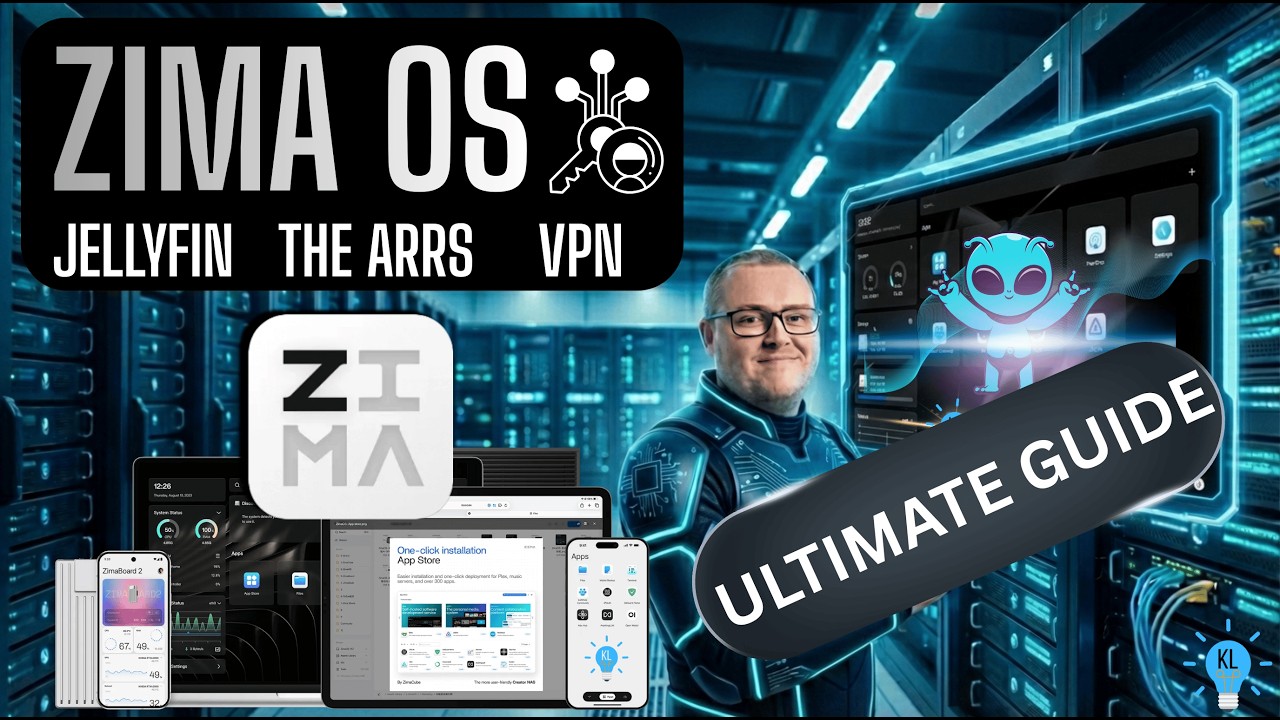
ZIMA OS Ultimate Setup Media Server Jellyfin The Arrs Prowlarr Sonarr Radarr Gluetun
Автор: KL Tech Videos
Загружено: 2026-02-28
Просмотров: 7795
Описание:
Want to buy me a KO-FI? Why thank you kind internet person... https://www.ko-fi.com/kltechvideos
Help support my channel! Become a channel member and see videos before anyone else aswell as supporting me. Join here, Thank you! - / @kltechvideos
This comment has everything you need to get started with today's video...
(Are you having problems with permissions or apps not seeing files? Check out the FAQ below for help before commenting!)
In this video, I demonstrate how to build a high-performance home media server on ZimaOS to manage and stream public domain and personal media using the 'Arrs' stack and Jellyfin.
This video is for legal media management. KL Tech Videos does not endorse or encourage piracy of any kind.
Chapters:
0:00 Intro
01:52 Download ZIMA OS
02:08 Install Balena Etcher & flash ZIMA OS to USB
02:37 Install ZIMA OS (Boot from USB)
03:36 Setup ZIMA OS Client on Smartphone
04:35 Launch ZIMA OS on desktop
05:46 Setup Raid or Drive on ZIMA OS
08:17 ZIMA OS Plus
10:41 Create a dedicated user on ZIMA OS for permissions
17:55 Install Deluge & Gluetun VPN on ZIMA OS
31:20 Install Flaresolver on ZIMA OS
32:36 Install and setup Prowlarr on ZIMA OS
40:30 Install and setup Radarr on ZIMA OS
47:04 Install and setup Sonarr on ZIMA OS
53:00 Demonstration: Downloaders working with Arrs & Jellyfin
01:00:21 Install and setup SABNZBD on ZIMA OS
01:10:34 Install Jellyfin (Nvidia GPU version)
01:16:21 Install and setup Jellyfin (Intel or AMD)
Links & Commands:
Download ZIMA OS: https://www.zimaspace.com/zimaos/down...
Download Balena Etcher: https://etcher.balena.io/#download-et...
ZIMA Client:
Android Playstore: https://play.google.com/store/apps/de...
iOS App Store: https://apps.apple.com/us/app/zima-cl...
(DO NOT SKIP!!!) User Creation & Permissions Commands: https://github.com/AmIBeingObtuse/You...
Docker Compose (Deluge & Gluetun VPN): https://github.com/AmIBeingObtuse/You...
Gluetun Provider Selector: https://github.com/qdm12/gluetun-wiki...
Additional gluetun details below in FAQ.
Nord Manual Service and server credentials for prowlarr:
https://my.nordaccount.com/dashboard/...
If you want to setup Usenet instead of torrents, check out my other video here: • Setup Guide For NZB Usenet Torrent Vs NZB
Nvidia GPU Users: If you need to install the Nvidia toolkit, do this before setting up the Jellyfin app. Open the developer console in ZimaOS settings, enable SSH, and use the web terminal: https://docs.nvidia.com/datacenter/cl...
FAQ:
Q: My apps are not seeing my downloads or files?
A: You likely skipped the part where we created our own user. Re-watch the section starting at 10:41.
Q: I created the user but I use an external drive, and it still doesn't work?
A: You likely missed the chown command or haven't updated your volumes in each specific app. Go back to 15:25 and ensure your paths match.
Q: I use Nvidia and still can't transcode.
A: Ensure you have installed the Nvidia toolkit (link above) and that you are using the specific "Jellyfin for Nvidia" app from the ZimaOS store. See 01:11:50.
Q: I use an Intel system (like Zimaboard) without a GPU and transcoding isn't working.
A: Try switching from Intel QSV to VAAPI in the Jellyfin settings. Also, remember that if your client supports "Direct Play," it won't transcode until it absolutely has to!
Q: Does Gluetun have a VPN kill switch?
A: Yes. By default, Gluetun uses a strict internal firewall that blocks all traffic unless it passes through the VPN tunnel. If the VPN connection drops, the firewall prevents any data from leaking over your local internet.
For added security: If you want an extra layer of protection, you can go into your torrent client's settings (like Deluge or qBittorrent) and set the Network Interface (or Incoming/Outgoing Interface) specifically to tun0. This ensures that even if the firewall were to fail, the torrent client itself will refuse to broadcast data because it cannot find the specified VPN interface.
https://shorturl.at/RVakJ
"Footage used: Night of the Living Dead (1968) and The Dick Van Dyke Show S02E20, both of which are in the Public Domain."
My Social Links:
Instagram: instagram.com/kltechvideos
Facebook: www.facebook.com/groups/kltechvideos/
Twitter (X): twitter.com/kltechvideos
TikTok: tiktok.com/kltechvideos
Logo/App/Websites shown in this video: copyright and trademarks owned by the project developer. Shown for educational purposes only. Edited with Filmora 15 Pro. Including Music from Universal Creators Subscription.
Sounds used in this video from Canva pro is licensed by my pro account at the time of publishing.
Повторяем попытку...
Доступные форматы для скачивания:
Скачать видео
-
Информация по загрузке: