Inbound Voicemail Recordings - Customize Your Call Experience in Shape - CRM Training
Автор: Shape Software
Загружено: 2026-01-02
Просмотров: 2
Описание:
Get AI-Powered CRM: https://setshape.com
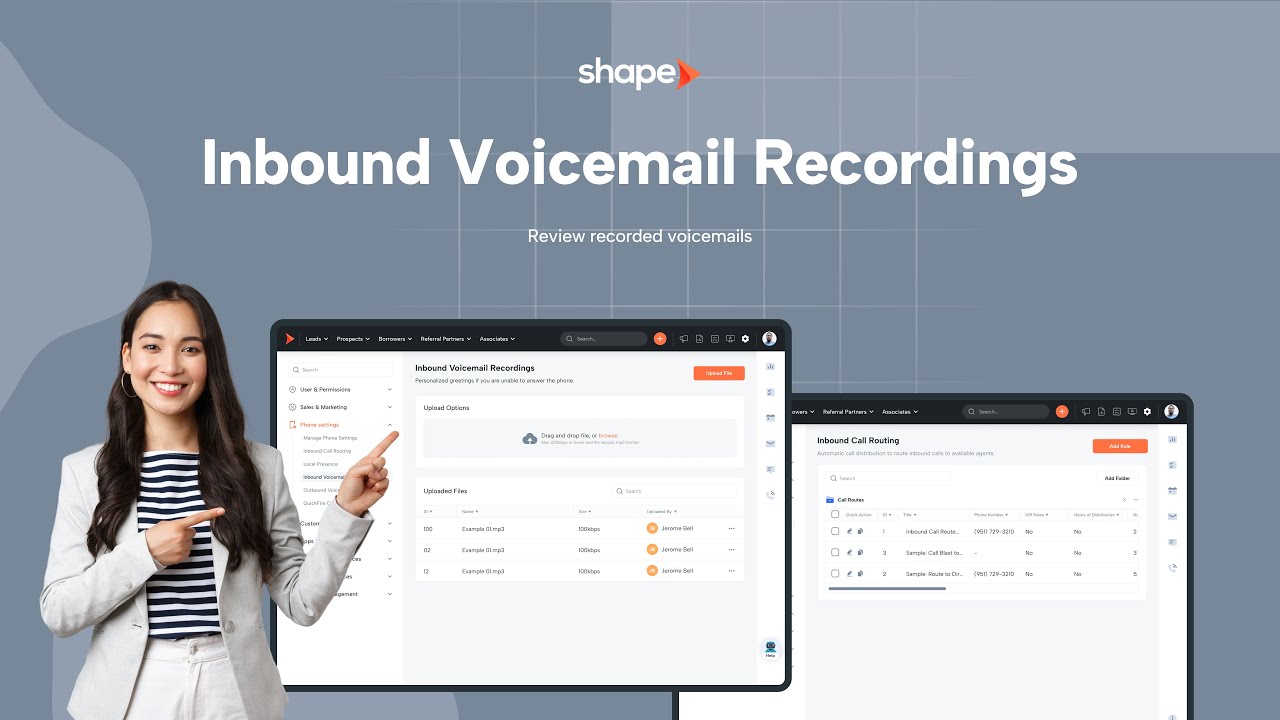
Inbound Voicemail Recordings let you control what callers hear when you can’t pick up - whether you're in a meeting, already on another call, or away from your desk. This training explains the difference between inbound voicemail greetings and outbound voicemail drops, how to upload your audio, and how to attach voicemail greetings to your inbound call routing rules.
🔍 What You’ll Learn in This Video
00:00 — What inbound voicemail recordings are
00:16 — How custom voicemail greetings play when callers reach your inbox
00:24 — Difference between inbound voicemail greetings vs. outbound voicemail drops
00:43 — Where to upload voicemail greetings in your user profile
00:56 — Drag-and-drop upload options for MP3 files
01:05 — Admin access to Inbound Voicemail Recordings in system settings
01:12 — Previewing recordings using the three-dot menu
01:19 — Uploading new greetings from the admin panel
01:29 — How inbound voicemail recordings connect to Inbound Call Routing
01:36 — Adding or editing an inbound call route
01:52 — Configuring missed call settings
02:00 — Selecting your voicemail greeting for missed calls
02:09 — Using IVR menus with inbound recordings
02:17 — Assigning keypad routing (press 1, press 2, etc.)
02:25 — Uploading IVR messages as inbound recordings
02:36 — Adding a greeting with optional pause
02:40 — Naming the IVR menu
02:50 — Setting keypad selection routing (example: 1 → Alex’s call route)
03:00 — Adding additional menu options (press 2, press 3, etc.)
03:20 — Summary: How to build IVRs using inbound voicemail recordings
🚀 Why Sales Teams Use Inbound Voicemail Recordings
• Maintain professionalism with branded voicemail greetings
• Ensure consistency across team members and departments
• Improve caller experience with clear, intuitive routing
• Support IVR menus for advanced call handling
• Make call flows predictable and trackable
• Strengthen communication when working across multiple roles
🧠 Key Features Highlighted
✔ User-level voicemail greeting upload
✔ Admin-level voicemail recording management
✔ Missed call voicemail configuration
✔ IVR setup using inbound recordings
✔ Button-press routing (0–9, *, #)
✔ Drag-and-drop MP3 upload
✔ Preview & playback before assigning
👉 Want to See Shape’s Phone System in Action?
Learn how top-performing sales teams streamline communication with Shape’s advanced calling tools.
📅 Book a Demo: https://setshape.com
👍 If This Video Helped You
Like the video
Subscribe for more CRM training
#crmtraining #callrouting #salestools #ivr
Повторяем попытку...
Доступные форматы для скачивания:
Скачать видео
-
Информация по загрузке:
![[2026] Feeling Good Mix - English Deep House, Vocal House, Nu Disco | Emotional / Intimate Mood](https://image.4k-video.ru/id-video/cxLdtvzf2sI)


