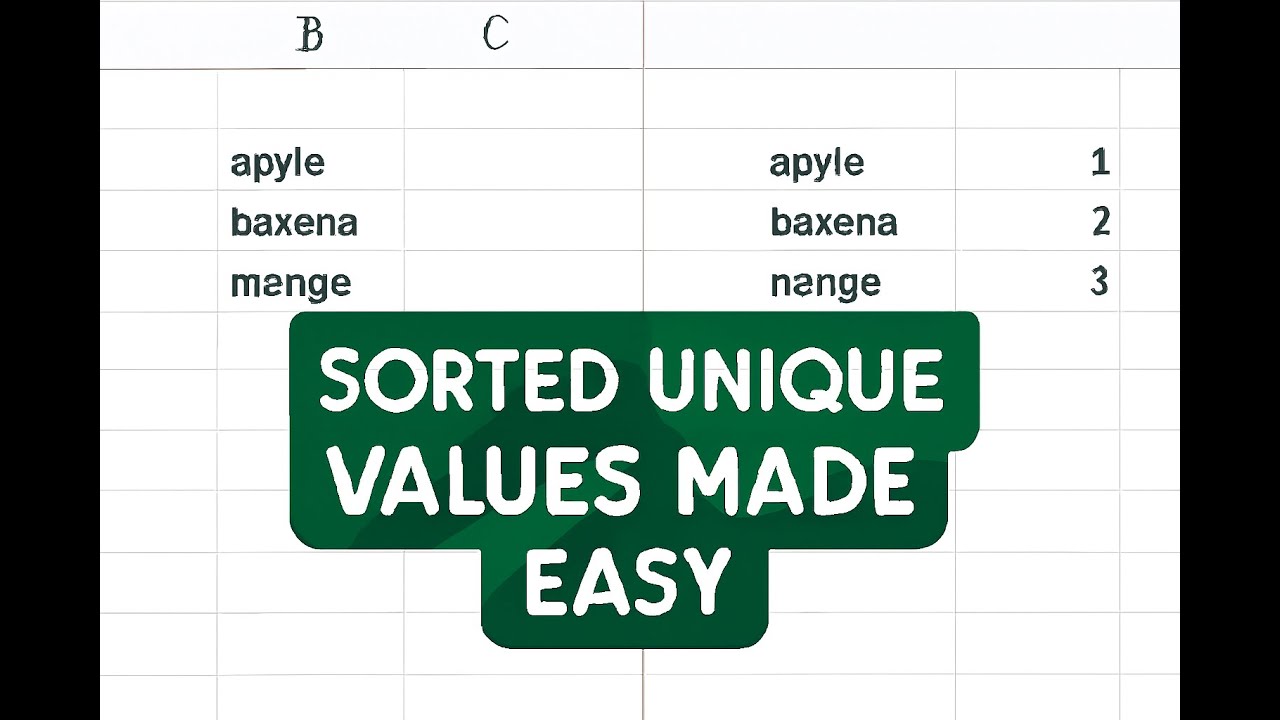
How to Extract Unique & Sorted Values from Each Column in Power Query
Автор: Short Excel
Загружено: 2025-07-10
Просмотров: 60
Описание:
#PowerQuery #ExcelTips #DataCleaning #UniqueValues #PowerQueryTutorial
"Copy the link below to get the sample file."
https://docs.google.com/spreadsheets/...
Power Query M Code – Step-by-Step Explanation
Source Step
Loads the table named "Table1" from the current Excel workbook.
Source = Excel.CurrentWorkbook(){[Name="Table1"]}[Content],
-----------------------------------------------------------------
Table.ToColumns
Converts the table into a list of columns (each column as a separate list).
For example, columns A, B, and C become three separate lists:
Column A → List 1
Column B → List 2
Column C → List 3
This step prepares each column for individual processing.
Table.ToColumns(Source)
-------------------------------------------------------------------
List.Transform with Sort & Distinct
Processes each column list by sorting and removing duplicates.
`List.Sort(_)` → Sorts values in ascending order.
`List.Distinct(...)` → Removes duplicate values.
Result: Each column contains unique, sorted values.
List.Transform(
Table.ToColumns(Source),
each List.Distinct(List.Sort(_))
)
-------------------------------------------------------------------
Table.FromColumns
Converts the list of transformed columns back into a table.
Defines the table schema with specific data types:
A → Int64.Type
B → Int64.Type
C → Int64.Type
This ensures the final table has the correct column names and types.
Table.FromColumns(
...,
type table[A=Int64.Type, B=Int64.Type, C=Int64.Type]
)
-------------------------------------------------------------------
Result Step
Stores the final transformed table as Result, which is the output of this query.
Result = ...
-------------------------------------------------------------------
*Code Summary in One Sentence*
Creates a new table from "Table1" with each column containing only unique and sorted values.
Повторяем попытку...

Доступные форматы для скачивания:
Скачать видео
-
Информация по загрузке: