SewArt Basic Digitizing 2021
Автор: CleverDog Designs
Загружено: 2021-09-11
Просмотров: 9661
Описание:
SewArt Basic Digitizing 2021
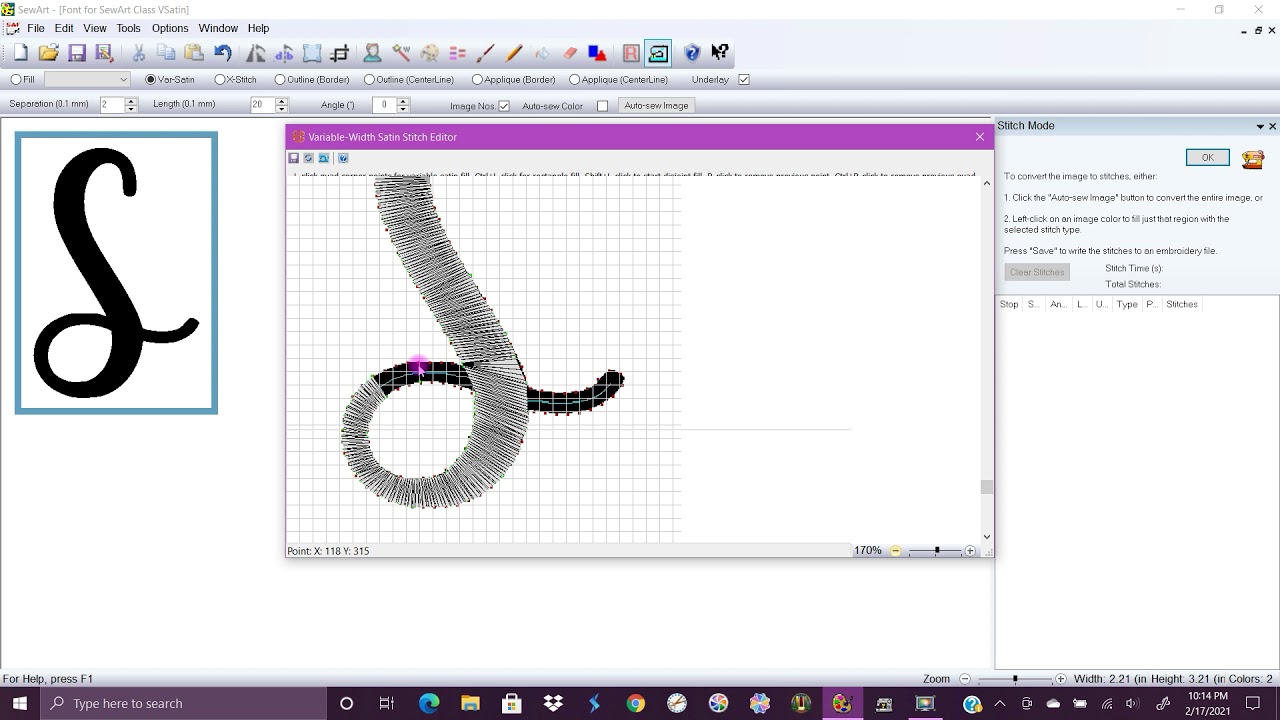
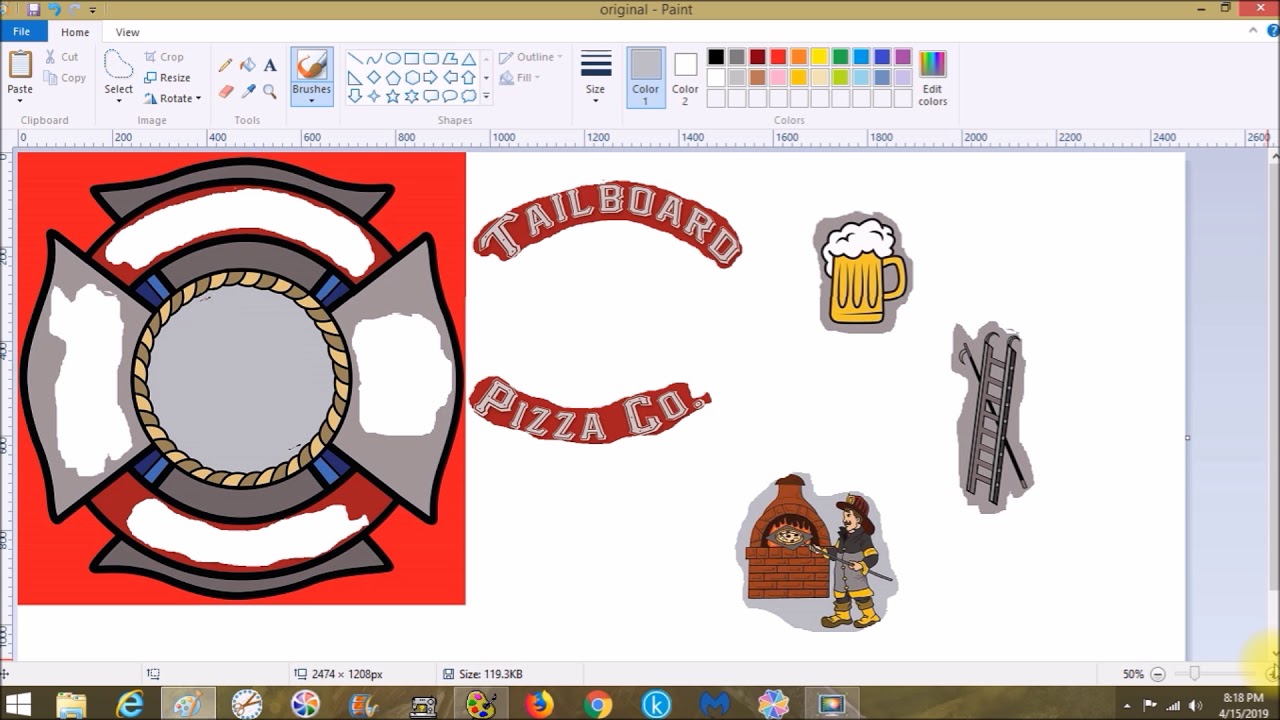
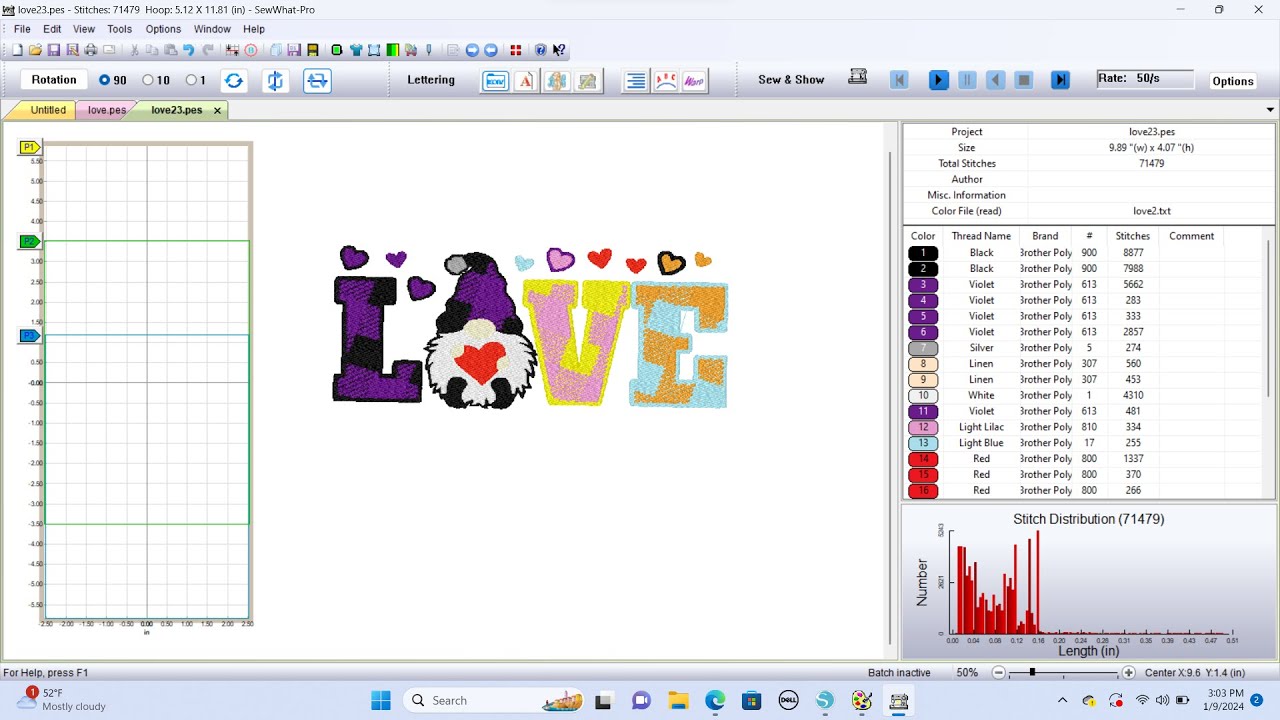
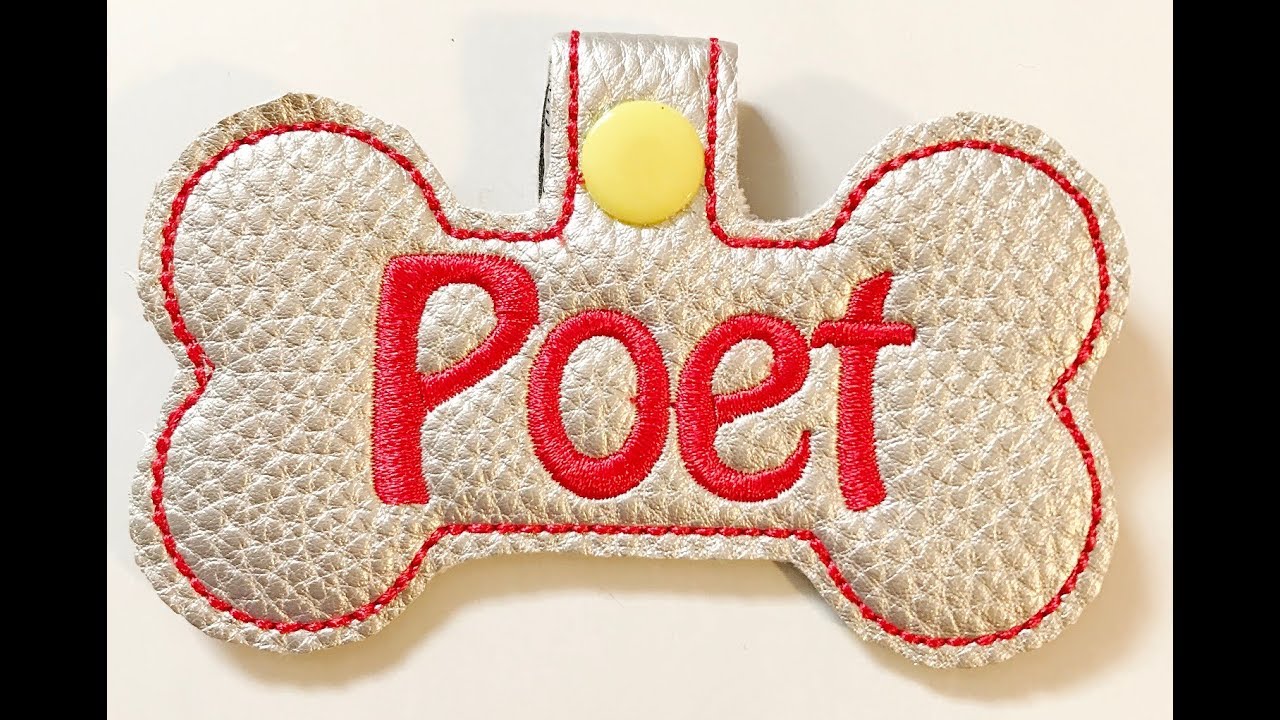
In this video we will go over basic fill stitch, outline border, cross stitch, and applique using SVG graphic and font.
**I am not a certified instructor and I do not have extensive knowledge of SewArt, I have just been lucky enough to figure some stuff out and I want to pass it along. If you have questions that I can’t answer, I will be honest with you and refer you to S&S Computing for more help.
Here are some links for resources to help you with understanding this software and learning more for the future:
Advanced SewArt Group on Facebook (remember to answer the entry questions in full): / 460114370753528
Beginners SewArt Group on Facebook (My personal group) (remember to answer the entry questions in full): / 460114370753528
Default vs Desired Stitch list: https://cleverdogdesigns.blogspot.com...
Here’s a link to purchase the code for SewArt from me: http://cleverdogdesigns.blogspot.com/...
S&S Website for downloading SewArt and contacting them for customer service: http://www.sandscomputing.com/
Video on the Cross Stitch option in SewArt: • SewArt - The Cross Stitch Option demo
Video on the Variable Width Satin Stitch: • SewArt - Basic Variable Width Satin Stitch...
Video on the Auto Functions in SewArt: • SewArt - Using the Auto Functions
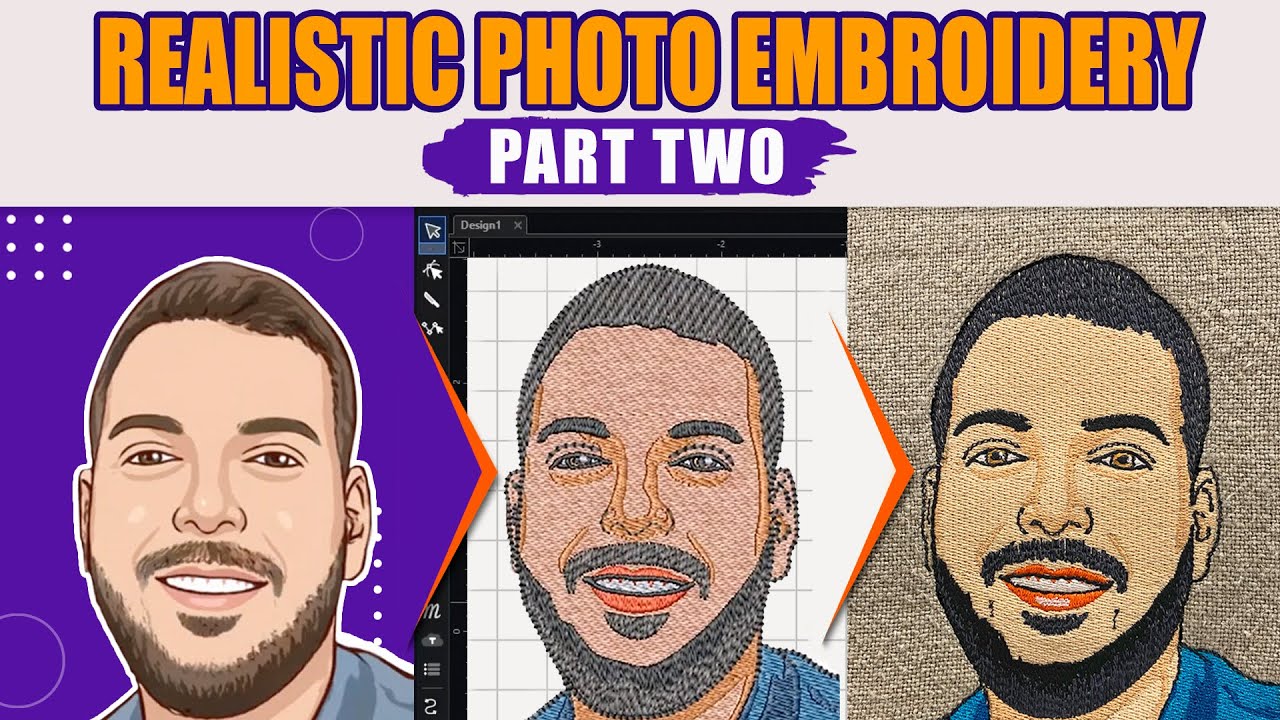
Video on Digitizing a Photo in Sewart: • SewArt - Digitizing a Photo Explanation
Video with 4 Tips for Using SewArt: • SewArt - 4 Tips for Digitizing with SewArt
Video with tips for Digitizing a Logo: • Sew Art - Tips for Digitizing Logos
*Some of these videos are older and your interface may look different due to updates.
Please go to www.sandscomputing.com to download the Demo version of SewArt if you don’t already own the program.
Повторяем попытку...
Доступные форматы для скачивания:
Скачать видео
-
Информация по загрузке: