Lenovo Legion Go: Tighter Hall Joystick From Handhelddiy Unboxing / Installing / Calibration
Автор: Rbz Gaming Channel
Загружено: 2025-08-07
Просмотров: 18
Описание:
Time Code
00:00 Unboxing Handhelddiy Hall Joystick
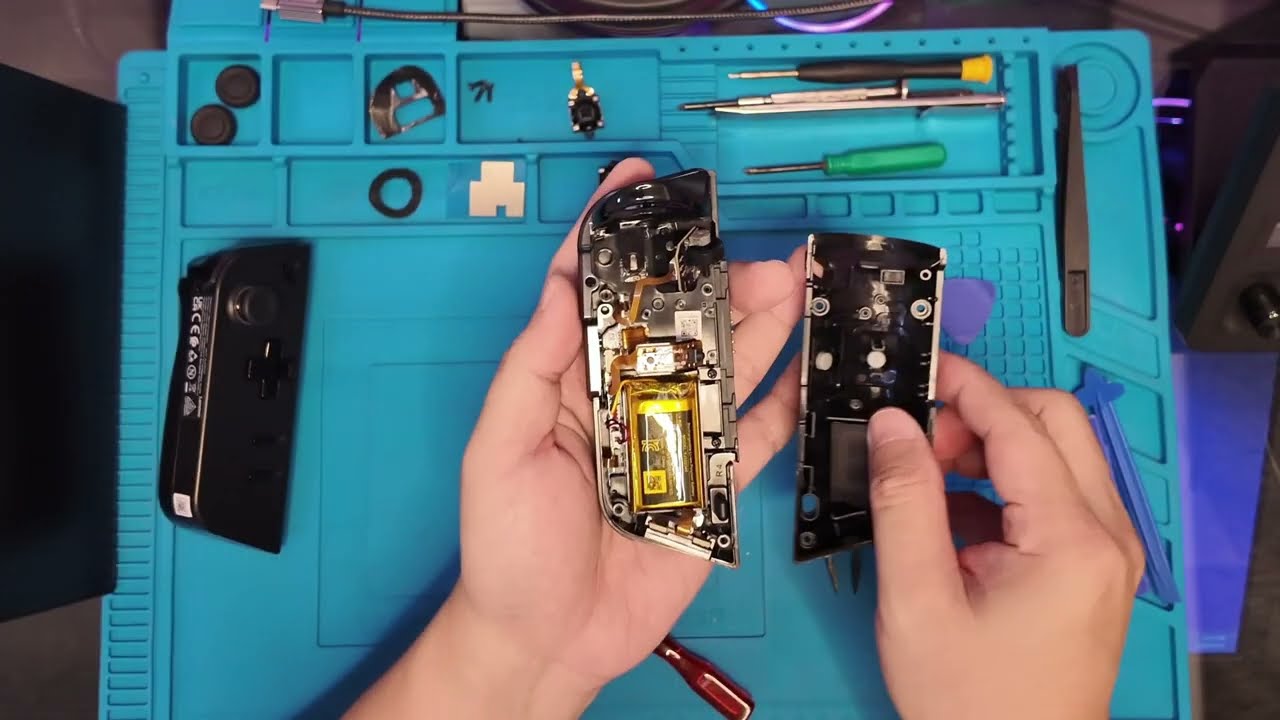
00:18 Dismantling Left Controller
01:45 Installing the New Hall Joystick
07:15 Calibrating Right Analog
07:50 Calibrating Left Analog
To Calibrate
Calibrate left joystick first
1.Press the Left joystick and left trigger simultaneously for 7 seconds, and please do not touch any other buttons.
2.Press until blue light ring flashes
After 7 seconds pressing for joystick and trigger, the light ring will flash blue.
3.Rotate joystick and press trigger
Rotate the left joystick around the outer edge twice, then press the left trigger twice, and place it on the level table
4.Wait for it to flash green and vibrate twice briefly to indicate successful calibration.
Just do the same on the Right Joystick and you will calibrate it with no problem
If you have question feel free to ask me on the comment
You can Buy it here
https://www.handhelddiy.com/products/...
check there website they have alot of product for handheld devices
https://www.handhelddiy.com/
Gamepad testing site:
https://hardwaretester.com/gamepad
#gaming #legiongo #lenovo #lenovolegiongo #lenovolegion #handheld #handheldgames #newgames #steam #steamgame #steamgames #eldenring #eldenringgameplay #elden #eldenringpvp #eldenringdlc #eldenringshadowoftheerdtree #elden_ring #eldenringfullgameplay #eldenring4kgameplay #handhelddiy #halleffect #analog
Повторяем попытку...
Доступные форматы для скачивания:
Скачать видео
-
Информация по загрузке: