How to Make Calls on Microsoft Teams (Fix Missing Dial Pad on Desktop Web & Mobile)
Автор: 3 Minutes Fix
Загружено: 2025-05-08
Просмотров: 13452
Описание:
This video tutorial explains in detail how to make calls on microsoft teams across various platforms.
Subscribe to 3 Minutes Fix Channel:
/ @3minutesfix
How to use Migrate from Skype to Teams:
• How to Migrate from Skype to Microsoft Teams
Skype Data Export Page on Microsoft’s website:
https://secure.skype.com/en/data-export
Whether you are using the desktop application, the web version, or the mobile app, this guide walks you through the necessary steps to connect with your contacts. You'll learn how to initiate both audio and video calls seamlessly. Additionally, the tutorial covers how to access your call history and contacts list for quick and easy communication. Discover the straightforward methods to stay connected with colleagues and external contacts through the versatile features of Microsoft Teams.
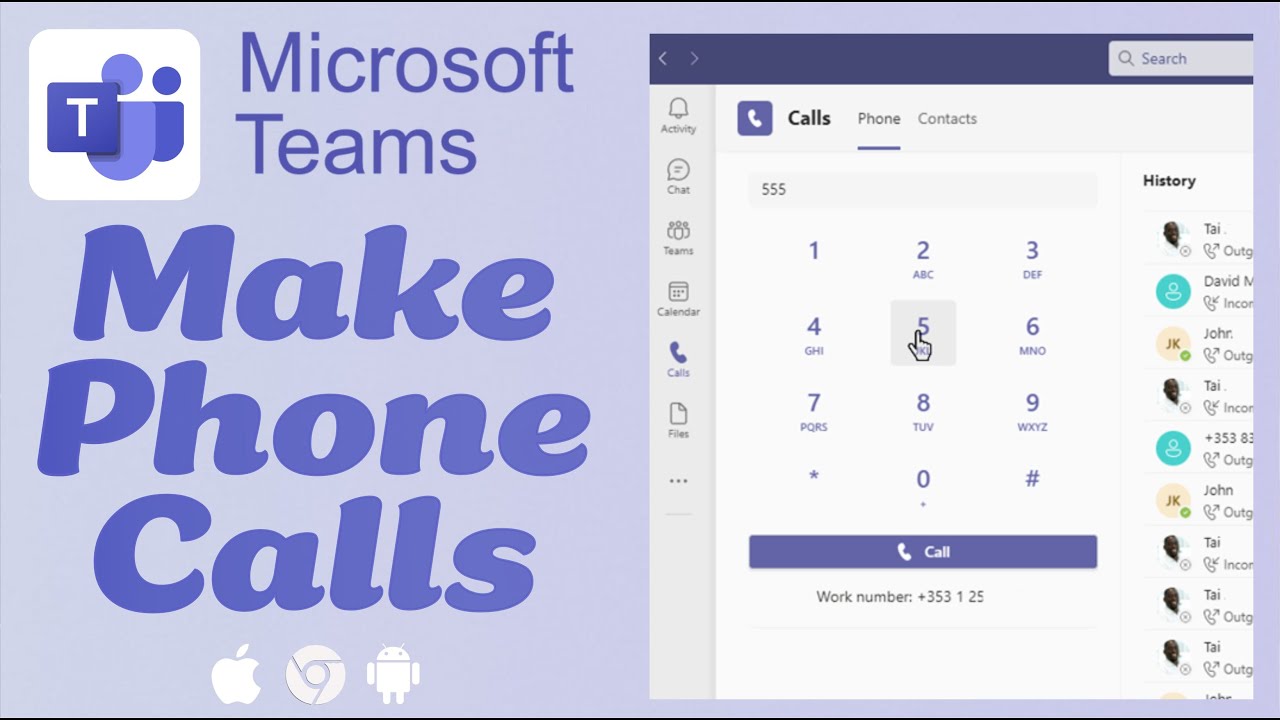
For those needing to dial regular phone numbers, this video clearly demonstrates how to utilize the dial pad feature within the Teams interface. You'll see exactly where to locate this option on both the desktop and mobile versions, enabling you to reach individuals outside of your organization. The process of entering phone numbers, including international codes, is clearly illustrated, ensuring you can confidently make these external connections. Learn how to make phone calls on microsoft teams to stay connected with everyone you need to reach, directly from the Teams platform you already use.
Furthermore, the tutorial addresses a common issue: the missing dial pad. It provides valuable insights into why this might occur, explaining the necessary licenses and settings required for this functionality. Understanding the roles of Microsoft Teams Phone System licenses and Calling Plans is crucial, and this video clarifies these requirements. It also highlights the importance of voice enablement by your IT administrator. If you've ever wondered why you can't see the dial pad, this section provides the answers and guides you on how to seek assistance from your organization's IT support.
Beyond external calls, this video also covers how to make a call on microsoft teams to other Teams users directly. Even without the dial pad enabled, you can easily connect with colleagues through the chat interface. The video shows you how to find your contacts, open a chat window, and initiate audio or video calls with a simple click. This ensures that you can always communicate effectively with your team members, regardless of your organization's specific calling setup. Stay tuned for more helpful Microsoft Teams tutorials and don't forget to subscribe for future updates!
#MicrosoftTeams #TeamsCalling #PhoneCalls #VideoCalls #TeamsTutorial #Productivity #Communication #TechTips #Microsoft365 #Collaboration #DesktopApp #MobileApp #DialPad #VoiceEnablement #3MinutesFix
------------------------------
DISCLAIMER: The information and opinions shared in this content are intended solely for informational purposes. The guidance provided reflects personal interpretations and should not be considered legal or financial advice.
AFFILIATE DISCLOSURE: Some of the links on this page may be affiliate links. This means that, at no extra cost to you, we may earn a commission if you click through and make a purchase or subscription. While this may influence the products we review and create content about, it does not impact our recommendations or reviews.
Повторяем попытку...
Доступные форматы для скачивания:
Скачать видео
-
Информация по загрузке: