How to Setup Face ID on iPhone X/XS/XR/XS MAX/11/12/13 Running iOS 16/15/14 - Use Face ID on iPhone
Автор: UnlockBoot Team
Загружено: 2021-11-01
Просмотров: 15566
Описание:
Ultimate guide on how to Setup Face ID on iPhone X/XS/XR/XS MAX/11/12/13 iOS 16/15/14/13/12 in 7 simple steps https://www.unlockboot.com/set-up-fac...
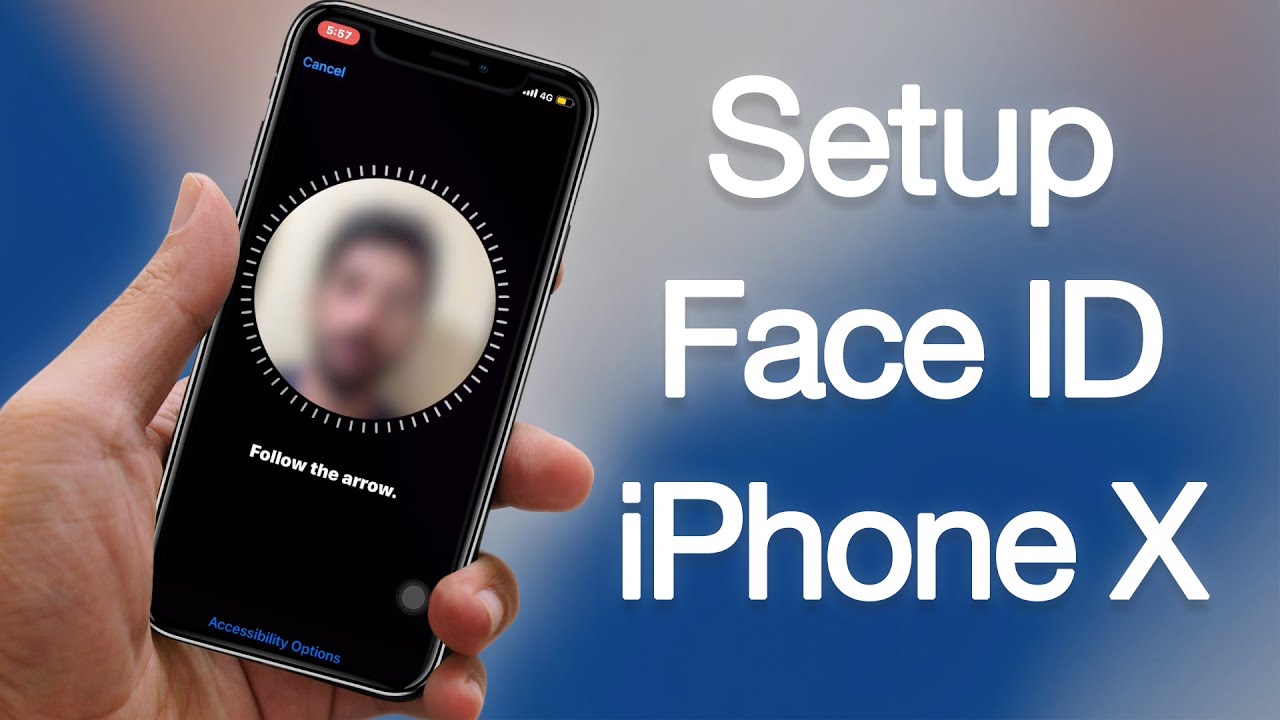
Face ID is one of the best features introduced in the new iPhone X/XS/XR/XS MAX/11/12/13. You can easily activate and setup face id by following the steps below:
1. Open settings and go to Face ID and Passcode option.
2. Enter your passcode to access the Face ID option.
3. Tap on Set up Face ID option to start.
4. Tap Get Started to start the procedure.
5. Position and start Scanning your Face.
6. Move your head and complete all steps.
7. When you finish you will see a message: Face ID is now Set Up.
Now you can lock and try to unlock your device with the new Face ID. If the Face ID not workin g then you can follow this guide to resolve this issue https://www.unlockboot.com/face-id-no...
If you want to learn more Face ID tricks - then you can read our article here https://www.unlockboot.com/face-id-tr...
The Face ID can be removed by going to Settings - Face ID & Passcode - Reset Face ID. To do that easily, you can follow our dedicated tutorial here https://www.unlockboot.com/reset-face...
Follow UnlockBoot:
• Facebook: / unlockboot
• Twitter: / unlockboot
• Youtube: / @unlockbootteam
For more Apple news & Updates visit https://www.unlockboot.com/
Повторяем попытку...
Доступные форматы для скачивания:
Скачать видео
-
Информация по загрузке: