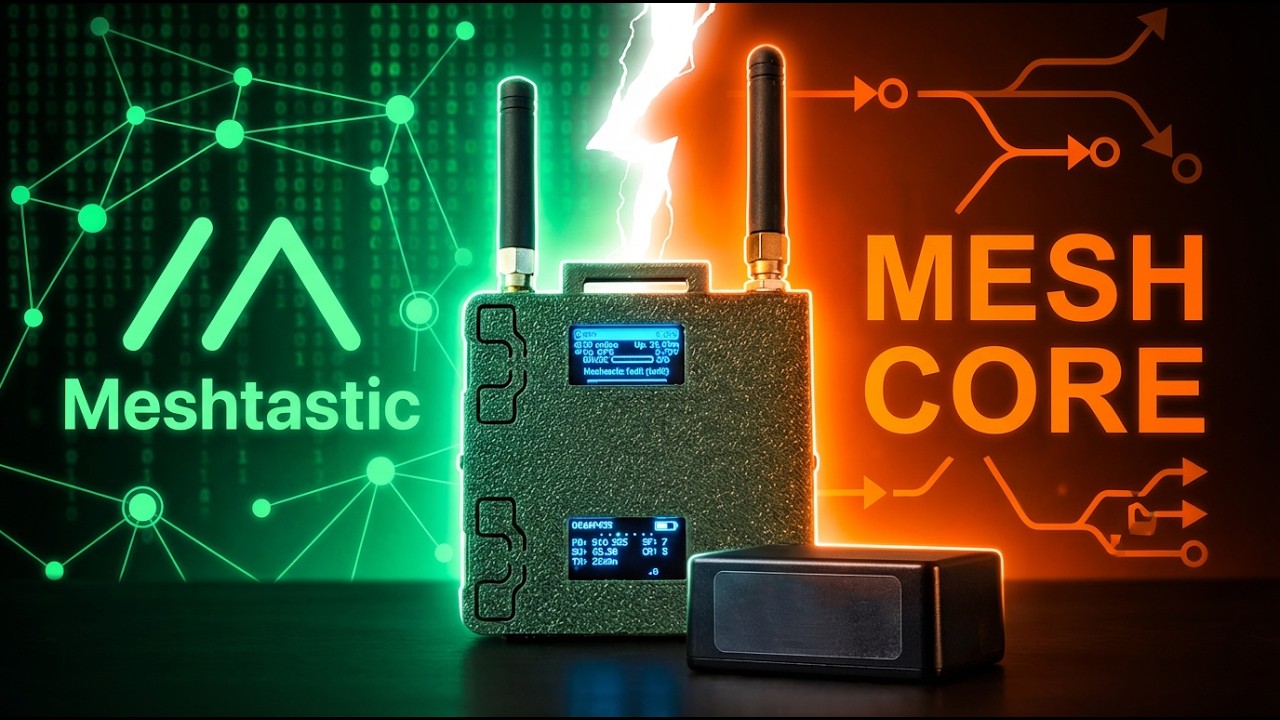
MeshCore App
Автор: The Comms Channel
Загружено: 2026-02-27
Просмотров: 2195
Описание:
Support the channel:
• Become a Member (Join button below)
• Send a Super Thanks (Thanks Button Below)
• Support via Ko-Fi https://ko-fi.com/thecommschannel
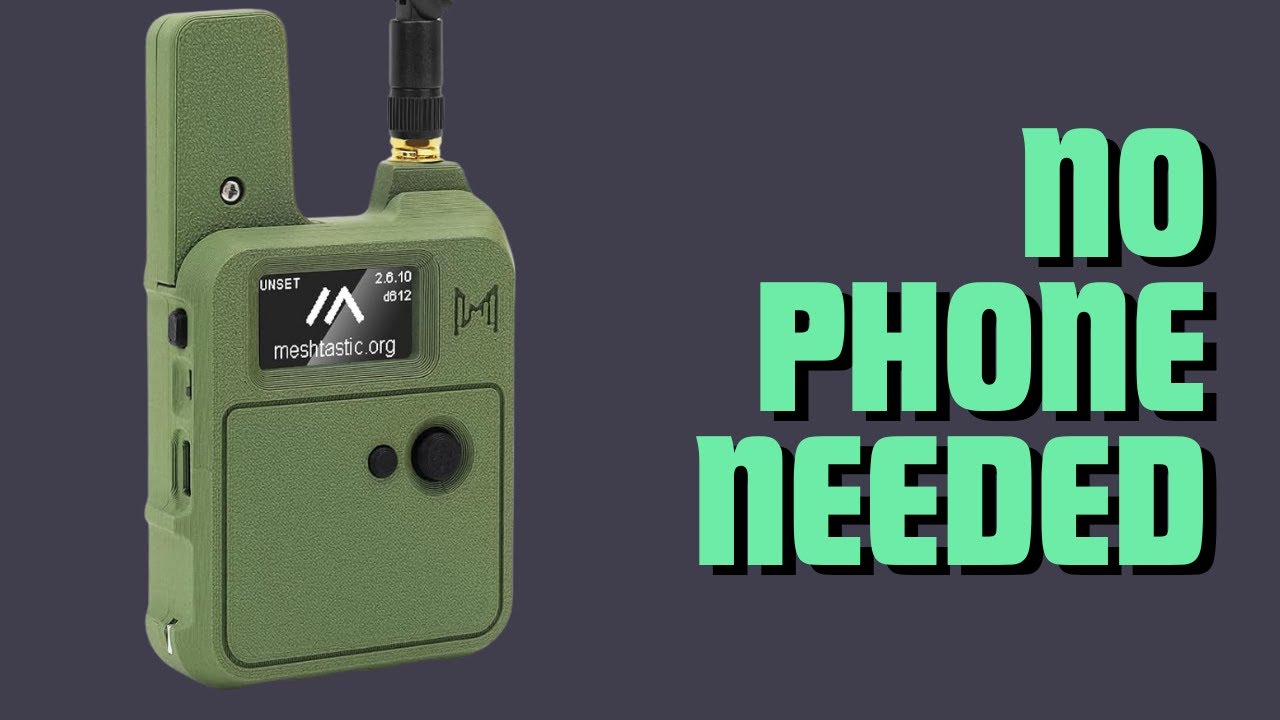
Now that your device is flashed with MeshCore firmware, it’s time to pair it and learn the basics of the MeshCore app. In this step-by-step guide, we walk through connecting your device over Bluetooth, configuring settings, sending Adverts, direct messaging, using channels, and discovering nearby repeaters.
Whether you're using Android, iPhone, or the web app at app.meshcore.nz, the process is the same. This video covers:
• How to pair your MeshCore device via Bluetooth
• Default PIN for screenless devices (123456)
• Setting your device name and location
• Radio presets (USA/Canada recommended)
• When to use Coding Rate 8 for weak signals
• How Adverts work (Zero Hop vs Flood Routed)
• Sending direct messages
• Using Public and private channels
• Discovering nearby repeaters
• Checking if you're in repeater range
• Logging into repeaters as guest
• Viewing repeater neighbors and RX logs
If you're new to MeshCore, this video is part of the QuickStart series designed to get you up and running fast — even if you're the first user in your area.
Mesh networks grow one user at a time. Don’t get discouraged if you don’t see activity right away. Every strong mesh started with someone taking the first step.
👍 Like the video if it helped
🔔 Subscribe for more MeshCore tutorials
☀️ Next up: Recommended Solar Repeater Options
#MeshCore #LoRa #OffGridComms #MeshNetwork #HamRadio #EmergencyComms
Повторяем попытку...

Доступные форматы для скачивания:
Скачать видео
-
Информация по загрузке: