How to buy and play the Japanese Watermelon Game (Suika Game) on a US Nintendo Switch
Автор: Suika Gameplay
Загружено: 2023-10-17
Просмотров: 10252
Описание:
Use this method for any game that is not in your country's eshop store. It can be applied to anyone who wants to buy a Japanese game, but are located outside of Japan.
Summary of how to buy the Watermelon Game (スイカゲーム) if you are in the US:
1. Create a new Switch user.
2. Create a new Nintendo account on https://accounts.nintendo.com/. Select your country/region as "Japan"
3. Buy a 500 yen gift card (it's around $5 USD). I got mine from: https://www.g2a.com/n/eshop500yen
4. Head to your Switch and link your new Switch user to the Japanese Nintendo account.
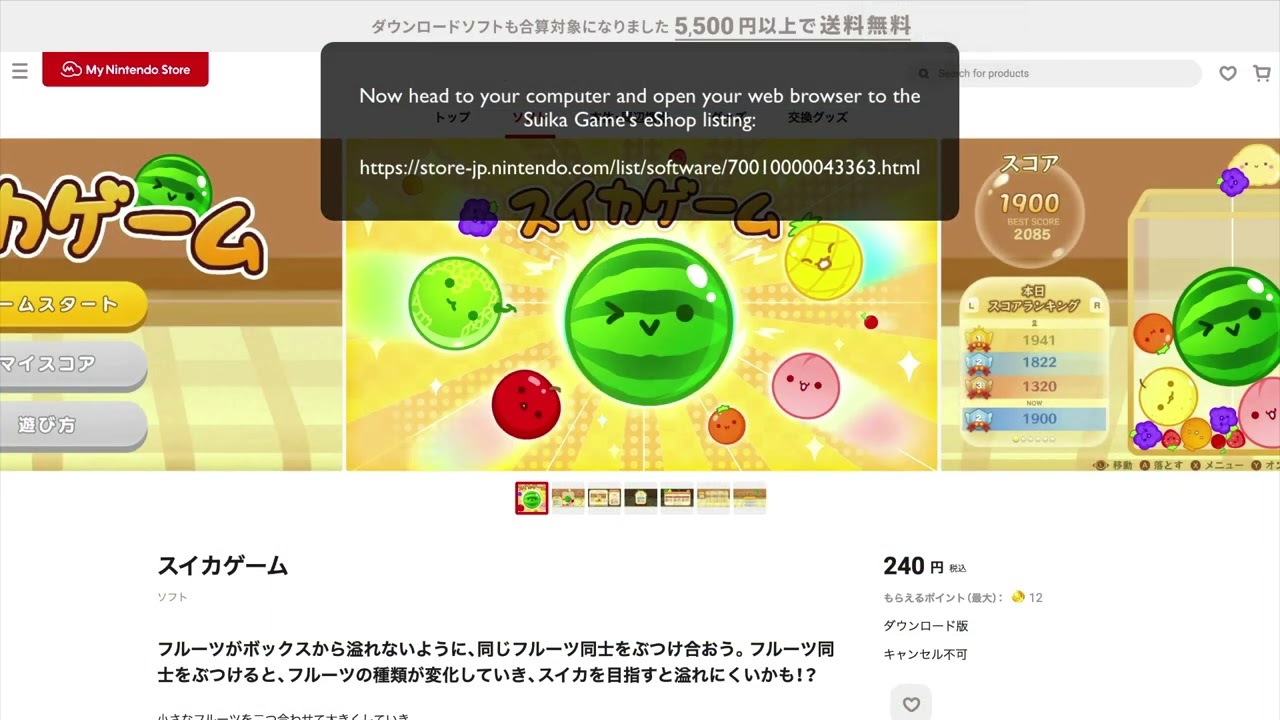
5. Go to your computer and buy the Suika game from the web eShop by going to: https://store-jp.nintendo.com/list/so...
6. Pay for it using your Japanese gift card.
Password managers I like:
Bitwarden: https://bitwarden.com/
1Password: https://www.dpbolvw.net/s1122gv30v2IS...
Link to a post with instructions if you prefer text and screenshots: https://infinitediscounts.com/posts/h...
Voice-over by: elevenlabs.io
00:08 Add a new Switch user
00:19 Create a Japan Nintendo account
00:42 Buy a Japan eShop gift card
00:55 Link your new user to the Japan Nintendo account
02:15 Buy game from eShop
02:31 Add gift card credits to account
02:49 Complete purchase
Повторяем попытку...
Доступные форматы для скачивания:
Скачать видео
-
Информация по загрузке: