Gaussian Splatting for Free: The Ultimate Step-by-Step Guide (Capture, Process & Edit)
Автор: MipMap
Загружено: 2025-11-23
Просмотров: 24161
Описание:
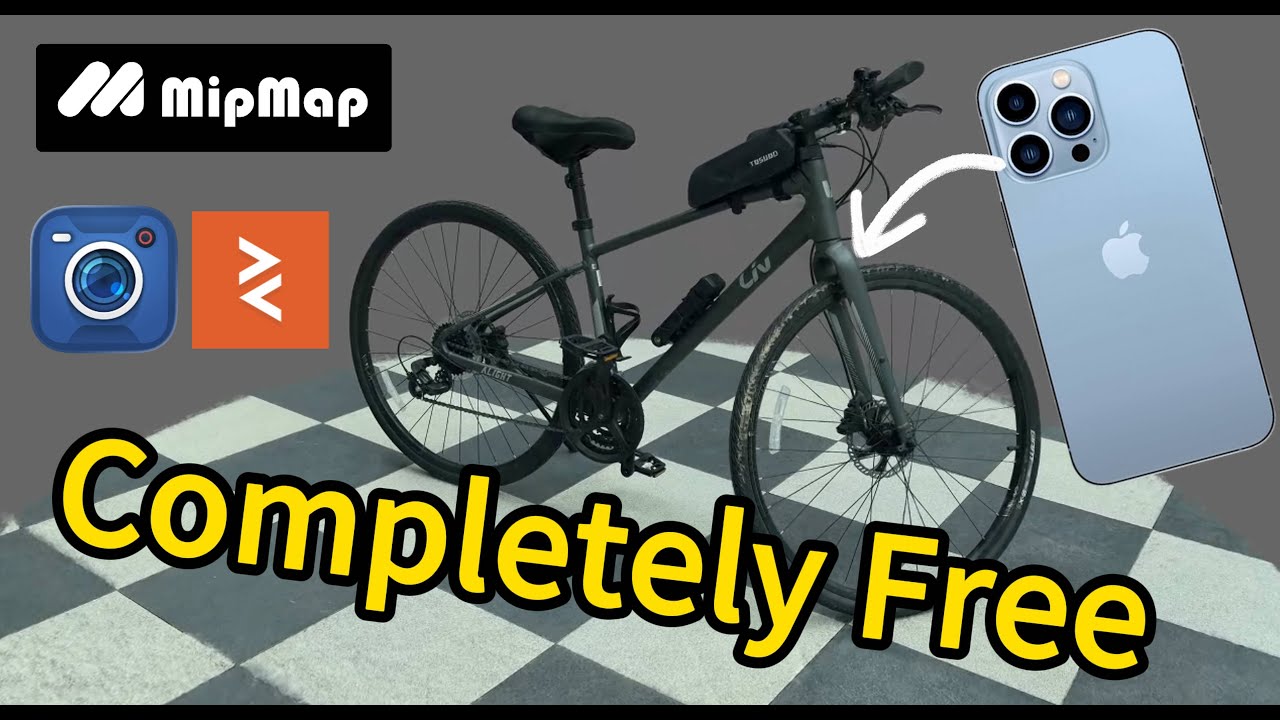
Want to create hyper-realistic 3D Gaussian Splatting models without expensive gear or paid software? In today's video, I show you how to achieve professional, clean results using just a 5-year-old iPhone and a completely free workflow.
Start for Free with MipMap: https://na.mipmap3d.com
We cover everything from the specific camera settings needed to avoid messy artifacts, to processing the data and cleaning up the final model.
🚀 What we cover in this tutorial:
Camera Settings Best Pratice: Why we use H265, Timelapse mode, and why turning OFF stabilization is critical for 3D reconstruction.
Shooting Techniques: How to move and focus to ensure high fidelity.
Reconstruction: Using MipMap Desktop to generate the Gaussian Splatting model.
SuperSplat Editing Tutorial: Using SuperSplat to remove floating noise and render the final video.
🛠️ Free Software Used in This Video:
Data Collection: Blackmagic Camera App
https://www.blackmagicdesign.com/prod...
Generation: MipMap Desktop
https://na.mipmap3d.com/products/mipm...
Editing/Rendering: SuperSplat
https://superspl.at/editor
Frame Extraction (Optional): Sharp-frame Web App
https://sharp-frames.reflct.app
🔗 Explore the Model:
https://superspl.at/view?id=c54645fc
🔗 MipMap Desktop Quick Start:
• Gaussian Splatting and Photogrammetry Quic...
⏱️ Timestamps:
0:00 - Intro: Realistic results with free tools
0:55 - Blackmagic Camera Setup (Codec & Frame Rate)
4:19 - Why you MUST turn off Stabilization & Lens Correction
5:12 - Lens Choice: Ultra-wide vs Wide vs. Telephoto
6:15 - Locking Focus & Camera Exposure Setting
7:45 - Shooting Technique: How to capture the object
9:00 - Generating the model with MipMap Desktop
11:30 - Editing with SuperSplat: Importing & Orienting
13:00 - Cleaning the Model: Selection Tools Guide
15:43 - Rendering & Exporting
If you found this workflow helpful, please drop a LIKE and SUBSCRIBE! We are committed to producing high-quality, low-barrier instructional content.
Have questions about the camera settings or the software? Leave a comment below!
#GaussianSplatting #3DScanning #Photogrammetry #BlackmagicCamera #SuperSplat #MipMap #3DModeling #Tutorial
Повторяем попытку...
Доступные форматы для скачивания:
Скачать видео
-
Информация по загрузке: