HO Scale Atlas U36B How To Install DCC And Sound John's Models
Автор: TSG Multimedia
Загружено: 2018-01-20
Просмотров: 7497
Описание:
Please support TSG Multimedia on Patreon!
www.patreon.com/tsgmultimedia #trains #ESU #Atlas #ModelRailroad
Sponsored in part by Atlas Model Railroad Co. and ESU.
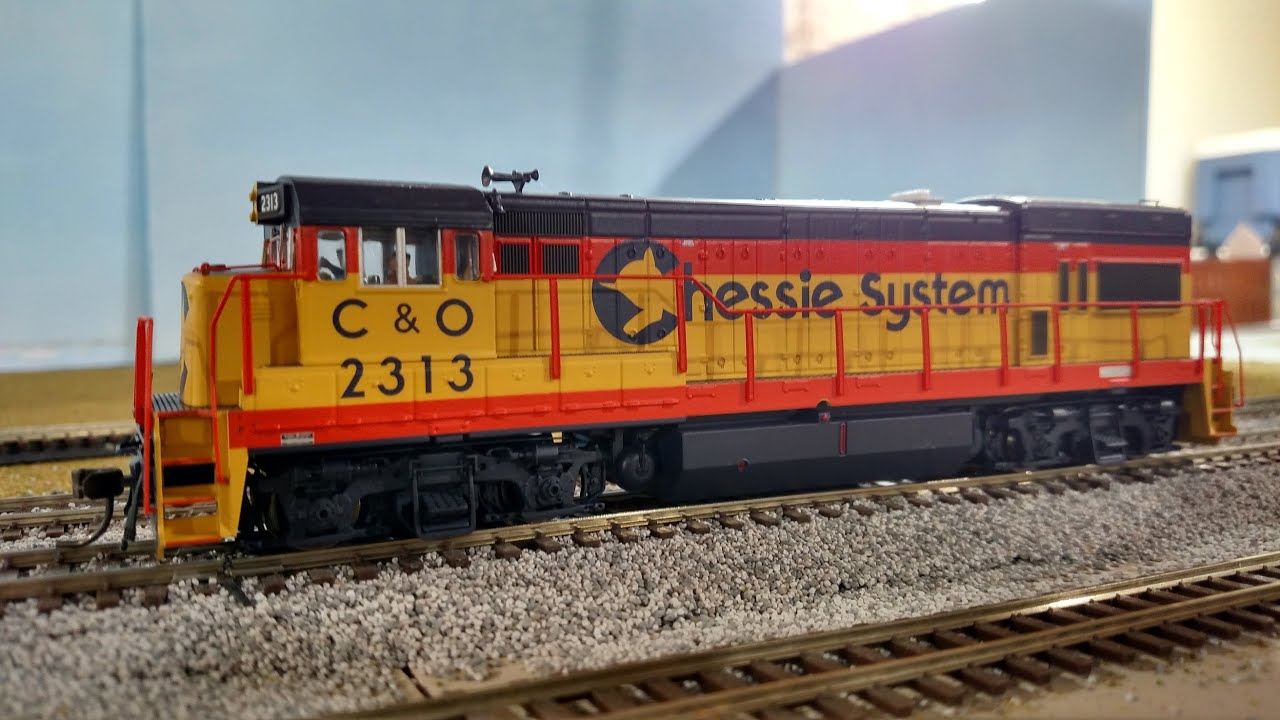
Welcome to the first "Wildcard Weekend" content of 2018! In this video, I show how to install a 21 pin plug & play decoder and speaker into an HO Scale U36B by Atlas. If you're into model railroading, or even if you're not a model railroader, you can see how easy it is to make a model locomotive light up and make sounds!
I purposely did not use the included speaker enclosure provision because the speaker I wanted to use by ESU has its own enclosure, and the point is to do the job as "basic" as possible. At some point, I will upgrade the speaker and change the LEDs to a color temperature I like better in another episode.
The installation is followed by a brief description of how ESU's proprietary LokProgrammer is used to load the correct sound set into the decoder, then a road test at the SBHRS HO Scale layout.
With special thanks to Atlas, ESU, and the SBHRS!
If you enjoy this content, please hit the "like" button and share it with your friends on social media!
Join us on these other social media channels:
FaceBook: / tsgmultimediaface
Twitter: / tsgmultimedia
©2018 TSG Multimedia. All Rights Reserved.
Повторяем попытку...

Доступные форматы для скачивания:
Скачать видео
-
Информация по загрузке: