OPPO Reno15 – Tips, Tricks & Fixes for Battery, Lock Screen, Camera & PC Connection
Автор: HardReset.Info
Загружено: 2026-02-18
Просмотров: 256
Описание:
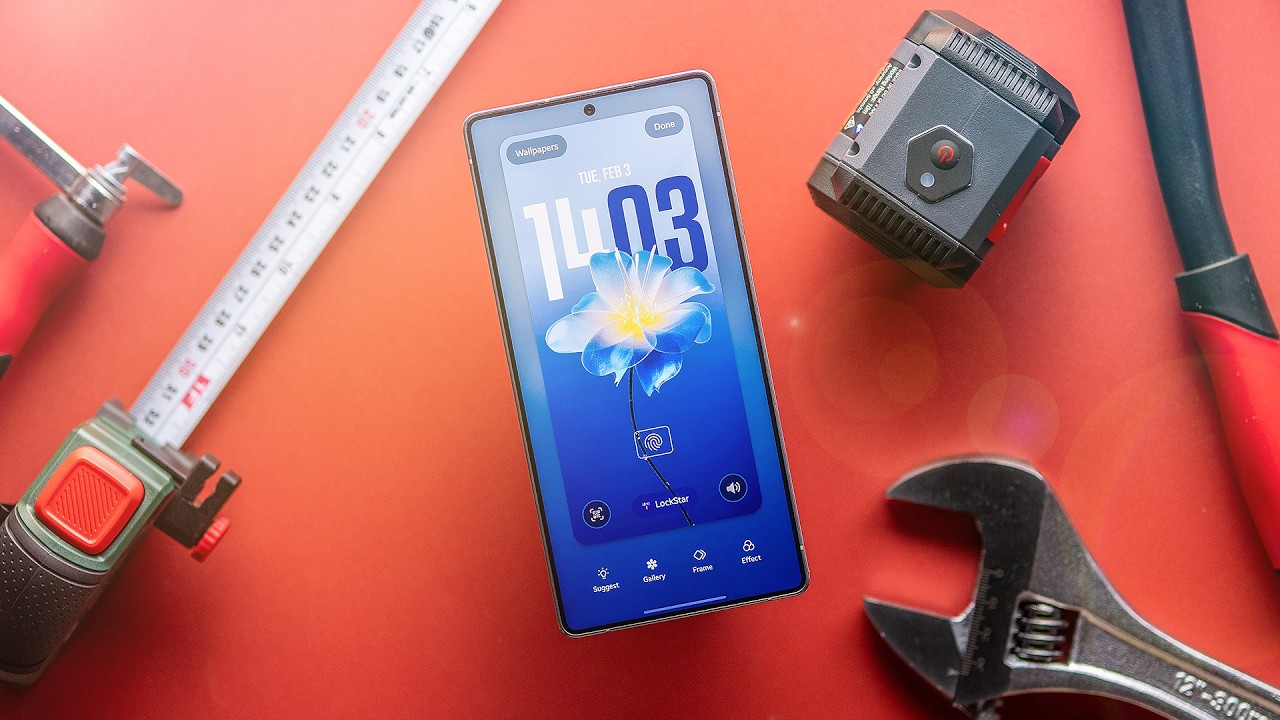
In this all-in-one OPPO Reno15 tips, tricks and fixes video, you’ll learn how to solve the most common OPPO Reno 15 problems step by step. We cover what to do if your PIN, password or pattern is not recognized, how to safely use recovery mode and factory reset with Google account verification, and how to fix overheating, battery drain and phone heating while charging. You’ll also see how to repair camera app crashes, fingerprint sensor issues, face unlock problems and network glitches.
We also go through practical OPPO Reno15 tricks: using AI Eraser in the Photos app to remove objects from pictures, enabling three-finger screenshot gestures, turning on eye comfort / night mode, setting up edge lighting for notifications, changing DPI and display size, freeing up storage without deleting apps, clearing cache, and enabling developer options. Finally, you’ll learn how to use OPlus Connect / OP+ Connect to link your OPPO Reno 15 with a PC or laptop, mirror the screen, control the phone remotely and install APK files directly from your computer.
If your OPPO Reno15 is locked, laggy, overheating, draining battery too fast, can’t connect to PC or your camera and fingerprint aren’t working – this Reno 15 troubleshooting video shows real fixes you can try right now.
How to fix battery drain, overheating and phone heating while charging on OPPO Reno15?
How to unlock OPPO Reno15 if you forgot password, PIN or pattern lock and need factory reset with Google FRP?
How to connect OPPO Reno15 to PC with OPlus Connect and install APK apps from computer?
#OppoReno15 #OppoReno15Tips #OppoReno15Problems #AndroidTutorial
Повторяем попытку...

Доступные форматы для скачивания:
Скачать видео
-
Информация по загрузке: