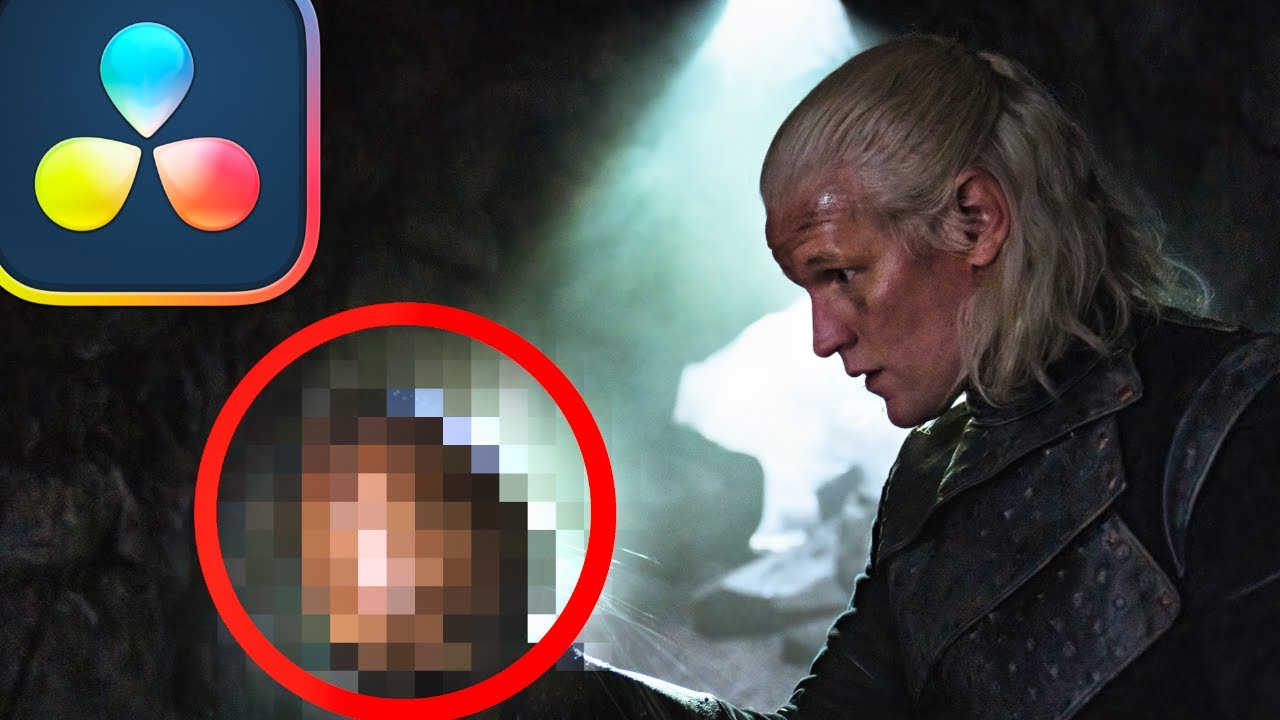
HOW to BLUR FACES in DaVINCI RESOLVE 20
Автор: Cine
Загружено: 2024-11-04
Просмотров: 14917
Описание:
HOW to BLUR FACES in DaVINCI RESOLVE 20
In this tutorial we will show you how to quickly hide the identify of your subject. This technic can be used on moving or stationary shots in is widely used in documentary films.
At Cine, we’re all about budget-friendly cameras, lenses, and techniques. We focus on providing honest, unbiased technical reviews, with a sprinkling of Resolve training to up your post game.
Everything we review or feature is something we’ve bought with our money, and is gear we genuinely use ourselves. Our opinions are not for sale and will never be influenced by brands or product offers — that’s how we roll.
If you'd really like to help us create more content, please consider supporting us with a SUPER THANKS or using our only affiliate link: https://www.angelbird.com/cne/
▬▬▬▬▬▬▬▬▬▬▬▬▬▬▬▬▬▬▬▬▬▬▬▬▬▬▬▬▬
You do not have permission to use our content under any circumstance.
You do not have our permission to train AI models with our content, or use our voices or likeness for any purpose, non commercial or otherwise.
▬▬▬▬▬▬▬▬▬▬▬▬▬▬▬▬▬▬▬▬▬▬▬▬▬▬▬▬▬
Made with:
DaVinci Resolve 20 Studio
BMD Cameras and Canon Cameras with Cine Primes
Sound mixed in Fairlight
VFX DaVinci Resolve Fusion
Foley Sound Effects Created on location
Music Copyright Supplied by Audiio Sound or Written, Produced and Owned by us.
#cinechimp #davinciresolve19 #blurface
Повторяем попытку...

Доступные форматы для скачивания:
Скачать видео
-
Информация по загрузке: