Flame Capsule 058 - Changing Bit Depths in the Colour Sampler - Flame 2023.1
Автор: The Flame Learning Channel
Загружено: 2022-08-05
Просмотров: 1403
Описание:
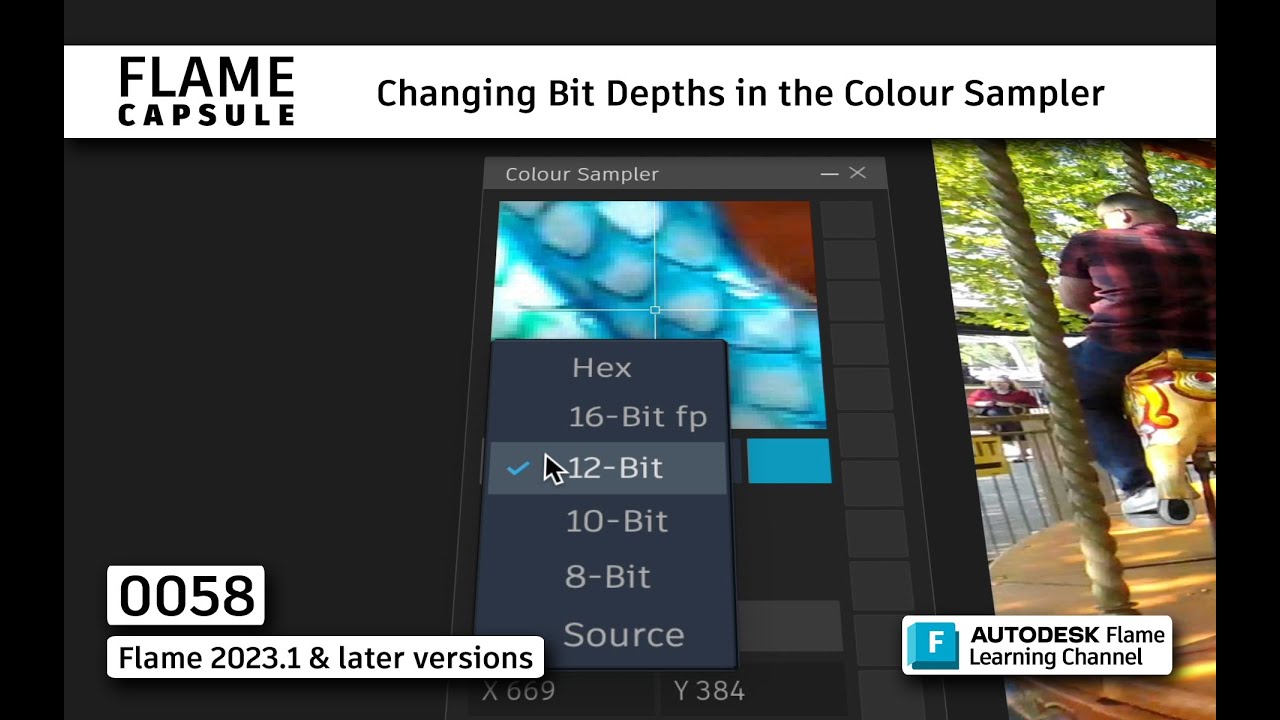
Today's 30 second Flame Capsule shows you how to change the bit-depth in the colour sampler to display a colour at different bit depths.
Recorded in: Autodesk Flame 2023.1
When using the pop-up colour sampler, the RGB values are always based on the bit depth of the source media. However using the colour sampler floating window, you can also see the source values but you can toggle the RGB values at different bit depths. We’ve even included the HEX code as an added bonus!
Sample colours at every bit depth in Flame.
This functionality is new to Flame 2023.1
New to Flame? Download the 30-day Flame trial at https://www.autodesk.com/products/fla...
or if you are in education, you can sign up for a free educational license at http://www.autodesk.com/education/fre...
For Additional Information, Feedback and Comments:
Autodesk Area
http://area.autodesk.com/learning/res...
Facebook
/ autodeskflame
Twitter
@Autodesk_Flame #AutodeskFlame
Повторяем попытку...
Доступные форматы для скачивания:
Скачать видео
-
Информация по загрузке: