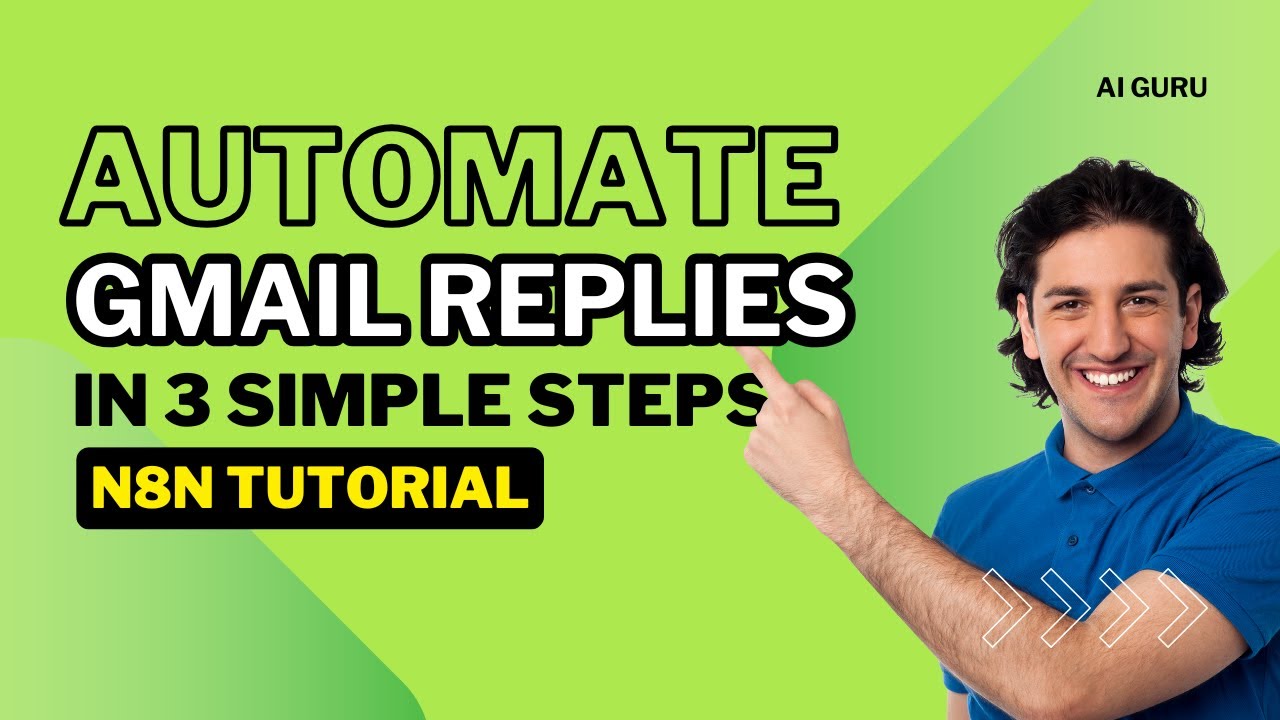
Automate Gmail Replies in 3 Simple Steps | Full n8n Tutorial
Автор: Ai Guru
Загружено: 2025-09-18
Просмотров: 466
Описание:
Automate Gmail Auto-Replies with n8n
In this video, I’ll show you step by step how to build an automatic Gmail reply workflow using n8n that:
✅ Listens for new incoming emails
✅ Detects if the subject contains the word "Support" (case-insensitive)
✅ Sends a personalized auto-reply email confirming receipt
This is perfect for businesses or freelancers who want to acknowledge client emails instantly and professionally.
🛠️ Workflow Steps
1️⃣ Gmail Trigger
Watches for new incoming emails.
You can filter by "Inbox" or any specific label.
2️⃣ IF Node (Check for 'Support')
We check if the subject contains the word support (works with uppercase/lowercase).
------------------------------------------------------------------------------------------------------------------------
{{ $json["subject"] ? $json["subject"].toLowerCase().includes("support") : false }}
------------------------------------------------------------------------------------------------------------------------
If this returns true, we proceed to send the reply.
3️⃣ Gmail Node (Reply to Email)
------------------------------------------------------------------------------------------------------------------------
Message Snippet or ID:
{{ $json["id"] }}
Thread ID:
{{ $json["threadId"] }}
------------------------------------------------------------------------------------------------------------------------
✅ That’s it! You now have a fully working Gmail auto-reply system in n8n.
No more missing client emails or delayed responses!
Повторяем попытку...
Доступные форматы для скачивания:
Скачать видео
-
Информация по загрузке:





![ПОЛНЫЙ ГАЙД на n8n. ИИ агенты и автоматизации (5+ часовой курс) [Без кода]](https://imager.clipsaver.ru/tUufFo-JTZQ/max.jpg)