Скачать
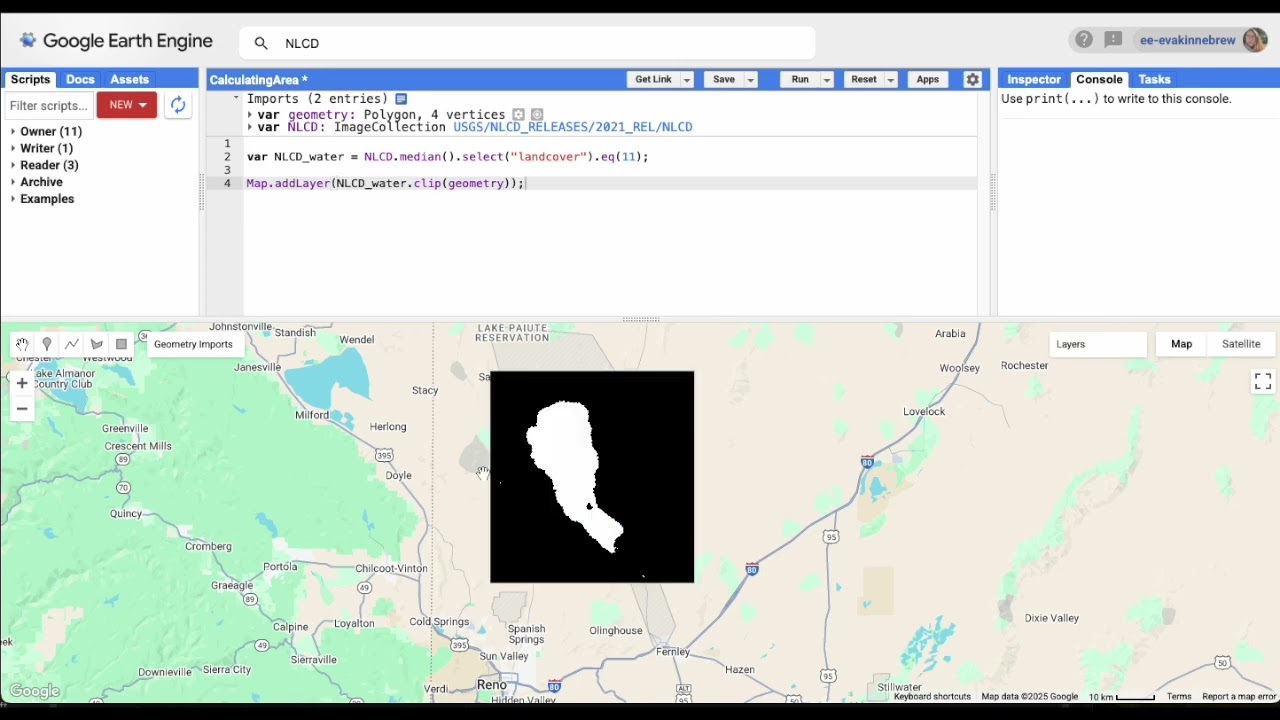
How to calculate the area of a raster class in Google Earth Engine
Автор: Dr. Eva Kinnebrew
Загружено: 2025-10-03
Просмотров: 174
Описание:
This video shows you how to calculate the area of a raster class in Google Earth Engine.
We do this by making a new image where the pixels of interest = 1 and then multiplying the raster by the pixel area using .multiply(ee.Image.pixelArea(). We then sum the pixels using the .reduceRegion( ) function to get total area.
This video is a companion video to the University of Vermont Remote Sensing course.
Не удается загрузить Youtube-плеер. Проверьте блокировку Youtube в вашей сети.
Повторяем попытку...
Повторяем попытку...
Доступные форматы для скачивания:
Скачать видео
-
Информация по загрузке: