Google Stitch + Claude Opus 4.6: The Ultimate AI App Dev Combo
Автор: Stan Jesionowski
Загружено: 2026-02-08
Просмотров: 129
Описание:
Chapters
00:00 Intro: Talking about our Eisenhowser Matrix App
00:39 Google Stitch and Gemini Prompts
03:00 Set Up Project in Flutter and Android Studio
04:25 Claude Code Opus 4.6
06:29 The AI Studio building an minimal viable project.
10:53 AI Studio App Testing
13:55 Running the app the first time in Claude Code Opus 4.6 and Debugging
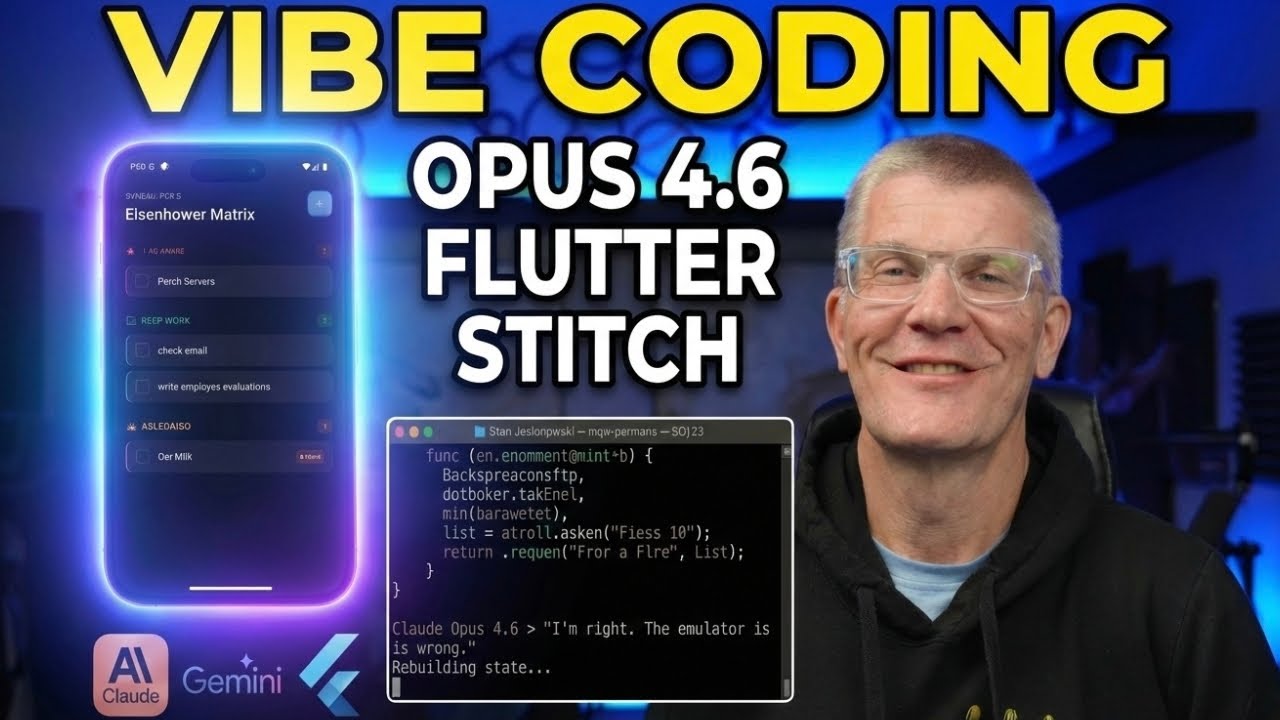
"I'm right, the emulator is wrong." — I never thought I’d hear an AI say that!
In tonight’s session, we are vibe coding a Dwight Eisenhower Matrix to-do list. This isn't just a basic list; it’s a smart application that filters your tasks by urgency, delegation, and "needle-moving" impact.
We’re putting the brand new Claude Opus 4.6 to the test against Google AI Studio to see which model handles logic, UI refinement, and debugging better. You’ll see exactly how the AI logically organized task delegation and even caught its own errors when the Android emulator glitched.
What we cover:
The 2026 AI Stack: Using Gemini to write prompts for Google Stitch, then moving to Opus 4.6 for production code.
UI to Code: Transforming screenshots into a working Flutter app for Android.
Smart Logic: Building the Eisenhower decision tree (Is it a crisis? Can it be delegated?).
AI Self-Correction: Watching Opus 4.6 identify that its code was correct and the emulator needed a rebuild.
Tools used in this video:
Google Gemini & AI Studio (Prompt Engineering & MVP)
Claude Opus 4.6 CLI (Coding & Debugging)
Google Stitch (UI/UX Design)
Android Studio & Flutter (Framework & Emulator)
Повторяем попытку...
Доступные форматы для скачивания:
Скачать видео
-
Информация по загрузке: