How to Load Film in the Konica EFP 3 🎞️ | Quick Guide
Автор: photography35mm
Загружено: 2026-01-10
Просмотров: 1012
Описание:
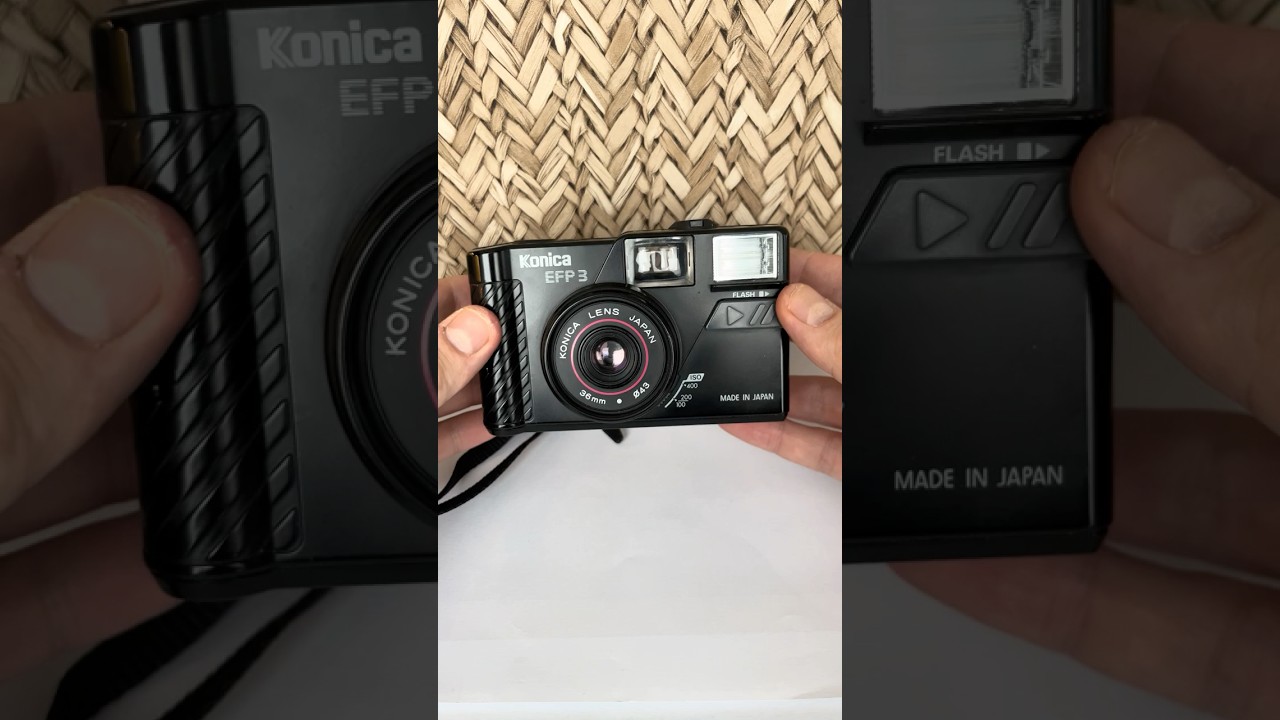
Learn how to load 35mm film into the Konica EFP 3 — a simple and quick guide for film photography beginners! 🎞️ In this video I’ll show exactly how to insert your film and get to the first shot.
📸 Steps to Load Film in the Konica EFP 3:
1️⃣ Open the camera back and pull up the rewind knob.
2️⃣ Place your 35mm film cartridge on the left side.
3️⃣ Pull the film leader gently to the right and lay it flat toward the take-up spool.
4️⃣ Close the back cover firmly and push down the rewind knob.
5️⃣ Advance the film manually by pressing the shutter + wind until the frame counter shows “1.”
🎥 Camera: Konica EFP 3
🎞️ Film: 35mm
💡 Tip: Make sure the film holes engage the sprockets before closing the back so it advances smoothly.
Повторяем попытку...
Доступные форматы для скачивания:
Скачать видео
-
Информация по загрузке: