How To Program a PIC Microcontroller on Linux using SDCC
Автор: Tony Tascioglu (TechnoTony)
Загружено: 2020-05-03
Просмотров: 11691
Описание:
In this video, I go over how to get started using a PIC microcontroller as well as programming and uploading your first program on GNU/Linux!
I go over what PIC microcontrollers are, how they work, and the advantages/disadvantages of PIC chips.
I explain the IC itself, how we can wire it to the programmer. I used a PicKit2 in this video (note that the PicKit3 drivers might not work on Linux).
The program is written in C, I used SDCC as the compiler, and PK2CMD to upload to the IC. I also have a demo of the blink circuit at the end.
Most tutorials I could find were for MPLab and other Windows only IDE's, so I wanted to showcase how it could be done on other OSes.
For this video, I used the PIC18F2550, you can follow along with many other PIC12, PIC14, PIC16 or PIC18 devices that are supported.
Timestamps:
00:00 - Introduction
00:17 - What is PIC?
00:49 - PIC Advantages and Disadvantages
03:17 - Why Follow Along
03:42 - PIC Product Lines
04:08 - The PIC 18F2550
05:17 - How do we upload our programs?
a look at the PicKit2 programmer.
06:39 - Pinouts of the PicKit and IC
08:14 - Wiring the programmer to the Microcontroller
10:20 - Installing the software on Linux
11:57 - PicKit detection test
12:11 - Example code files
12:52 - Header files and options, sdcc includes
15:56 - Datasheet and I/O on the Microcontroller
19:09 - Blink example program explanation
21:09 - Compiling programs using SDCC
22:03 - A look at the assembly file
23:41 - A look at the binary HEX file
24:06 - Uploading hex files to the chip using pk2cmd
25:10 - Wiring the circuit to run our program
27:45 - Updating our programs
28:50 - Continuing further
29:36 - Concluding remarks
Links:
The datasheets, pinouts and documentation on the chips shown in the video are all from Microchip's website.
PIC 18F2550: https://bit.ly/359hgKc
PicKit 2: https://bit.ly/2Y6i6Gn
SDCC project: https://bit.ly/3aCEgCM
SDCC examples: https://bit.ly/2y3N9bd
Thanks for watching! I hope you found this video useful!
Tony Tascioglu
tonytascioglu.com
---
Production Remarks and Rants:
This video took quite a while to put together from the multiple cameras and audio tracks I was working with. I had to do some drastic color correction for many scenes in this, to get it looking better, brighter and at a proper white balance! As a result, there are a few glitches of transitions and short clips where the effects did not get applied.
This video originally had background music, I asked a couple of friends, and Bruce suggested removing any background music because "it was too distracting". If you don't agree with the change, please comment and tag him.
There is some distortion in the first camera clips from the mp3 compression the mic uses (it was an Olympus recorder), and I was probably too close to it. I applied more drastic noise suppression in the second half so there's less static. My XLR interface isn't working, so I couldn't use the mic I normally use for audio recording. Usually I put music to hide the noise, but removed it this time.
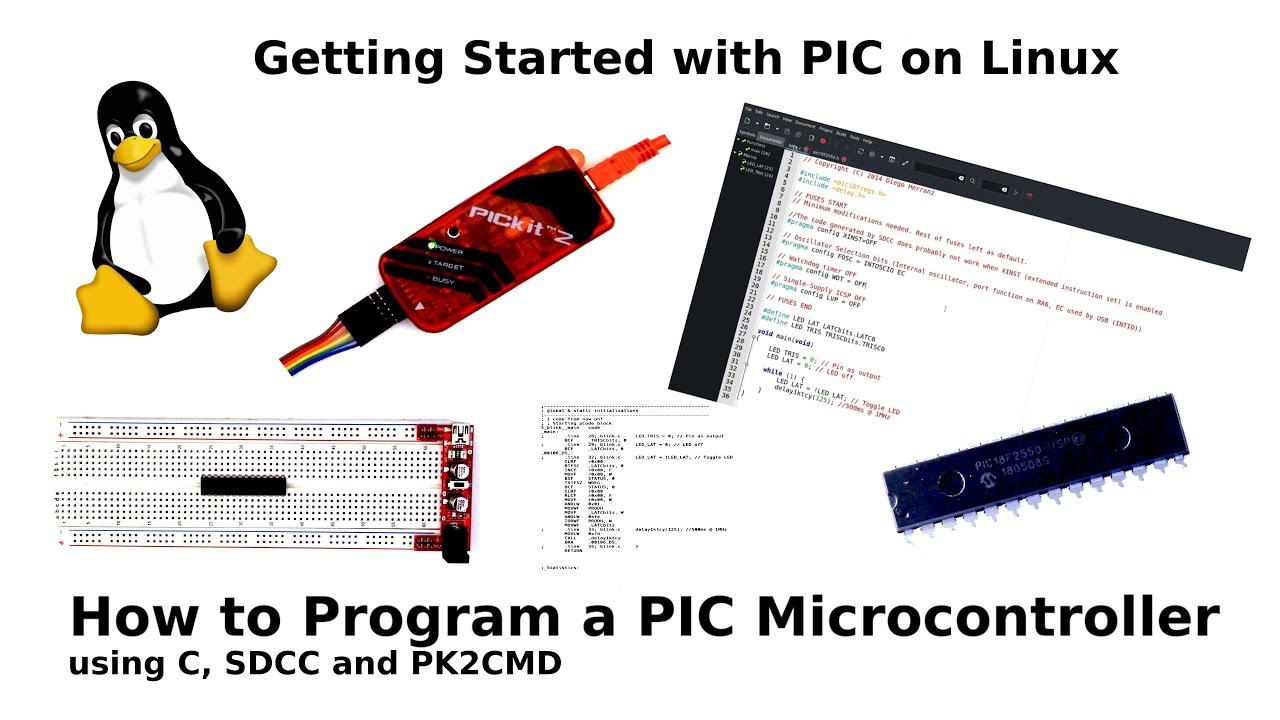
Everything except the Linux logo in the thumbnail is from this video, though I had to mess with the contrast a bit
---
Music by Approaching Nirvana:
https://approachingnirvana.com
https://open.spotify.com/artist/3sS2Q...
/ approachingnirvana
Intro: Their Story (Animals)
Outro: Glimpse of Winter (Blocking the Sky)
---
Watch this video on Peertube: https://peertube.tonytascioglu.com/vi...
If you liked this video, please leave a like and if you want more, then be sure to subscribe! If you didn't enjoy this video, then consider sending an email!
Copyright 2020
Tony Tascioglu
tonytascioglu.com
Повторяем попытку...
Доступные форматы для скачивания:
Скачать видео
-
Информация по загрузке: