Audacity Tutorial How to Record a Punch In | How to Edit
Автор: Andrew Mercer
Загружено: 2012-02-26
Просмотров: 25961
Описание:
For many more Audacity Tutorials...
http://www.makeandbreakeducation.com/...
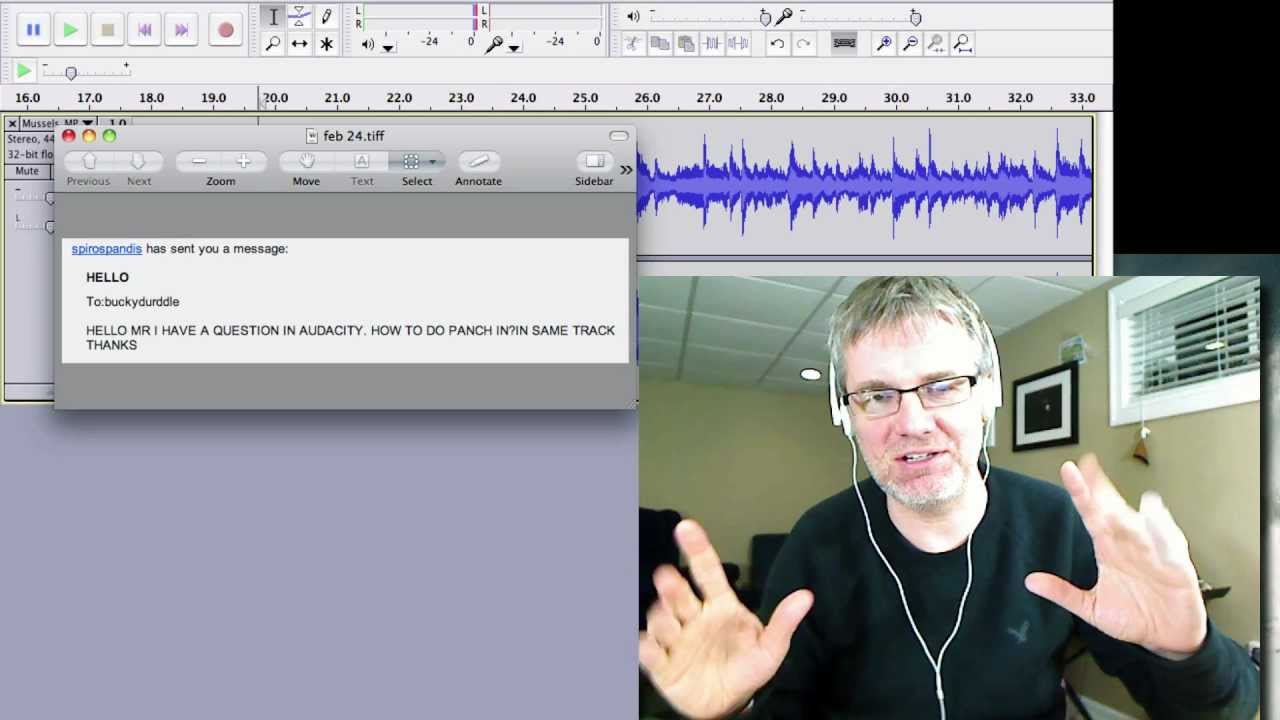
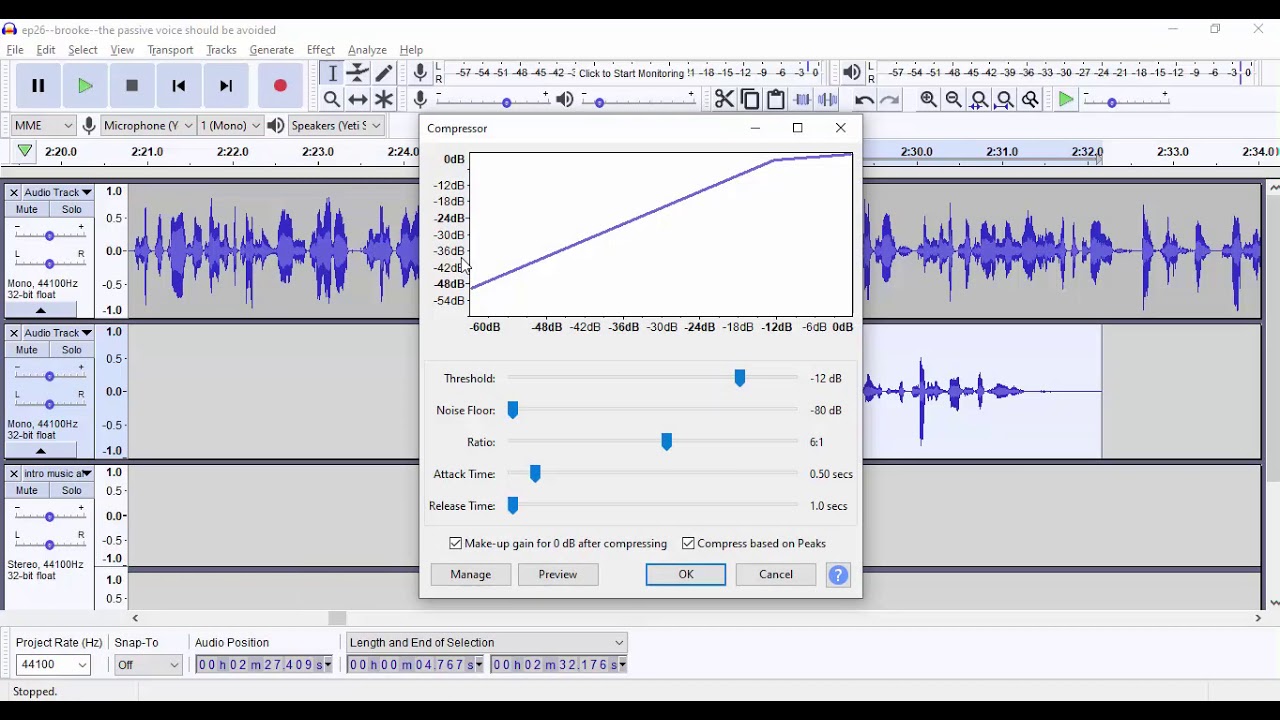
In this Audacity Tutorial you will learn to edit an existing recording by 'punching in' with Audacity.
/ buckydurddle
http://www.andrewmercer.ca
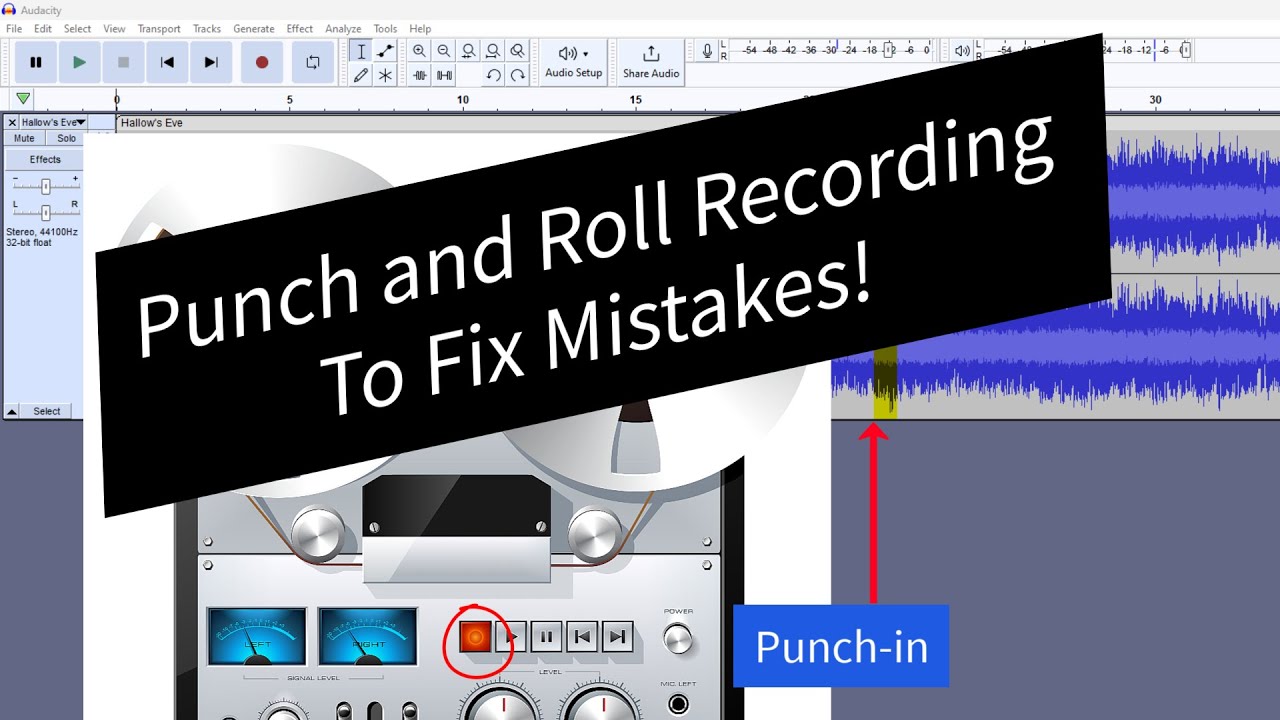
If you have made a recording and you find a small section they you wanted to replace, but not enough to rerecord the entire piece, you need to punch in.
So here is what you do:
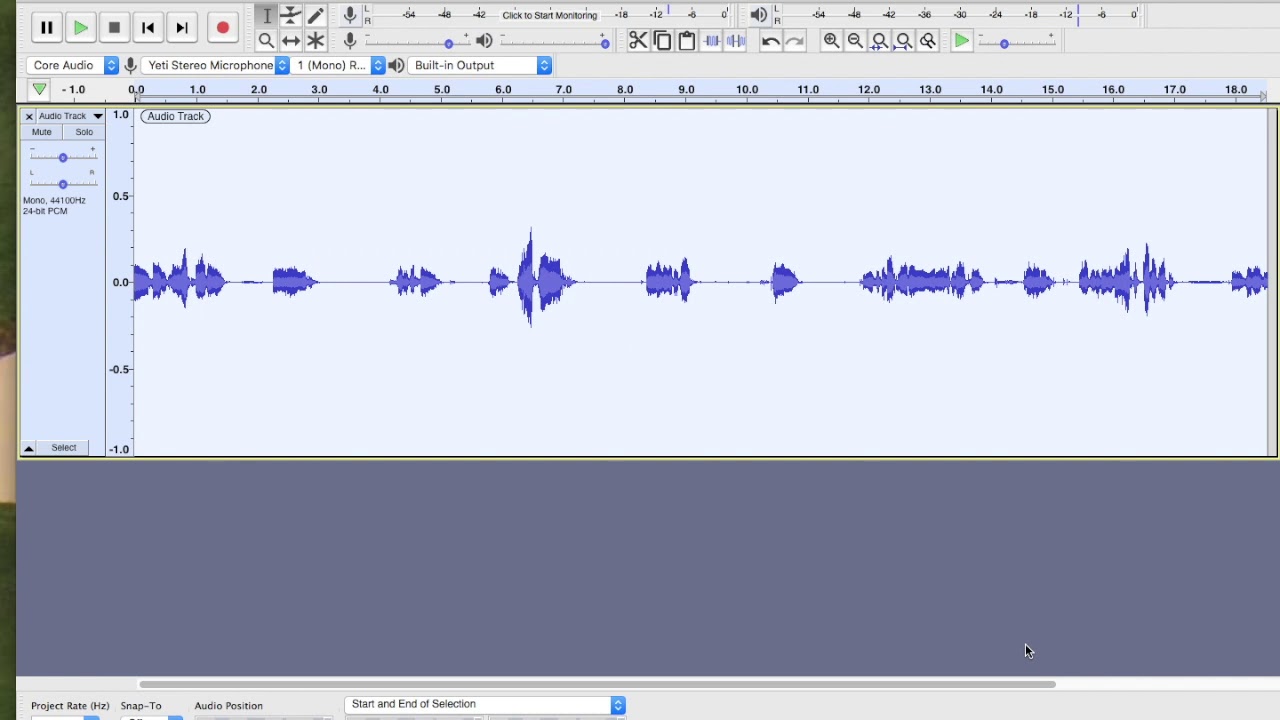
Open you music in Audacity
Find the section that you want to replace
Put your cursor a few seconds before the section that you want to replace
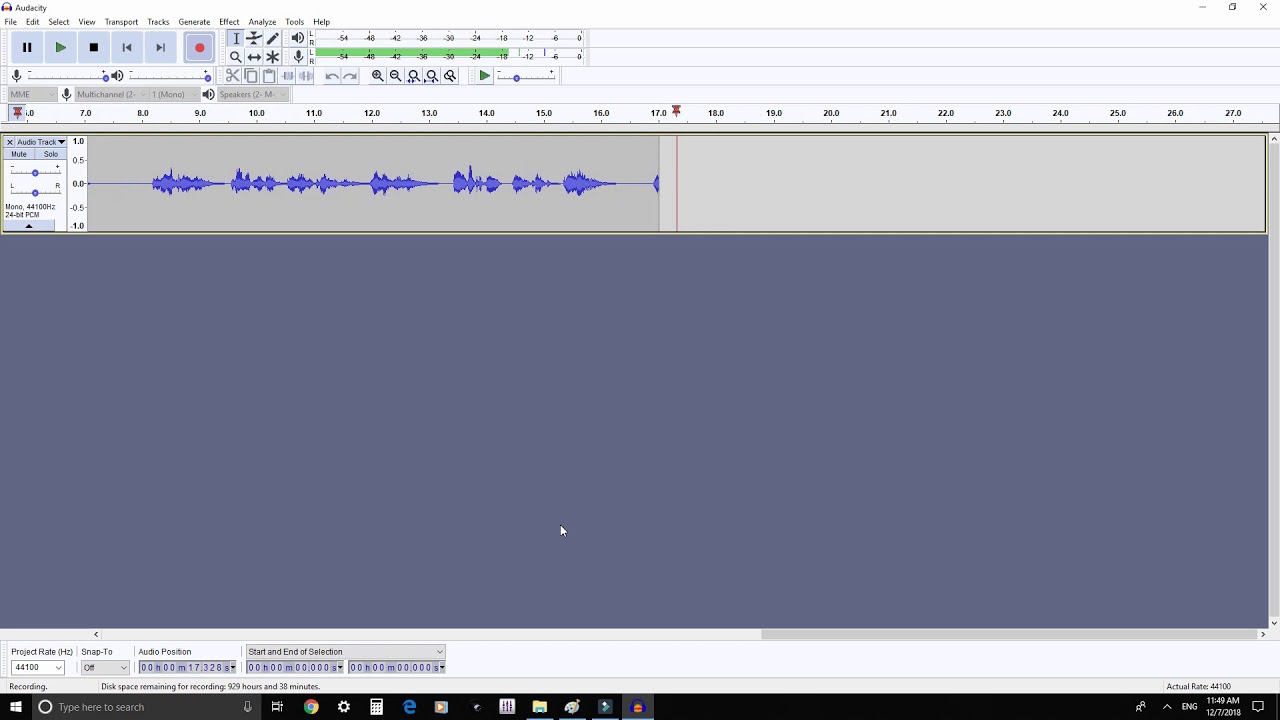
Hit the RECORD button
When you get to the correct place perform your new take
Using your TIME SHIFT tool make sure that your new take lines up properly in your recording
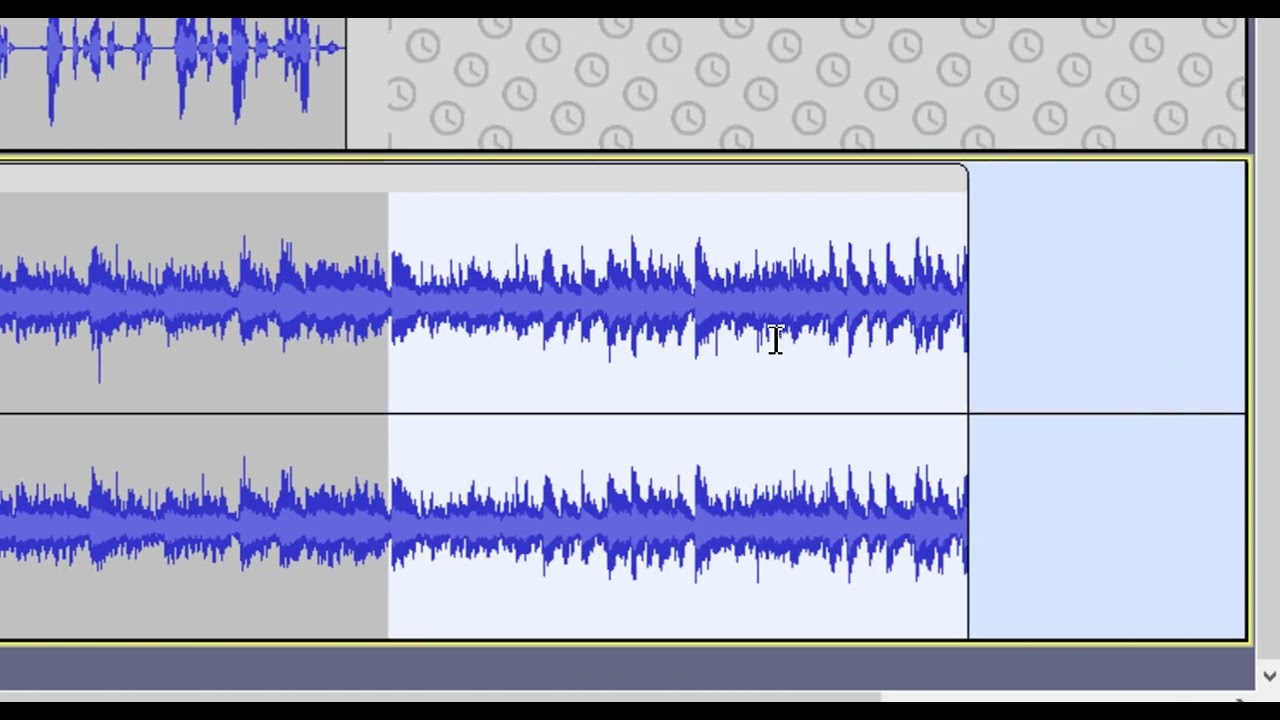
Now using your SELECTION tool select the portion of the old recording that you want to remove
Go to EFFECT and select AMPLIFY
Set your amplify setting to the lowest possible and click OK
Now play back the entire recording
When you are all done you can go FILE - EXPORT and export as a MP3 or WAV or what ever you like. This will combine the 2 tracks into 1.
Happy recording,
Andrew
Повторяем попытку...
Доступные форматы для скачивания:
Скачать видео
-
Информация по загрузке:




![Как записать профессионально звучащий вокал в Audacity | Курс Audacity Accelerator [Часть 7]](https://imager.clipsaver.ru/H_EXX6MNIpQ/max.jpg)

![Как создать песню в Audacity — запись, редактирование и сведение [Последнее обновление] 2021](https://imager.clipsaver.ru/YJS5CQqnciI/max.jpg)

